Here’s the irony: you need apps to fight app addiction. It sounds counterintuitive, but the right digital tools can actually help you escape the grip of the wrong ones. The key difference? These apps are tools that work for you, not against you. They don’t hijack your attention—they protect it.
But not all “productivity” or “wellness” apps are created equal. Many add more noise, more notifications, and more complexity to your already cluttered digital life. The apps in this guide passed a strict test: each one must actively promote intentionality, reduce friction toward focus, and require minimal ongoing engagement. In other words, the best digital minimalist apps are the ones you barely think about once they’re set up.
These apps work best when used alongside the philosophy outlined in our Ultimate Guide to Digital Minimalism. Technology alone won’t solve the problem—but when paired with intentional principles, these tools become powerful allies.
The best digital minimalist apps are the ones you barely think about once they’re set up, grounded in principles first detailed in Cal Newport’s foundational book, which you can learn more about in our complete book summary.
Quick Comparison: Top Digital Minimalist Apps
App | Primary Purpose | Best For | Pricing |
|---|---|---|---|
Freedom | Website/app blocking | Eliminating distractions during focus time | $8.99/month or $49/year |
Brave Browser | Privacy-focused browsing | Ad-free, tracker-free web experience | Free |
Minimalist Phone | Simplified launcher | Reducing smartphone appeal | Free (premium $4.99) |
Read-it-later service | Mindful, intentional reading | Free (premium $4.99/month) | |
Signal | Private messaging | Secure communication without data harvesting | Free |
Forest | Focus timer with gamification | Building focus habits | $1.99 one-time |
RescueTime | Time tracking | Understanding your digital habits | Free (premium $12/month) |
Category: For Unbreakable Focus
1. Freedom (The Gold Standard)
Freedom is the most comprehensive website and app blocker available, and for good reason—it’s ruthlessly effective. Unlike browser extensions that are easy to disable in a moment of weakness, Freedom blocks distractions at the operating system level across all your devices simultaneously.

How it works: You create blocklists of websites and apps that distract you (social media, news sites, games, whatever steals your time). Then you schedule “Freedom sessions” where those sites become completely inaccessible. You can schedule recurring blocks (like “no social media during work hours, Monday through Friday”) or start an instant session when you need focus immediately.
Why it’s great for digital minimalists: Freedom removes the option to give in to impulse. You can’t just “check Twitter for one minute” because Twitter literally won’t load. This forced friction creates the space to remember what you were actually supposed to be doing. The cross-device syncing means you can’t cheat by switching from laptop to phone.
Best Feature: “Locked Mode” prevents you from disabling Freedom during a session—even if you restart your device. It’s the nuclear option that many digital minimalists swear by for their most important deep work sessions.
Pricing: $8.99/month or $49/year (significant savings). There’s also a free trial to test it out.
Perfect for: Anyone who struggles with impulsively opening distracting websites or apps during work or focus time. This is one of the best focus apps available and consistently ranks as the top app to block distractions.
Category: For Mindful Browsing
2. Brave Browser (The Privacy-First Choice)
Brave Browser is a web browser built from the ground up with privacy and speed as core principles. Unlike Chrome, Firefox, or Safari with added extensions, Brave blocks ads, trackers, and invasive scripts by default—before they ever reach your screen.
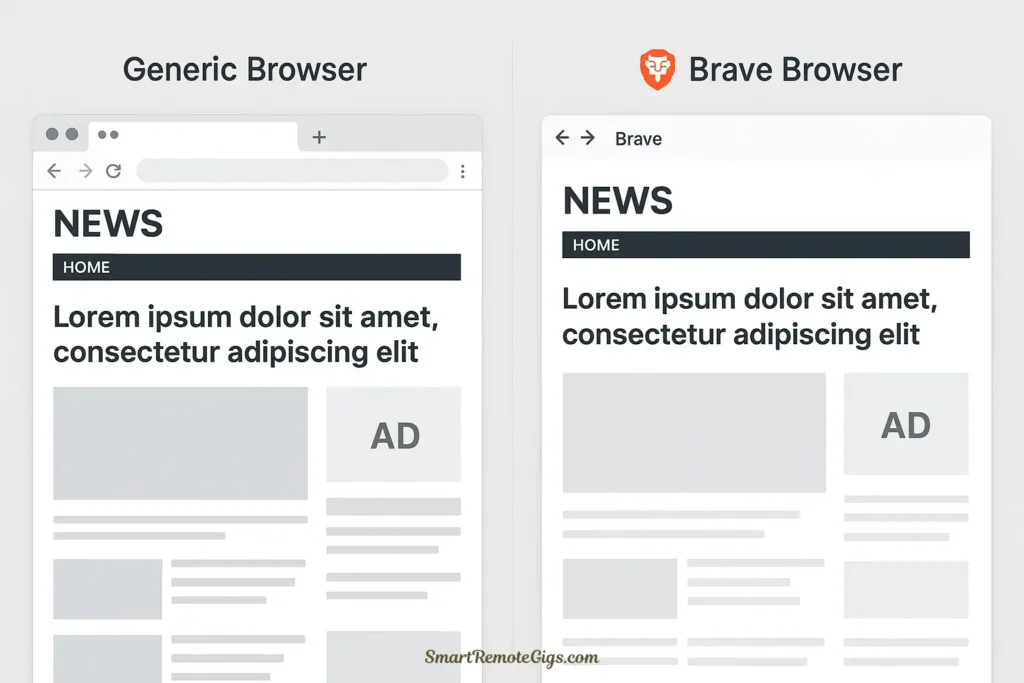
How it works: Brave looks and functions like Chrome (it’s built on the same Chromium engine), but every page loads faster and cleaner because all the attention-grabbing ads, pop-ups, and tracking pixels are automatically stripped away. You see the actual content you came for, nothing else.
Why it’s great for digital minimalists: The modern web is designed to be distracting. Every page is cluttered with flashing ads, autoplaying videos, and notification requests trying to re-engage you. Brave removes this visual noise by default, transforming the web into a calmer, more intentional space. You also regain significant time—pages load 3-6x faster without all the tracking scripts.
Best Feature: Brave Shields provides a real-time count of how many ads and trackers it’s blocked. Watching this number climb into the thousands makes you realize just how aggressively the web is trying to capture your attention.
Pricing: Completely free. Brave also has an optional cryptocurrency rewards program, but digital minimalists can ignore that entirely.
Perfect for: Anyone who wants a cleaner, faster, less manipulative web experience without learning complicated browser configurations. When comparing Brave vs Chrome for digital minimalists, Brave wins decisively.
Category: For Reclaiming Your Phone
3. Minimalist Phone (The Launcher That Fights Back)
Minimalist Phone is a replacement launcher for Android that radically redesigns your home screen to be as boring and friction-heavy as possible. Instead of colorful icons designed to grab attention, you get a simple text-based list. No colors. No badges. No visual appeal whatsoever.

How it works: Install Minimalist Phone and set it as your default launcher. Your home screen becomes a plain gray or white screen with your apps listed alphabetically in simple text. To open an app, you scroll through the list or use the search function. That’s it. No widgets, no folders, no customization—just ruthless simplicity.
Why it’s great for digital minimalists: The entire point is to make your phone less appealing to mindlessly browse. When there are no colorful icons to tap, no interesting widgets to check, and no visual stimulation whatsoever, your brain stops treating your phone like a dopamine slot machine. You use it when you need a specific tool, then you put it away.
Best Feature: The “app usage time” display shows exactly how long you’ve spent in each app. This passive awareness helps you catch yourself before spending 45 minutes on Instagram.
Pricing: Free for basic features. The premium version ($4.99 one-time payment) adds additional customization and blocking features.
Perfect for: Android users who want to transform their smartphone from an entertainment device back into a tool. This is one of the most effective apps to reduce phone addiction through pure design friction.
Category: For Mindful Reading
4. Pocket (The Antidote to Reactive Reading)
Pocket is a “read-it-later” service that breaks the cycle of reactive, distracted reading. Instead of reading articles the moment you encounter them (interrupting whatever you were doing), you save them to Pocket and read them later during a dedicated reading session.
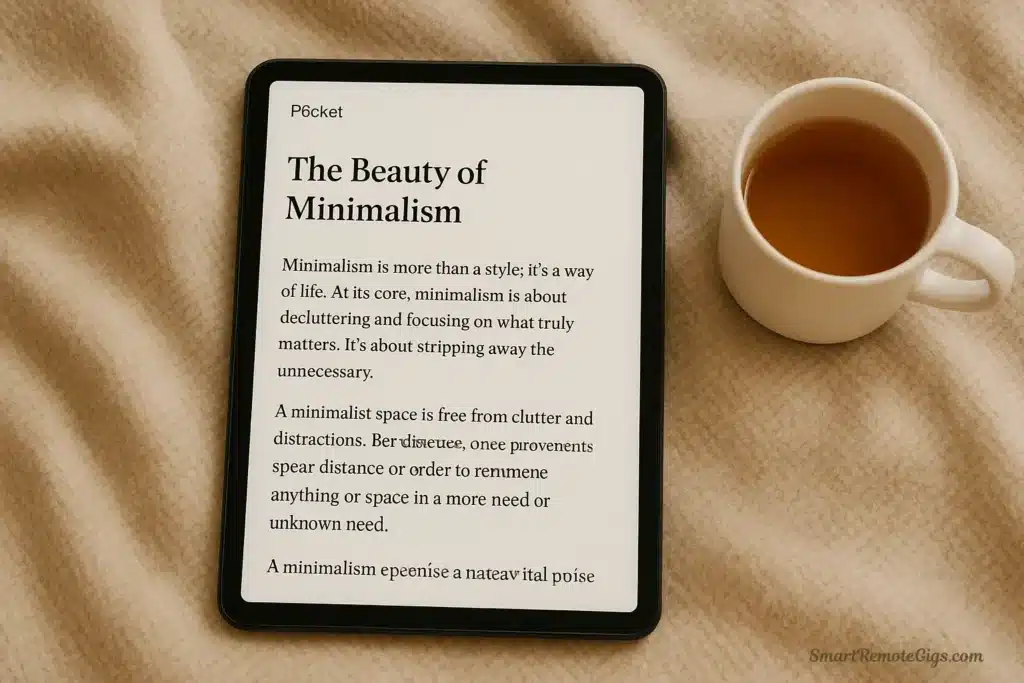
How it works: When you find an interesting article while browsing, click the Pocket extension button to save it. The article is stripped of all ads and formatting and stored in your Pocket library. Later, during a time you’ve set aside for reading, you open Pocket and read through your saved articles in a clean, distraction-free format.
Why it’s great for digital minimalists: Pocket transforms reading from an impulsive act into an intentional one. You’re no longer at the mercy of whatever headlines catch your eye. You curate what you read, then consume that content on your schedule, in a focused environment. The app also works offline, so you can read without being one click away from the entire internet.
Best Feature: Pocket’s “Discover” feature suggests high-quality articles based on your interests, but only when you actively choose to explore it. It doesn’t push notifications or interrupt you with suggestions.
Pricing: Free for core features. Pocket Premium ($4.99/month or $44.99/year) adds permanent library storage and advanced search.
Perfect for: People who find themselves falling down internet rabbit holes while trying to “just read one article.” Pocket creates a barrier between discovery and consumption.
Category: For Private Communication
5. Signal (Communication Without Surveillance)
Signal is an encrypted messaging app that replaces SMS texting and works like WhatsApp or iMessage—except it’s not harvesting your data for advertising algorithms or training AI models on your private conversations.
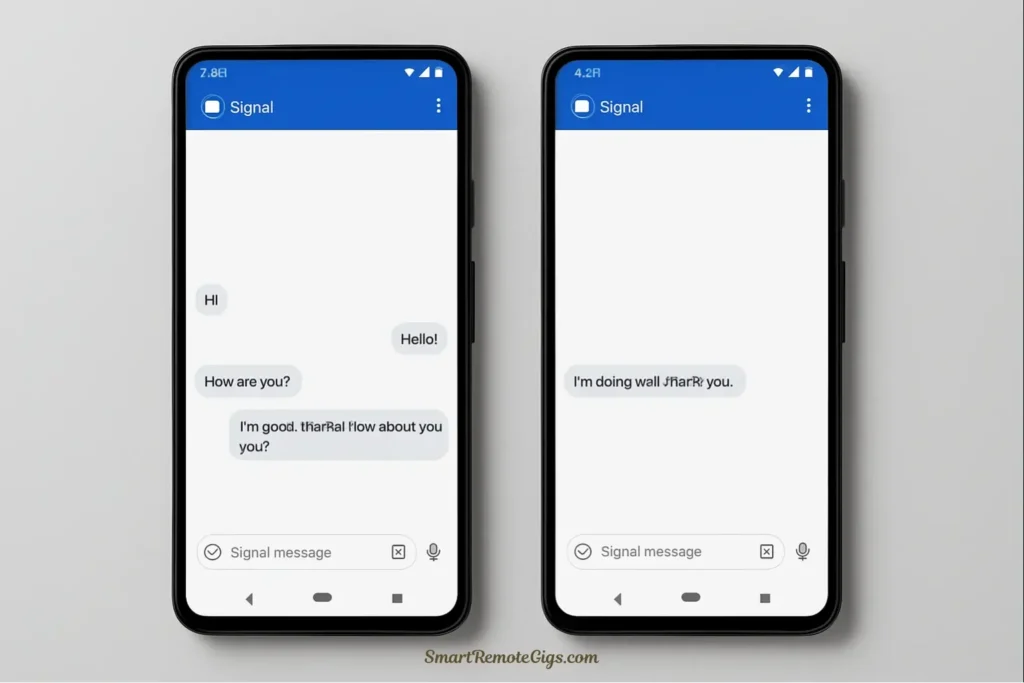
How it works: Signal provides end-to-end encrypted messaging, voice calls, and video calls. Messages are encrypted on your device and can only be decrypted by the recipient. Signal itself can’t read your messages, and the app collects virtually no metadata about your usage.
Why it’s great for digital minimalists: Digital minimalism isn’t just about reducing screen time—it’s about using technology on your own terms, not as a product being monetized. Signal respects your privacy and attention. There’s no algorithmic feed, no stories feature, no business accounts trying to “engage” with you. It’s just communication, nothing more.
Best Feature: “Disappearing messages” can be set to automatically delete after a specified time period (from 30 seconds to 1 week), preventing message history from accumulating endlessly.
Pricing: Completely free. Signal is funded by grants and donations, not by selling your data or attention.
Perfect for: Anyone who wants their communication tools to be just that—tools for communication—without the extra layers of surveillance, advertising, and feature bloat that plague mainstream messaging apps.
Category: For Building Focus Habits
6. Forest (Focus Through Gamification)
Forest uses gentle gamification to help you stay focused. When you want to focus, you plant a virtual tree. If you stay focused and don’t leave the app to use your phone, the tree grows. If you give in and open a distracting app, the tree dies.
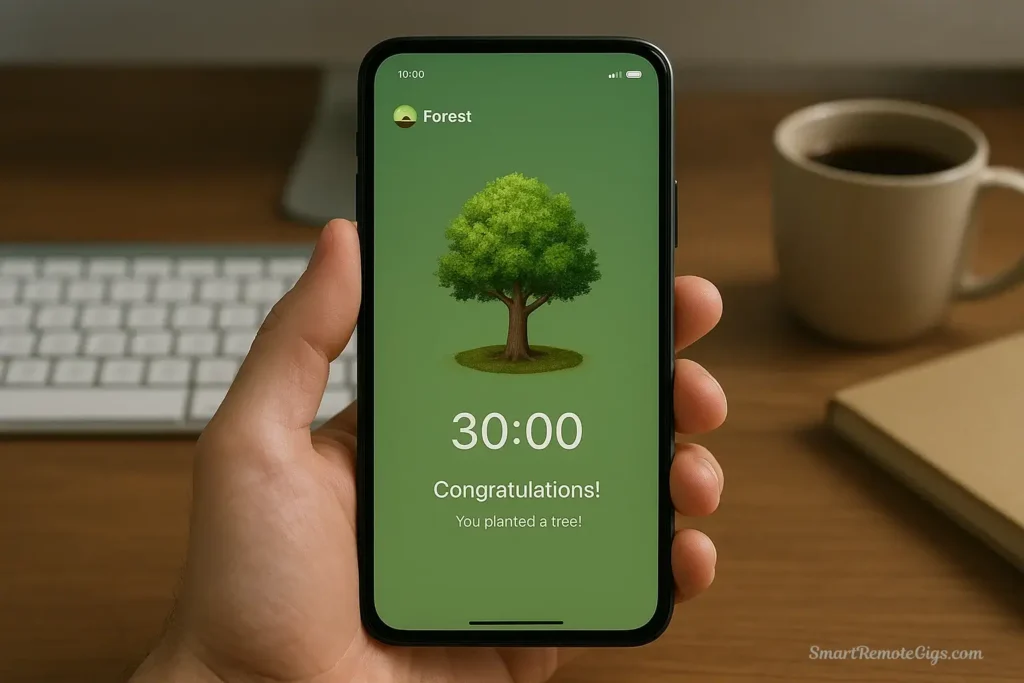
How it works: Set a focus timer (anywhere from 10 minutes to 2 hours), plant a tree, and put your phone down. As long as you don’t use your phone during the timer, your tree grows successfully. Over time, you build a forest of trees representing your focused sessions. You can also earn coins to plant real trees through Forest’s partnership with Trees for the Future.
Why it’s great for digital minimalists: Forest provides just enough motivation to overcome the urge to check your phone without adding significant complexity or becoming a distraction itself. The visual of your growing forest creates positive reinforcement for staying focused, and the fear of killing your tree creates a small but effective deterrent against mindless phone checking.
Best Feature: The “deep focus mode” (available on iOS) actually blocks you from leaving the app. If you try to use other apps during a Forest session, your tree dies. It’s the perfect blend of gentle encouragement and firm boundaries.
Pricing: $1.99 one-time purchase. No subscriptions, no in-app purchases beyond optional cosmetic items.
Perfect for: People who respond well to positive reinforcement and visual progress tracking. Forest works especially well for those who want to reduce phone usage but need a gentle nudge rather than harsh blocking.
Category: For Self-Awareness
7. RescueTime (The Reality Check)
RescueTime runs quietly in the background on your computer and phone, tracking exactly how you spend your time on every app and website. At the end of each day, week, or month, you get detailed reports showing where your time actually went—often a sobering wake-up call.
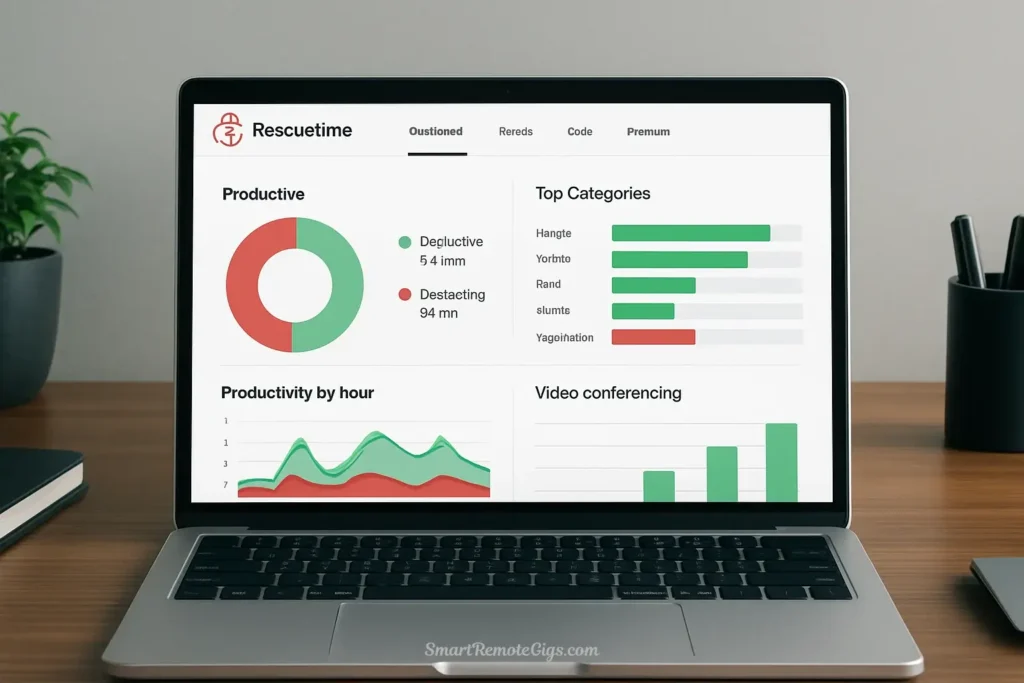
How it works: Install RescueTime on all your devices. It automatically tracks which applications and websites you use and for how long, categorizing them as productive or distracting based on your settings. You get daily reports with insights, productivity scores, and trend analysis.
Why it’s great for digital minimalists: You can’t change what you don’t measure. RescueTime provides objective data about your digital habits, cutting through the self-deception we all engage in about our screen time. Seeing that you spent 12 hours this week scrolling Reddit when you would have guessed “maybe an hour” is a powerful motivator for change.
Best Feature: “FocusTime” sessions let you block distracting websites for a set period, similar to Freedom but integrated with your time tracking data. You can see exactly how much focused time you achieve each week.
Pricing: Free for basic tracking. RescueTime Premium ($12/month) adds detailed reports, goal setting, and distraction blocking features.
Perfect for: People who are genuinely curious about their digital habits and want hard data to inform their decisions about where to apply digital minimalism principles. This is particularly useful during the initial assessment phase of your digital declutter.
Which App is Right for You?
Choosing the right app depends on your specific digital struggles:
If your biggest problem is impulsively visiting distracting websites during work: Start with Freedom. Its nuclear-option blocking removes the temptation entirely.
If your smartphone home screen constantly tempts you: Try Minimalist Phone (Android) to make your phone boring enough that you stop reaching for it mindlessly.
If you’re not sure where your time is going: Begin with RescueTime. Track your habits for a week to identify your biggest time sinks, then choose tools to address them specifically.
If you struggle to stay off your phone during focus sessions: Forest provides the perfect blend of motivation and accountability to help you build better habits.
If the web feels overwhelming and chaotic: Switch to Brave Browser to experience a cleaner, calmer internet without configuration hassle.
If you fall into article rabbit holes: Use Pocket to separate article discovery from article reading, creating intentional reading sessions.
If you want communication tools that respect your privacy and attention: Replace your current messaging apps with Signal.
You don’t need all seven apps. In fact, digital minimalism suggests you should start with just one or two that address your biggest pain points. Tools are helpers, not a collection to accumulate.
Conclusion: Tools Are Only Part of the Solution
These apps are powerful allies in your journey toward digital minimalism, but they’re not magic bullets. An app can’t give you a philosophy. It can’t clarify your values or help you rediscover what you love doing when you’re not staring at a screen.
These digital minimalist apps work best when they’re part of a larger system—when you understand why you’re using them and what you’re trying to achieve. Freedom is just a blocker until you pair it with a clear vision of what you want to focus on instead of scrolling. Minimalist Phone is just an ugly launcher until you’ve decided that your smartphone should be a tool, not an entertainment center.
Ready to build that system? These apps are most effective when used during your 30-Day Digital Declutter process outlined in our comprehensive guide. That structured approach helps you not only implement these tools but understand the philosophy that makes them work.
The best app for digital minimalism is the one you’ll actually use consistently—and that depends on having clarity about what you’re trying to accomplish. Start with the philosophy, then let these tools amplify your efforts.
Your focused life is waiting. These apps can help you get there.
The 7 Best Apps for a Digital Minimalist in 2025

Freedom
The most effective website and app blocker for eliminating distractions across all your devices during focus time.
The gold standard for distraction blocking. Its 'Locked Mode' is ruthlessly effective for deep work, removing temptation entirely. The cross-device sync is a key feature for true focus.
Editor's Rating:
Price: $8.99
Visit Website
Brave Browser
A privacy-first web browser that blocks ads and trackers by default, resulting in a faster, cleaner, and more intentional online experience.
Brave fundamentally changes the web browsing experience by removing digital clutter by default. It's faster, more private, and aligns perfectly with minimalist principles.
Editor's Rating:
Price: Free
Visit Website
Minimalist Phone
An Android launcher that replaces your colorful home screen with a simple, text-based interface to reduce your phone's appeal and break mindless scrolling habits.
A brilliant tool for Android users looking to transform their smartphone back into a tool. Its friction-heavy, text-based design is incredibly effective at curbing impulsive app use.
Editor's Rating:
Price: Free
Visit Website
A read-it-later service that lets you save articles to read later in a clean, distraction-free environment, transforming reading from an impulse to an intention.
Pocket is the antidote to internet rabbit holes. By creating a separation between discovering and reading content, it fosters intentional, focused reading habits.
Editor's Rating:
Price: Free
Visit Website
Signal
A private and secure messaging app that offers end-to-end encryption for texts and calls without collecting user data or serving ads.
Signal is communication as it should be: simple, private, and free from algorithmic manipulation. It's an essential tool for minimalists who value privacy and control.
Editor's Rating:
Price: Free
Visit Website
Forest
A focus timer app that uses gamification to help you stay off your phone by growing a virtual tree when you stay focused and killing it if you get distracted.
An elegant and effective tool for building focus habits. The gentle gamification provides just enough motivation to overcome impulsive phone checking without becoming a distraction itself.
Editor's Rating:
Price: $1.99
Visit Website
RescueTime
An automatic time-tracking app that runs in the background to give you a clear, data-driven picture of where your digital time actually goes.
RescueTime provides the objective data needed for real change. You can't improve what you don't measure, and this app is the ultimate reality check for your digital habits.
Editor's Rating:
Price: Free
Visit Website