

Evaluating Cursor vs Windsurf in late 2026 requires looking past surface-level code completion to examine autonomous agent boundaries. As developer workflows shift toward automated multi-file refactoring, the architectural differences between Anysphere’s editor and Cognition AI’s rebranded Devin Desktop dictate how code is staged, indexed, and executed across local repositories.
Remote software engineers and development teams face critical trade-offs between interactive, in-editor diff generation and decoupled, protocol-driven agent supervision. Selecting the correct environment impacts not only editor latency, but also runtime terminal safety, context consumption, and repository branch integrity.
This comparative benchmark evaluates both platforms across five core architectural dimensions: multi-file scaffolding mechanisms, vector codebase indexing, shell execution security gates, steering rule precedence hierarchies, and subscription developer quotas.
SRG Direct Answer: The Agentic IDE Selection Framework
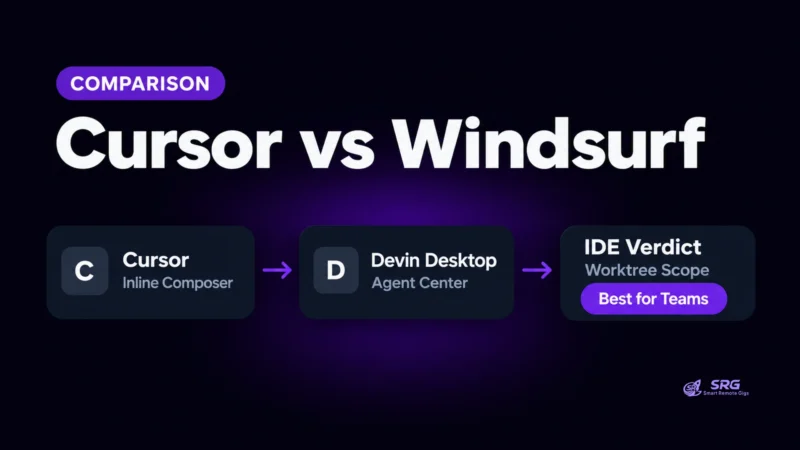
- Core Rule 1 (Scaffolding & Flow): Cursor Composer operates directly within the active editor buffer, prioritizing low-friction, file-by-file inline approvals for solo developers. Devin Desktop structures execution into discrete agent turns with dedicated multi-diff review panes and optional Git worktree isolation.
- Core Rule 2 (Terminal Safety & Governance): Devin Desktop enforces strict administrative execution ceilings (
DisabledthroughTurbo) and granular allowlists suitable for security-conscious enterprise teams. Cursor relies on local workspace sandboxing alongside an LLM-assistedAuto-reviewclassifier. - Core Rule 3 (Multi-Agent Scale): Devin Desktop serves as a multi-agent orchestration hub via the Agent Command Center and open-source Agent Client Protocol (ACP). Cursor focuses on tight, single-workspace sub-agent execution with background task delegation.
Epistemic Classification: Documented vendor specifications verified via official endpoints and empirical test logs as of October 2026.
The evolution from predictive inline completion to agentic software engineering fundamentally alters the role of the integrated development environment. Rather than generating isolated syntax snippets, modern AI IDEs read full repository trees, orchestrate terminal compilers, and rewrite complex dependency graphs across dozens of files simultaneously.
Architectural Lineage & Core Paradigms: Anysphere vs. Cognition AI
Cursor and Devin Desktop represent two divergent engineering philosophies for agentic code generation built on top of a Visual Studio Code foundation. Cursor, developed by Anysphere, integrates AI primitives directly into deep workspace hooks, whereas Devin Desktop, developed by Cognition AI, positions the IDE as an extensible command center for coordinating autonomous local and cloud agents.
Understanding Devin Desktop requires tracing its corporate lineage. Originally created by Exafunction under the name Codeium, the platform introduced the Windsurf editor and its Cascade agent architecture to provide flow-state coding assistance. On July 14, 2025, Cognition AI officially acquired Windsurf’s intellectual property, codebase, and team. On June 2, 2026, Cognition AI formally rebranded the IDE to Devin Desktop, establishing the Agent Command Center as the default interface.
As part of this transition, Cascade reached official end-of-life on July 1, 2026, superseded by Devin Local as the primary local execution engine. Network requests confirm this historical path: querying codeium.com issues an HTTP 301 redirect to windsurf.com, which returns an HTTP 308 redirect terminating at the official Devin Desktop rebrand and corporate lineage portal, as further outlined in the Devin Desktop transition FAQ.
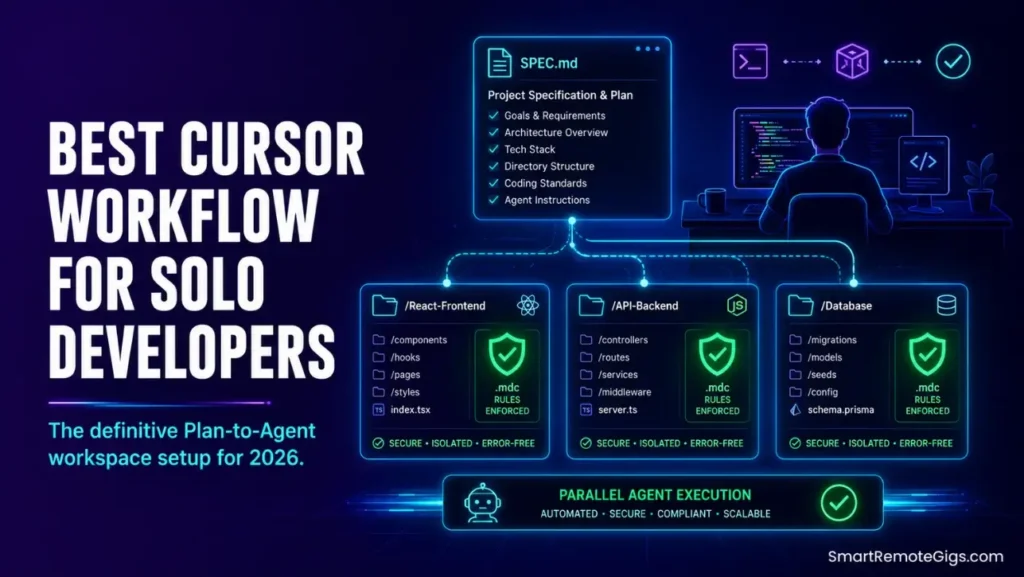
Cursor maintains an architectural focus on real-time, interactive developer symbiosis. Anysphere builds Cursor as a dedicated fork of VS Code, embedding custom model routing, proprietary vector indexing caches, and the Composer interface directly into editor memory. This design prioritizes rapid iteration cycles where the developer remains seated in the editor window, reviewing inline diff streams as they occur.
In contrast, Cognition AI structures Devin Desktop around asynchronous agent management. While it retains full VS Code extension ecosystem compatibility and local editing features, its primary viewport incorporates project Spaces and the Agent Command Center. Developers can trigger local tasks through Devin Local or delegate long-running refactoring epics to Devin Cloud, reviewing progress through standardized task streams.
Cursor includes background agent capabilities and automated code inspection via Bugbot, routing edits through dedicated workspace contexts. For full plan specifications and limits, see the Cursor software profile:

Best For: Freelancers happy with Cursor's own models, or ready to pay API rates for Claude and GPT
- Plus $8/mo
- Premium $30/mo
- Super $100/mo
- Ultra $200/mo
Devin Desktop provides native orchestration of third-party models alongside its proprietary SWE-2 agent runtime, organizing multiple development workstreams into isolated workspaces. For full plan specifications and limits, see the Windsurf software profile:

Best For: Developers and teams that need local autonomous multi-file editing in a Code-OSS editor with open Agent Client Protocol support, within documented quota and context limits.
- Free $0
- Pro $20/mo per user
Multi-File Agentic Scaffolding: Composer vs. Devin Local (Cascade)
Multi-file scaffolding differs fundamentally in presentation and disk isolation between Cursor Composer and Devin Desktop’s Devin Local engine. Cursor streams modifications directly into active editor buffers using inline diff markers and snapshot checkpoints, whereas Devin Desktop isolates proposals into turn-based diff cards, a dedicated multi-diff editor pane, and optional Git worktrees.
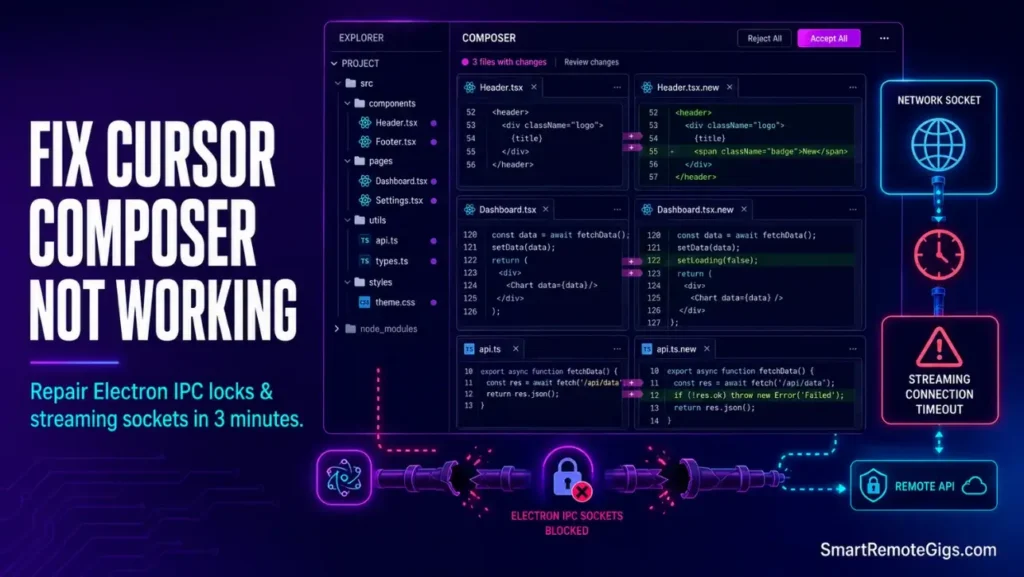
In Cursor, multi-file code modifications occur through the Composer panel or Agent mode, as documented in Cursor Composer multi-file diff review and checkpoints. When processing a prompt that spans multiple modules, Cursor identifies target files and streams edits directly into the document buffers. Changes display inline with color-coded syntax additions and removals, accompanied by floating controls.
Developers can review modifications across all affected files in a unified “Review Changes” tab, accepting or rejecting modifications per hunk or per file. Cursor automatically creates an internal snapshot checkpoint for each agent message, enabling instant restoration via Restore Checkpoint if an edit breaks system integrity.
Devin Desktop separates operational tasks across specialized modes. While legacy Cascade utilized Code and Chat modes, Devin Local structures execution into Normal (the default mode that requires user confirmation before disk writes), Plan (a read-only architectural research mode that disables write tools), and Ask, per Devin Local documentation.
Proposed changes appear in the agent stream as collapsed summary badges displaying +X -Y metric changes. Clicking these badges opens a dedicated multi-diff editor containing exclusively the files affected by that specific agent group, per the Devin Desktop multi-diff editor and worktree isolation specifications. Furthermore, Devin Desktop supports executing sessions within dedicated Git worktrees, physically decoupling agent file modifications from the developer’s primary working tree until explicitly merged.
Empirical testing on a multi-module TypeScript refactoring task confirmed that both editors allow granular control over incoming modifications. Operators can selectively reject faulty changes on a specific file while accepting valid updates on adjacent files without crashing the session stream.
However, neither platform mechanically inspects the working tree for unstaged, manual code changes prior to overwriting buffer lines. If an agent targets an uncommitted file undergoing manual editing, those unstaged modifications can be overwritten in the buffer. Maintaining strict Git feature branch hygiene and committing clean baselines before launching agent runs remains a mandatory operational safeguard across both tools.
Codebase Indexing & Context Retrieval Architecture
Repository context retrieval in Cursor relies on a hybrid indexing pipeline combining custom chunked vector embeddings with Instant Grep lexical search, while Devin Desktop utilizes a proprietary local RAG engine termed Fast Context. Neither vendor publishes a fixed numerical repository size limit or token ceiling for local indexing, meaning context quality depends primarily on ignore-file hygiene.
As detailed in Cursor codebase indexing architecture, Cursor builds an index of workspace files using chunked embeddings stored locally or synchronized to Cursor’s cloud infrastructure. To capture exact variable identifiers and syntax symbols that vector embeddings frequently miss, Cursor pairs semantic vectors with its “Instant Grep” lexical engine.
File exclusion is governed hierarchically via .cursorignore files placed across directory trees. For developers operating under Bring-Your-Own-Key (BYOK) configurations, Cursor levies a mandatory infrastructure token fee of $0.25 per million tokens to support indexing, semantic search, and background agent execution.
Devin Desktop approaches context gathering through its Fast Context engine, as documented in the Devin Desktop Fast Context retrieval engine overview. Fast Context constructs a local semantic index to supply agents and autocomplete with relevant codebase references.
Following the June 2026 platform reorganization, local storage maintains path continuity: index caches, global workflows, and Model Context Protocol (MCP) server definitions reside in ~/.codeium/, while desktop application configurations are stored under ~/.config/Devin/. File exclusions follow standard .gitignore patterns and workspace-specific settings.
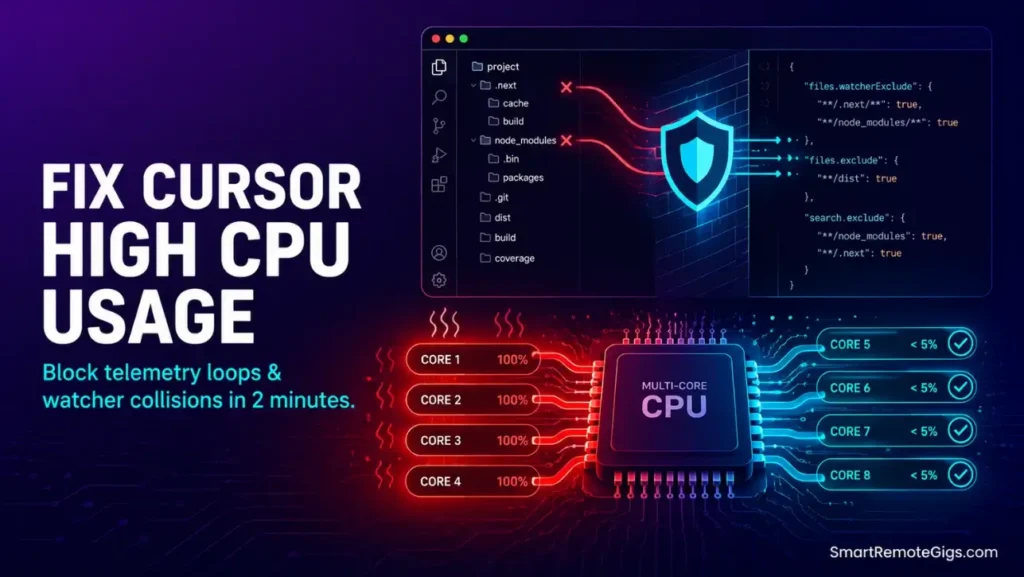
Under official Anysphere and Cognition AI documentation, neither vendor publishes a fixed quantitative ceiling regarding maximum file count, project byte size, or indexing token limits. The documented limitation is qualitative: repositories containing unindexed build artifacts, dependency directories (node_modules), or compiled distributions (dist/) trigger background indexing latency and degrade retrieval relevance across both environments. Preventing semantic dilution in large codebases requires establishing comprehensive ignore files that exclude generated assets from the embedding boundary.
Terminal Execution Gates & Runtime Safety Controls
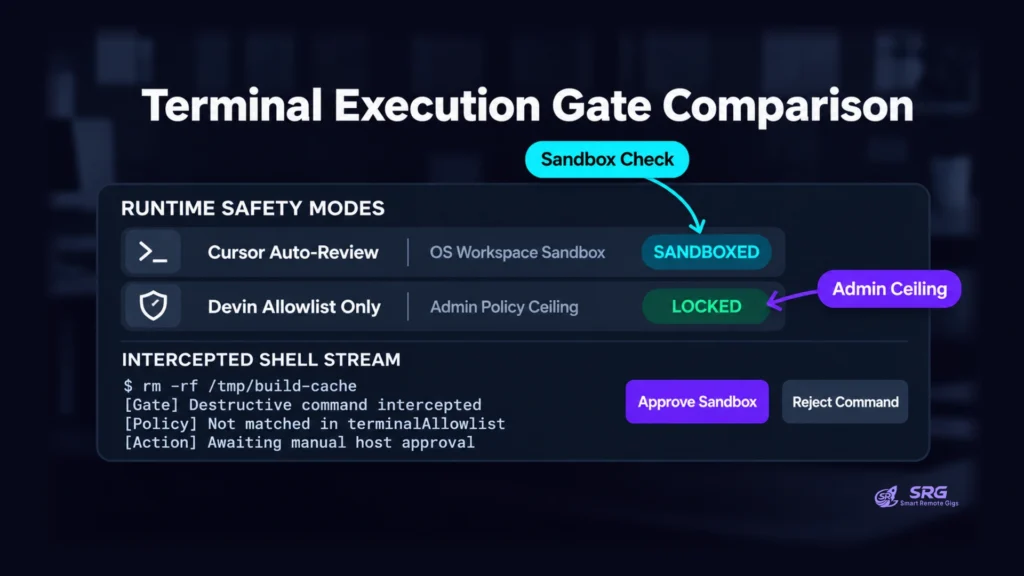
Terminal execution safety diverges sharply: Devin Desktop implements a four-tier permission model enforced by administrative ceilings, whereas Cursor relies on local container sandboxing paired with a three-tier run mode architecture. Both platforms intercept destructive commands in default configurations, but neither guarantees native protection against untracked data loss.
Devin Desktop Cascade structures command safety across four discrete levels, documented in Devin Desktop terminal auto-execution levels:
Disabled: Autonomous execution is halted entirely; every command requires manual human approval.Allowlist Only: Only commands matching pre-approved strings execute without prompting; all other calls pause for confirmation.Auto: The agent applies model judgment to assess command risk, auto-running read-only operations while prompting for potentially disruptive commands.Turbo: Commands execute immediately without prompts, except for operations explicitly listed on the deny list.
In enterprise environments, administrators can lock the maximum permissible auto-execution tier via the administrative portal, preventing local developers from enabling unrestricted levels such as Turbo. Under the newer Devin Local runtime, permissions transition to a structured allow, ask, and deny policy framework.
Cursor manages terminal safety through three run modes configured under Settings > Cursor Settings > Agents > Approvals & Execution, detailed in Cursor Agent run modes and sandboxing:
Auto-review: The default operational mode. Pre-approved calls run immediately, supported shell commands execute inside an OS-level workspace sandbox, and privileged or uncontained calls route to an LLM classifier for safety evaluation.Allowlist: Strictly limits automated execution to commands explicitly listed interminalAllowlist; unlisted commands trigger an interactive approval card.Run Everything: Bypasses all confirmation prompts, executing every tool call directly in the host environment without containment.
Empirical testing on simulated recovery scripts demonstrated that destructive commands (such as rm -rf /tmp/build-cache) are successfully intercepted in Cursor’s Auto-review and Devin Desktop’s Allowlist Only modes, generating interactive warning cards before execution. Conversely, enabling Run Everything or Turbo executes destructive commands unimpeded.
Operator Tip: When running autonomous test suites in Devin Desktop or Cursor, prepend commands with non-interactive flags (such as CI=true npm test) in your terminal allowlist to prevent agent loops from hanging on interactive watch prompts.
Neither editor automatically takes a Git stash or commit checkpoint prior to executing terminal commands. If an agent executes an untracked command that modifies external system state or deletes uncommitted files, recovery cannot be executed natively. Operators must enforce procedural safeguards by maintaining clean branch states before granting automated shell access.
Steering Rules Architecture: .cursorrules / .mdc vs. .windsurfrules / AGENTS.md
Steering rules govern agent behavior through strictly defined precedence hierarchies, where Cursor utilizes frontmatter-scoped .mdc files and Devin Desktop deploys a five-tier hierarchy spanning .devin/rules/*.md and AGENTS.md. Both systems enforce strict byte and character limits to protect context window efficiency.
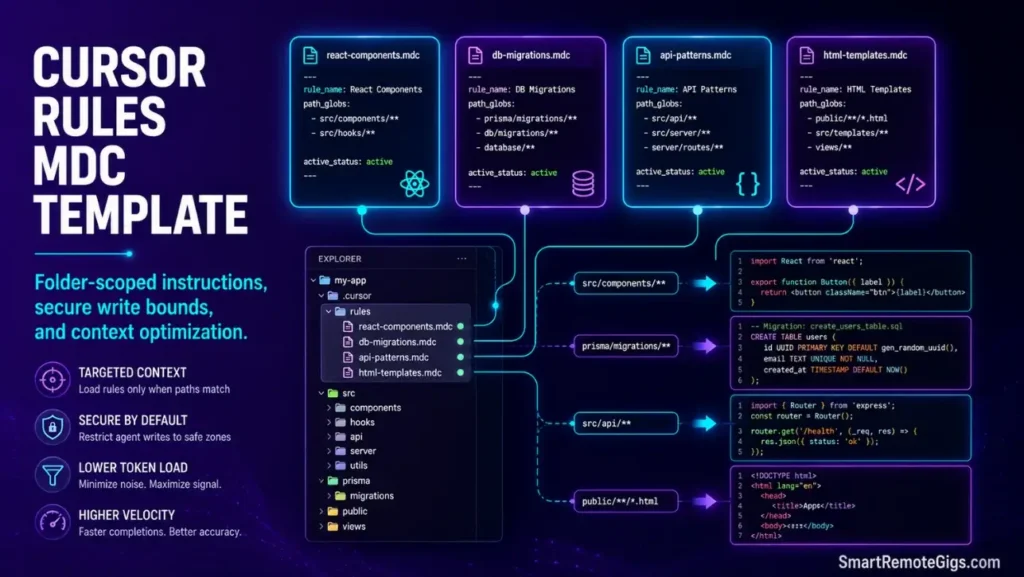
Cursor organizes instruction files according to an established priority order: Team Rules > Project Rules (.cursor/rules/*.mdc) > User/Global Rules (Settings > Rules for AI), per Cursor Rules and MDC documentation. The legacy root .cursorrules file serves as a fallback.
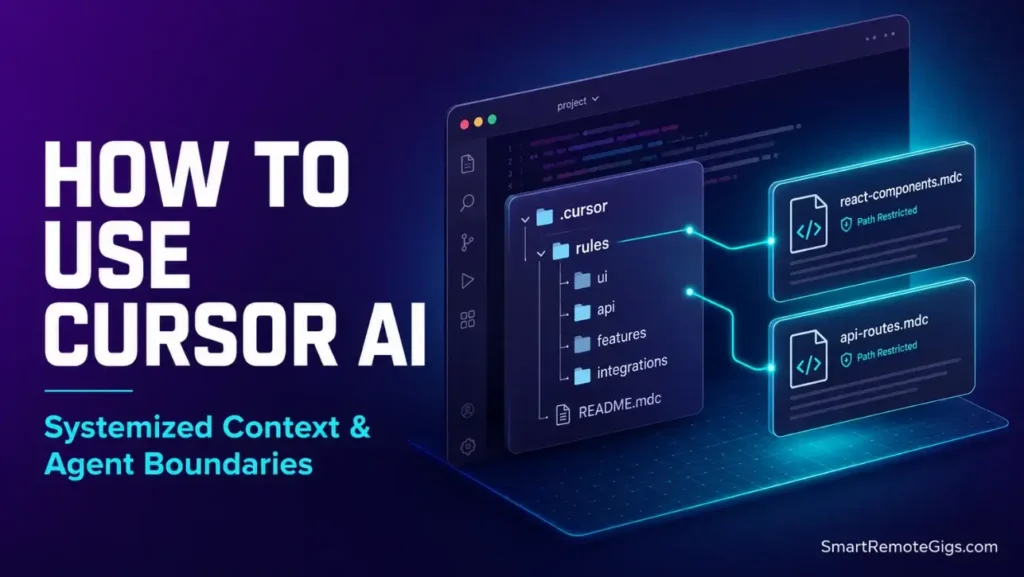
Modern .mdc files include YAML frontmatter supporting globs (such as globs: ["**/*.ts"]) and alwaysApply: true/false. This structure prevents unnecessary context consumption: rules without alwaysApply inject into the prompt only when targeted file paths match the glob pattern or when the model semantically matches the rule description.
Devin Desktop resolves operational instructions across five discrete tiers, documented in Devin Desktop workspace rule character limits:
- System IT Rules: Centrally managed, read-only configuration profiles deployed by IT administrators.
- Workspace Preferred Rules: Stored in
.devin/rules/*.mdwith activation modes (always_on,model_decision,glob,manual), capped at a strict ceiling of 12,000 characters per file. - Workspace Fallback Rules: Stored in
.windsurf/rules/*.mdto maintain legacy project compatibility. - Root Agent Instructions Standard (
AGENTS.md): Placed at workspace root or subdirectories. Cognition AI documentation in the Devin Desktop 16 KiB AGENTS.md injection limit specification confirms that Devin automatically injects up to 16 KiB (16,384 bytes) from the start of eachAGENTS.mdfile into context, issuing an inline truncation warning if files exceed this limit. - Legacy Single-File & Global Rules: The legacy root
.windsurfrulesfile (capped at 12,000 characters) and user global rules in~/.codeium/windsurf/memories/global_rules.md(capped at 6,000 characters).
Deploying monolithic, un-scoped instructions across an entire workspace wastes valuable base prompt tokens on irrelevant guidelines. Developers managing complex repositories should migrate legacy configurations to modular structures, as detailed in our guide to configuring .windsurfrules and AGENTS.md steering files. Utilizing glob-targeted rules ensures that backend database guidelines or frontend component styling constraints load only when active editor tabs warrant their inclusion.
Pricing Structure, Quota Models & Developer Economics
Both Cursor Pro and Devin Desktop Pro establish an identical base price of $20 per month for individual developers, but they diverge in how usage limits are measured and enforced. Cursor manages consumption through monthly fast request pools with unthrottled slow queue fallbacks, while Devin Desktop utilizes rolling daily and weekly quota allocations.
According to the Cursor Pro plan usage thresholds, individual Pro subscriptions provide an included monthly allocation of fast requests. When an operator exhausts this monthly threshold, Cursor provides two options: continue submitting tasks via a standard queue subject to concurrency delays, or enable pay-as-you-go “On-Demand Usage” billed directly at per-model token rates.
Furthermore, developers configuring Bring-Your-Own-Key (BYOK) setups remain subject to Cursor’s $0.25 per million token fee for background indexing and processing infrastructure. For full plan specifications, team tiers, and privacy terms, consult the Cursor software profile.
As detailed in Devin Desktop Pro plan quota model and Devin self-serve billing documentation, Cognition AI transitioned its subscription structure away from legacy static credits toward automated daily and weekly usage quotas. When a Pro subscriber reaches their quota limit, agent generation halts in the transcript until the quota window refreshes or the account enables on-demand API billing.
Higher capacity requirements are served by Devin Desktop Max at $200 per month, while organization collaboration begins on the Teams plan at an $80 per month base fee plus $40 per month per developer seat. Detailed tier breakdowns and seat governance rules are maintained in the Windsurf software profile.
The Verdict: Documented Decision Boundaries
SRG Quick Verdict
- Deploy Cursor if: You are a solo engineer or agile team prioritizing fast interactive coding, low-latency inline Composer diffs, deep VS Code extension compatibility, and a flat $20 base tier with non-blocking queue processing.
- Deploy Devin Desktop if: Your organization enforces strict command governance via administrative terminal ceilings (
DisabledtoAuto), multi-agent fleet tracking through the Agent Command Center (ACP), and native Git worktree branch isolation.
Choosing between Cursor and Devin Desktop is an architectural decision dictated by whether your workflow prioritizes tight, in-editor coding feedback or distributed, multi-agent project orchestration. Neither platform serves as a universal solution across all software engineering environments.
Choose Cursor if your primary objective is low-friction, interactive coding within a familiar VS Code environment. Cursor’s Composer streams edits directly into working buffers, enabling rapid inspection and line-by-line hunk acceptance. Its deep extension compatibility, local caching, and fallback to standard queue processing make it efficient for solo developers iterating quickly across full-stack applications.
Choose Devin Desktop (or Cursor under managed MDM policies) if your organization enforces strict security gates on terminal execution and codebase context. Devin Desktop’s server-enforced administrative ceilings mechanically prevent local users from toggling permissive execution tiers like Turbo. Furthermore, its five-tier rule hierarchy and native Git worktree isolation prevent rogue terminal commands or unvetted agent refactoring from corrupting primary repository branches.
Choose Devin Desktop if your engineering workflow extends beyond single-agent chat toward managing fleets of autonomous agents. Supported by the Devin Desktop Agent Command Center and ACP integration, the IDE acts as a central Kanban coordination surface. Developers can deploy local agents via Devin Local alongside cloud-based tasks and third-party models compatible with the Agent Client Protocol (ACP), organizing complex epics across shared project Spaces.
| Developer Profile | Primary Constraint | Recommended AI IDE | Architectural Rationale |
|---|---|---|---|
| Solo Full-Stack Engineer | Fast interactive iteration & extension compatibility | Cursor | Low-latency inline Composer diffs, native VS Code fork ergonomics, and unthrottled slow queue fallback. |
| Enterprise Monorepo Team | Strict command governance & branch isolation | Devin Desktop | Administrative auto-execution ceilings (Disabled to Auto), 5-tier rule scoping, and Git worktree sandboxing. |
| Autonomous Systems Lead | Multi-agent fleet tracking & third-party protocols | Devin Desktop | Agent Command Center Kanban board, native Agent Client Protocol (ACP) harness, and unified project Spaces. |
| Budget-Constrained Prototyper | Predictable monthly cost without hard execution halts | Cursor | Flat $20 base tier with non-blocking slow queue processing when fast requests are depleted. |
Based on official documentation, with hands-on validation limited to the steps and environment described in this guide. Reviewed against 39 official vendor sources as of October 2026.
Developers establishing automated multi-file pipelines can reference our practical guide to Devin Desktop multi-file scaffolding workflows. Engineering teams seeking verified talent to configure agentic IDE pipelines and automated developer infrastructure can discover certified specialists on the Smart Remote Gigs Exchange. For complete enterprise compliance parameters, plan details, and telemetry specifications, examine the Windsurf software profile.

Never Miss a New Remote Job
Remote job alertsGet notified about new remote jobs and access practical freelance tools from your phone.