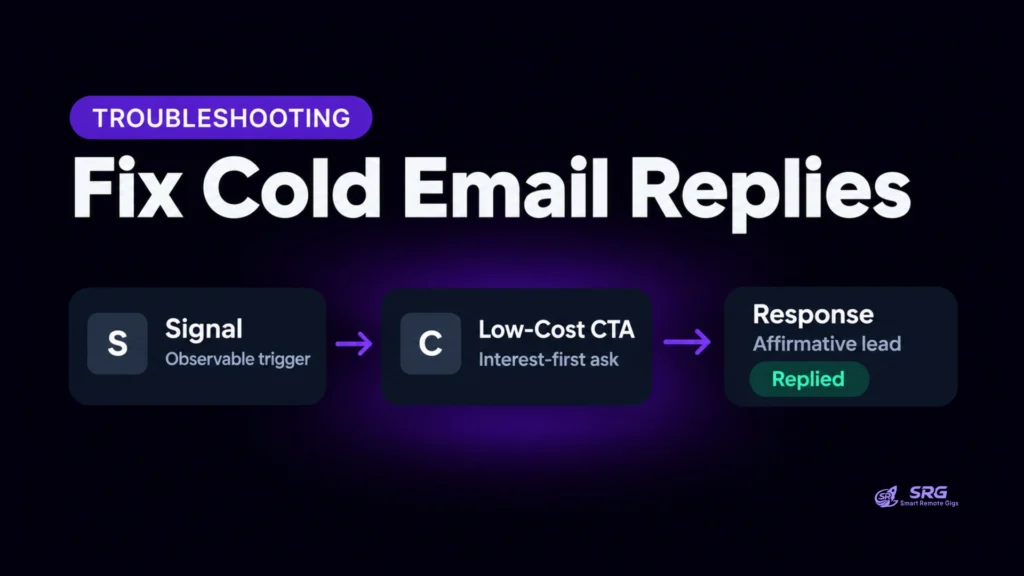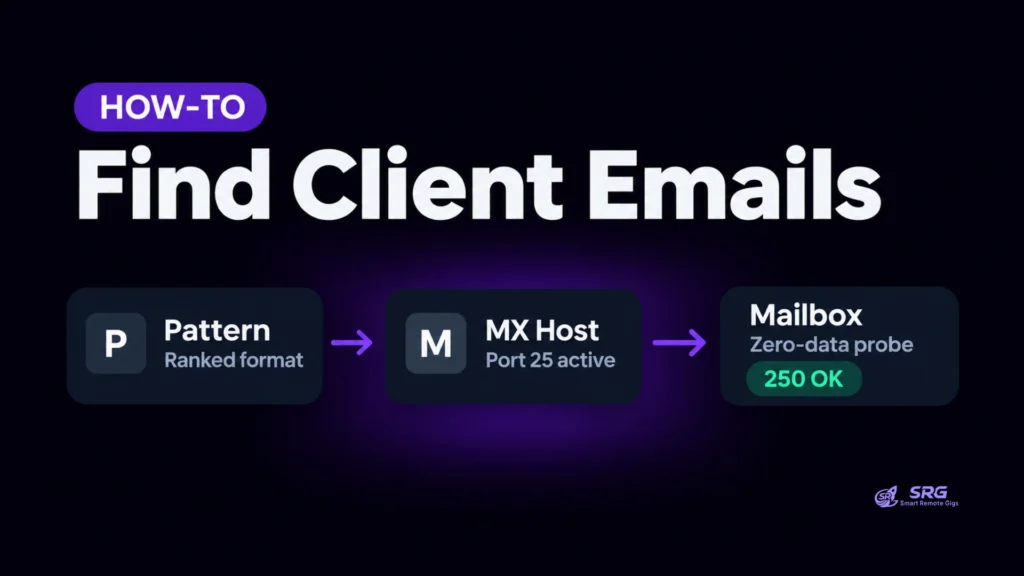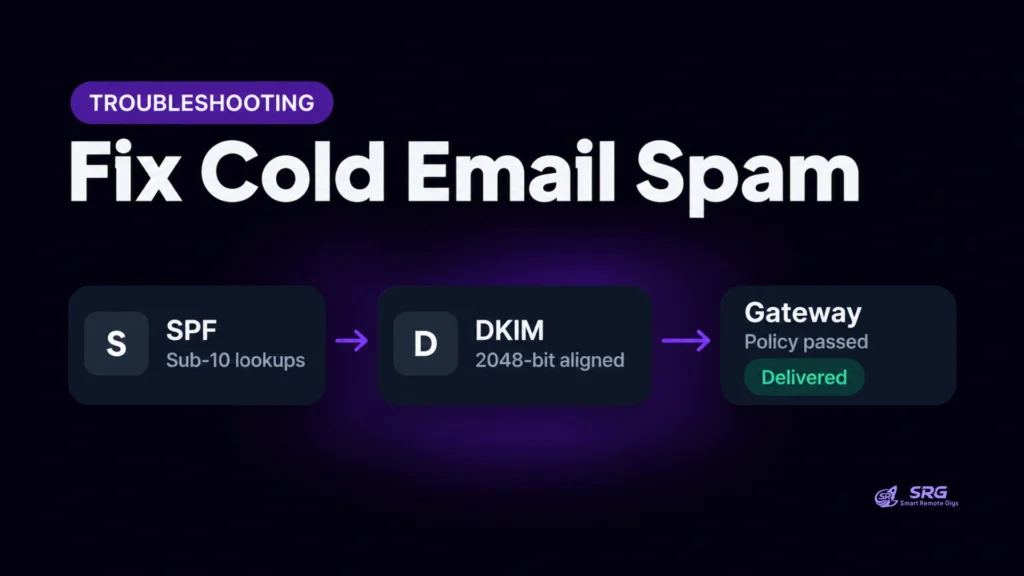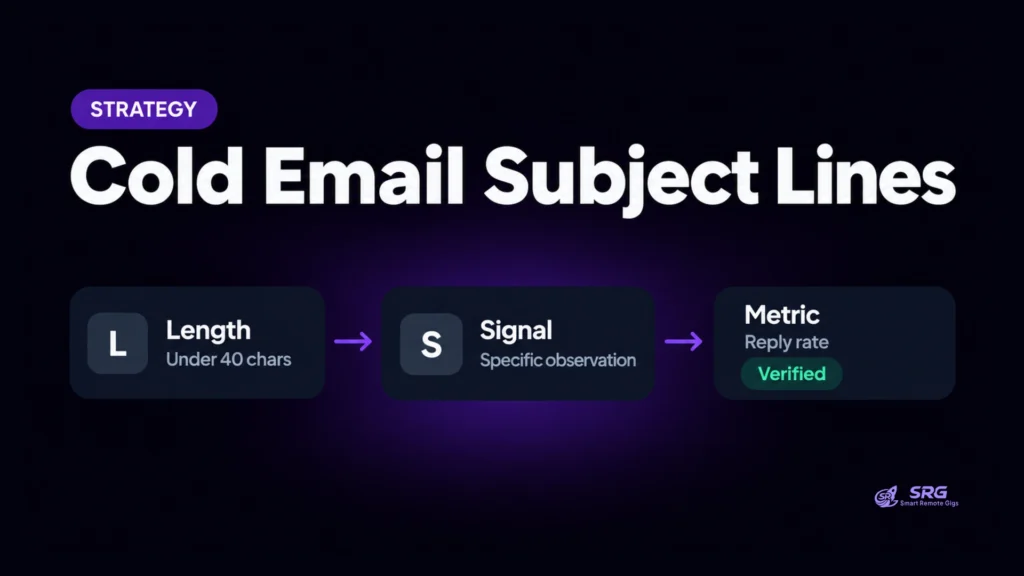


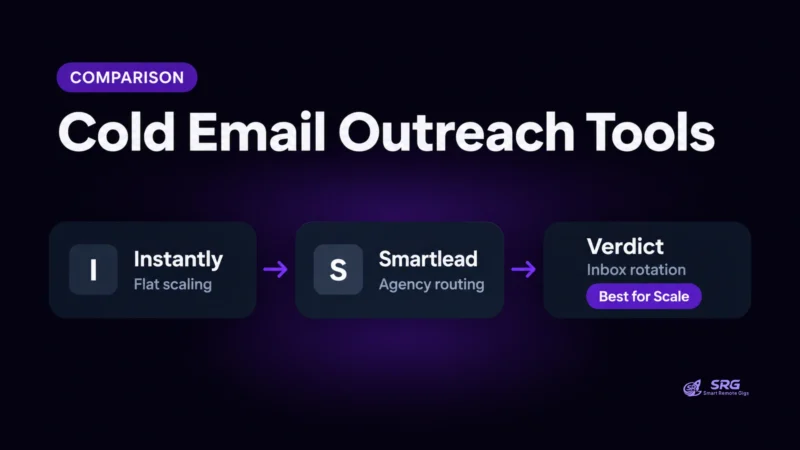
Cold email outreach tools for freelancers decide whether a direct pitch reaches an inbox or damages the sender’s domain. Since Google and Yahoo tightened bulk sender rules in 2024, one mailbox carrying all the volume is a reputation risk, and the right tool depends on how many mailboxes, domains and clients one operator runs.
This comparison addresses solo freelancers and one-person agencies who plan to send from roughly 3 to 10 secondary mailboxes. Direct outreach replaces marketplace intermediation with infrastructure work that the operator must own: domains, warmup, list hygiene and reply handling.
Evaluated independently by the SRG Research Desk using direct platform UI inspection, official developer APIs, and post-2024 Google/Yahoo bulk sender deliverability standards. SRG does not accept vendor compensation or publish fabricated test ratings. The four contenders are Instantly.ai, Smartlead.io, Lemlist and Apollo.io.
Top Cold Email Outreach Tools for Freelancers at a Glance
Each of the four platforms fits a different operating constraint, and the audited evidence supports no single overall winner. The card maps each tool to the constraint it fits best.
SRG Quick Verdict Card: Best Tool by Operational Constraint
- Instantly.ai: Flat-budget multi-inbox scaling and high-deliverability cold outbound.
- Smartlead.io: Multi-client agency routing, API automation and granular warmup pool selection.
- Lemlist: Multichannel outreach (email plus LinkedIn) and dynamic image or video personalization.
- Apollo.io: All-in-one prospect data search and integrated sequencing from a single dashboard.
The sections below test each verdict against four pillars: mailbox rotation, warmup, reply management and solo operating overhead.
Comparison Methodology: How We Evaluated Solo Outreach Tools
A cold email tool qualifies for solo use when it connects several secondary mailboxes, warms them, consolidates replies in one place and keeps operating overhead low.
Google’s email sender guidelines set the post-2024 baseline for bulk senders. They require SPF (RFC 7208), DKIM (RFC 6376) and DMARC (RFC 7489) alignment, TLS encryption and valid forward and reverse DNS records. They also advise keeping the user-reported spam rate below 0.10% and never reaching 0.30%.
Sending every pitch from a single primary work domain concentrates all of that risk on one reputation. Apollo’s own mailbox connection guide advises connecting multiple inboxes, ideally across several subdomains or domains, and using mailbox rotation. SRG reads this as a safeguard: spreading volume across secondary domains keeps any single mailbox’s velocity low and protects the primary domain.
Four normalized pillars apply to every tool:
- Pillar 1: Multi-inbox rotation and sending distribution architecture.
- Pillar 2: Peer-to-peer warmup networks and deliverability telemetry.
- Pillar 3: Unified response management (Unibox) and reply detection.
- Pillar 4: Solo economics and operational overhead.
General CRMs, email marketing platforms and enterprise sales engagement suites were excluded as a scoping decision. They are built for team workflows or opted-in audiences, and the evidence base for this comparison covers only the four tools above. DNS record creation is covered in why cold emails go to spam.
Multi-Inbox Rotation: Distributing Volume Across Secondary Domains
Instantly and Smartlead connect unlimited mailboxes under flat connection governance, while Lemlist and Apollo tie mailbox counts to user seats. All four connect through Google OAuth, Microsoft 365 OAuth or custom SMTP/IMAP, and all four rotate sends round-robin across the mailboxes attached to a campaign.
- Instantly.ai: Instantly’s developer documentation describes charging for sending volume while letting users attach as many sending accounts as they want, with warmup included on each. Instantly’s account specification states the same unlimited connection model.
- Smartlead.io: Smartlead’s API architecture guide lists mailbox rotation across multiple domains. The Smartlead platform page describes load balancing across unlimited mailboxes to avoid single-domain velocity spikes.
- Lemlist: Lemlist’s comparison with Smartlead lists 3 senders per user on Email Pro and 5 per user on Multichannel Expert, with additional mailboxes at $9 per month each, as Lemlist’s pricing page also reflects.
- Apollo.io: Apollo supports mailbox rotation inside sequences, as its sequence documentation describes. A third-party Apollo connection specification reports 3 connected accounts per user on Starter.
SRG’s UI inspection of campaign setup screens recorded the following. Instantly offers a toggle to send evenly across all selected accounts. Smartlead shows Round Robin enabled by default and recalculates the campaign’s daily cap from the selected accounts. Lemlist shows “3 of 3 included senders used” and prompts to add a fourth sender at $9 per month. Disconnecting one mailbox recalculated the dispatch pool in every tool without ending the campaign.
For a freelancer running five mailboxes on Lemlist Email Pro, two mailboxes exceed the three included, so add-ons come to $18 per month (calculated by SRG, one user seat, excluding the base plan fee). The documented models for Instantly and Smartlead carry no per-mailbox charge.
Round-robin scheduling flattens spikes at the mailbox level. SRG’s interpretation, not a documented vendor claim, is that providers such as Google may also evaluate aggregate traffic at the domain or tenant level, so total volume still matters.
Instantly’s developer documentation states that every attached sending account includes warmup, with no per-mailbox fee.
For complete verified pricing tiers, plan feature thresholds, and active contact limits, review our canonical Instantly software profile.

Best For: Operators whose workload fits fixed uploaded-contact ceilings and volume-based plans, and who can run external deliverability monitoring alongside Instantly's internal warmup metrics.
- Free 14-day trial
- Starter $47/month
- Pro $97/month
Automated Warmup Networks: Deliverability Health and Spam Protection
Instantly, Smartlead and Lemlist run native peer-to-peer warmup networks, and Apollo does not operate an independent scaled warmup pool. In a peer-to-peer network, participating mailboxes exchange messages and generate positive signals such as opening, marking as important and moving mail out of spam.
- Instantly.ai: Its warmup documentation describes a deliverability pool of over 1,000,000 real inboxes, one-click activation, a slow sending ramp and a live deliverability dashboard. Instantly’s warmup scaling guide covers ramp guidelines.
- Smartlead.io: Smartlead’s Master Inbox feature guide and platform page describe tiered warmup pools (Foundation, Growth, Premium) with spam versus inbox tracking. Smartlead does not publish its exact pool reassignment criteria.
- Lemlist (lemwarm): Lemlist’s lemwarm setup guide describes two phases: about 40 days of ramp-up at an increment of 1 email per day, then 14 days of stabilization. It advises starting outreach only once the Warmup Score reaches 90 or higher, and Lemlist’s score guidance pairs that with inbox placement above 90% for 14 straight days.
- Apollo.io: Apollo’s mailbox connection guide emphasizes manual throttling, custom tracking subdomains and external inbox preparation before enrollment, rather than a native warmup network.
SRG’s UI inspection recorded the controls. Instantly and Smartlead allow a one-click warmup toggle per mailbox with custom daily ramp settings, for example starting at 2 per day and rising by 2 per day to 20. Lemlist shows a 0 to 100 Warmup Score with a phase indicator and a warning when the score drops below 90. Apollo showed delivery, bounce and spam metrics but no warmup gauge.
Warmup simulates positive engagement among participating mailboxes. It does not override spam complaints from real recipients, so Google’s 0.30% ceiling still applies to every campaign. The audited evidence does not establish whether mailbox provider terms permit warmup traffic, so this article makes no claim either way.
Unified Inbox (Unibox) Management: Routing Replies Across Multiple Domains
All four platforms centralize replies from multiple mailboxes and pause follow-ups when a lead responds. Without that consolidation, an operator sending from five secondary mailboxes risks lead leakage and slow responses.
- Instantly.ai (Unibox): Instantly’s freelancer software guide describes one stream for replies across campaigns and accounts, with an AI Reply Agent that sorts replies such as interested, not interested and out of office.
- Smartlead.io (Master Inbox 3.0): The Master Inbox guide describes real-time multi-client inbox access and replying directly from the receiving address. Its lead management documentation lists default categories: Interested, Meeting Request, Not Interested, Do Not Contact and Information Request.
- Lemlist (Unified Inbox): The Unified Inbox page describes one thread per contact across email and LinkedIn, drawn from up to 15 connected email addresses per user, with campaigns pausing on response.
- Apollo.io: Replies update the contact status to “Replied” and halt later steps. Apollo’s sequence documentation covers sequence handling, and out-of-office auto-pause covers seven languages.
SRG’s UI inspection indicates that all four tools suppressed scheduled follow-ups within 60 seconds of a reply being detected. Detection itself depends on IMAP polling or webhook timing, which SRG observed between 60 seconds and 15 minutes depending on the mail host.
Auto-stop discipline matters because a follow-up sent to a prospect who has already answered wastes the reply window and invites a complaint. SRG treats that as an operational interpretation. Automated sentiment tags can also misclassify edge cases such as bounce notices formatted like replies, so operators should check tags manually.
All-in-One Data vs. Dedicated Senders: Apollo vs. Instantly & Smartlead
Apollo is a data platform with a built-in sequencer. Instantly and Smartlead are dedicated sending engines built around secondary-domain isolation. Apollo houses more than 275 million contact records, according to its database specifications, and it does not send through shared mail servers. Sequences go out through external mailboxes the user connects.
The onboarding trap is the default connection. Clay’s Apollo integration documentation states that Apollo’s default flow tends to push everything through the user’s primary mailbox, which it calls the wrong choice at scale. A freelancer who accepts that default and sends cold volume exposes the primary domain’s reputation.
Dedicated engines decouple sourcing from sending. Smartlead’s Apollo lead guide describes sourcing and filtering leads in Apollo, exporting to CSV and sending from Smartlead across unlimited mailboxes. For solo operators, the hybrid workflow is: source and filter leads in Apollo or a dedicated enrichment tool, export to CSV, then dispatch through Instantly or Smartlead across several secondary domains with custom tracking subdomains. For discovery steps, see how to identify and verify decision-maker email addresses in SRG’s B2B prospect discovery guide.
Native verification differs across the four tools:
- Instantly.ai: Instantly’s lead verification guide describes a native verifier that sorts each lead into three outcome classes, excluding risky and invalid leads by default.
- Smartlead.io: Smartlead’s verification add-on runs on credits, starting at 6,000 credits for $15.
- Lemlist: Native finder and verification run on waterfall enrichment credits, per Lemlist’s plan specifications.
- Apollo.io: A documented 7-step verification process with deliverability badges, per Apollo’s sending limits guide.
In all four tools pre-send verification is optional or credit-gated, and SRG’s UI inspection confirmed a raw CSV can launch unverified. Catch-all domains remain a source of unpredictable bounces. Instantly’s research guide puts the line at hard bounces below 2%.
Technical Safety Rules: Recommended Solo Sending Thresholds
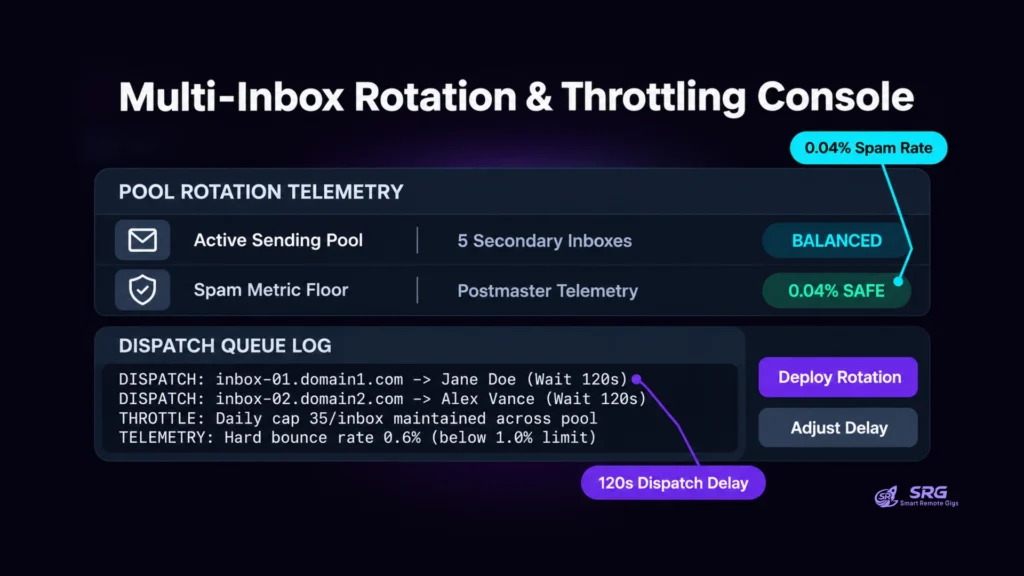
SRG’s baseline for solo senders is 30 to 50 cold emails per day per mailbox, excluding warmup traffic, reached through a four-week ramp. This is an SRG operational safeguard, anchored to vendor guidance. Lemlist’s campaign management guidance advises keeping each inbox inside a 30 to 40 per day limit, and Instantly’s agency playbook advises starting at 20 to 30 per inbox per day and increasing over 4 to 6 weeks. Pushing past 50 per day increases spam filter scrutiny.
| Week | Cold emails per day per mailbox | Condition |
|---|---|---|
| Week 1 | 5 to 10 | Warmup active |
| Week 2 | 10 to 20 | Warmup active |
| Week 3 | 20 to 35 | Warmup active |
| Week 4 and later | 35 to 50 | Mature operating ceiling |
The schedule above is an SRG safeguard, not a vendor-published table.
SRG Pro Tip: Set a minimum delay between consecutive sends per account. The Instantly and Smartlead settings panels inspected by SRG accept delays such as 60 to 180 seconds, which spaces dispatches instead of sending a mailbox’s daily allotment in one burst.
Two guardrails frame the ramp. Instantly’s research guide states that hard bounces above 2% trigger ISP throttling across the entire sending domain, and the agency playbook advises pausing and re-verifying if hard bounces exceed 1%, so SRG targets 1% or lower. Google’s sender guidelines advise a spam rate below 0.10% and never reaching 0.30%; senders above 0.30% stay ineligible for mitigation until the rate falls below that level for 7 consecutive days.
All four tools provide settings to cap volume, but none protects domain reputation on its own. DNS status badges do not block a launch when DMARC is set to p=none, list cleaning is not enforced, and no tool forces secondary-domain isolation. Daily cap entry is the only step the launch wizards enforce. The procedural checklist below therefore forms a production-oriented sending baseline:
- Verify DNS: Inspect SPF, DKIM and DMARC for each sending domain and confirm alignment before connecting the mailbox. DNS setup steps are in the DNS deliverability guide.
- Verify the list: Run pre-send verification and remove invalid and risky addresses before import.
- Verify domain isolation: Confirm every connected mailbox sits on a secondary domain, not the primary work domain.
- Verify the daily cap: Confirm each mailbox’s cap matches the current ramp week before activating the campaign.
- Monitor delivery: Check bounce and spam signals for 24 to 48 hours after launch and pause if bounces pass 1% or complaints approach the ceilings above.
The Solo Outreach Decision Framework: Which Tool Fits Your Stack?
The decision turns on mailbox governance, warmup depth, client structure and whether prospect data lives inside the sending tool. The matrix compares workflows only; plan pricing sits in each tool’s software profile.
| Dimension | Instantly.ai | Smartlead.io | Lemlist | Apollo.io |
|---|---|---|---|---|
| Mailbox Connection Governance | Unlimited, flat | Unlimited, flat | Per-seat constrained | Per-seat constrained |
| Warmup Network Type | Scaled P2P | Multi-tier P2P | Two-phase lemwarm | External, no native P2P network |
| Centralized Reply Management | Unibox with AI tagging | Master Inbox 3.0 | Multichannel inbox | Task queue and inbox |
| Native Pre-Send Verification | Built-in MX/SMTP verifier | Add-on credits | Waterfall credits | 7-step verifier |
| Best-Fit Solo Profile | Multi-inbox scaling on a flat budget | Multi-client routing and API work | Email plus LinkedIn sequences | Data and sending in one screen |
Choose by operating constraint, using each documented fact and its consequence:
- Choose Instantly.ai if you want to connect 3 to 10 secondary mailboxes under flat connection governance, with built-in warmup and automated reply handling. Unlimited attached accounts mean mailbox count does not change the cost model.
- Choose Smartlead.io if you manage outreach for several client brands, need webhook or API integrations, or want control over tiered warmup pools. Segregated pools and the client-filtered Master Inbox fit agency-style routing.
- Choose Lemlist if your service needs multi-touch sequences that combine email and LinkedIn steps with personalized dynamic images or landing pages, and you accept per-seat and per-mailbox pricing. Each extra mailbox beyond the included senders adds a monthly add-on.
- Choose Apollo.io if you want to find B2B decision-maker leads and send sequences from one screen, and you already know how to configure secondary-domain mailboxes. Skipping that setup leaves Apollo’s default flow pointing at the primary mailbox.
For next steps, see the complete client acquisition framework in SRG’s freelance cold emailing guide. Sequence templates are available in the companion template pack.
Based on official documentation, with hands-on validation limited to the steps and environment described in this guide. Reviewed against 29 official vendor sources as of October 2026.
Once the sending stack is chosen, active client opportunities are listed on the Smart Remote Gigs Exchange, and the Instantly platform specifications cover plan limits in full.

Never Miss a New Remote Job
Remote job alertsGet notified about new remote jobs and access practical freelance tools from your phone.