
Checked November 25, 2026. Prices are in USD, and prices differ by region, our account was US.
Quick Answer:
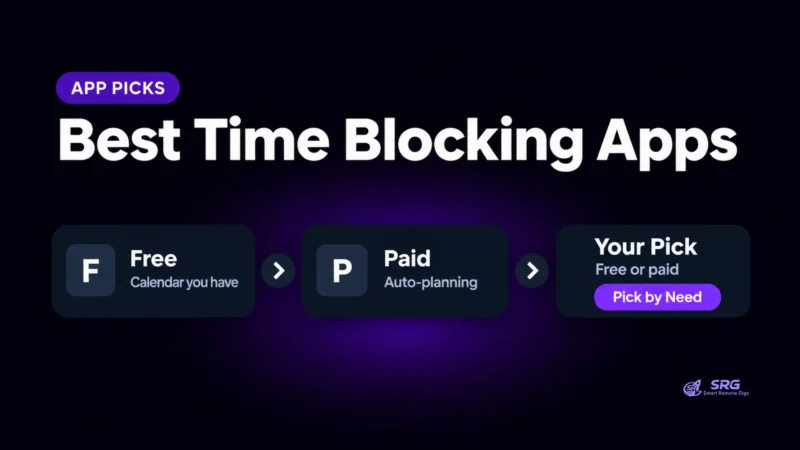
Before you pick the best time blocking app, try the calendar you already have, and pay only if you want tasks or plans placed on it for you. Yearly billing costs less than twelve monthly payments in every row where both are shown, by about 17 to 65 percent in our calculation. Plans, trials and prices change, so confirm the total at checkout.
Time blocking apps compared
This table shows which apps have a free plan, what they charge and which calendars they connect to.
| App | Free plan | Price | Calendar sync | Best for |
|---|---|---|---|---|
| Google Calendar | iPhone and iPad app listed Free with in-app purchases on the US App Store; web calendar price: Not listed on its page | Not listed on its page | It is the calendar itself | Starting free with the calendar you already use |
| Todoist | Beginner plan | Pro $7 per month billed monthly, or $5 per month ($60 billed yearly), one account | Google or Outlook calendar integration on all plans; 1 connected calendar on Beginner, 3 on Pro | A task list beside a calendar (calendar layout and task duration need Pro) |
| Morgen | No free plan; 14-day trial, no card | Morgen Pro $30 per month billed monthly, or $15 per month billed yearly | Google, Outlook and Microsoft 365, Exchange, iCloud, Fastmail, other CalDAV calendars | Plans you approve, placed as time blocks |
| Akiflow | No free plan; 7-day trial, card required | Pro $34 per month billed monthly, or $19 per month billed yearly ($228 once a year); its yearly card says Save 44% | Google, Outlook, iCloud | Drag-and-drop blocks locked to your calendar |
| Motion | No free plan on its pricing page; a free trial, length Not listed on its page | Individuals tab: Pro AI $49 per month paid monthly, or $29 per month paid annually; Business AI $69 or $39 | Google, Outlook, iCloud | Auto-scheduling that re-plans your day |
| Reclaim.ai | Lite, free forever (1 week scheduling range, 1 Calendar Sync, 2 connected calendars) | Starter $12 per seat per month billed monthly, or $10 per seat per month billed annually | Google and Outlook Calendar support (check icon on all four plans) | Free focus-time protection |
| Align | Free to download on iPhone, with unlimited time blocks, calendar sync, recurring blocks | Align Plus on its App Store listing: $5.99 monthly, $24.99 yearly, $79.99 lifetime | iCloud, Google and Exchange calendars set up on your device | iPhone users who want a simple planner |
“Not listed on its page” means the vendor does not state it, not that the feature is absent.
Tax treatment differs by vendor, so the price columns are not like for like. Reclaim’s pricing file says prices exclude tax, and Todoist’s Business card adds local tax. Morgen’s own pages disagree, so check its checkout, and the other vendors state nothing.
Align has no pricing page, so its prices come from its App Store listing, the store page the vendor links to.
What paying yearly saves
Todoist Pro costs 12 times $7, or $84, on monthly billing and $60 on yearly billing, which is $24 less if you stay the full year. The table runs the same sum for every app that shows both prices.
| App and plan | 12 monthly payments | Yearly price | You pay less (our calculation) |
|---|---|---|---|
| Todoist Pro | $84 | $60 | $24 (28.6%) |
| Morgen Pro | $360 | $180 | $180 (50.0%) |
| Akiflow Pro | $408 | $228 | $180 (44.1%) |
| Motion Pro AI (Individuals) | $588 | $348 | $240 (40.8%) |
| Reclaim Starter, per seat | $144 | $120 | $24 (16.7%) |
| Align Plus | $71.88 | $24.99 | $46.89 (65.2%) |
Motion, Morgen and Reclaim print only a per-month figure for yearly billing, so their yearly totals are 12 times that figure. Business and Teams plans are left out of this table.
Akiflow’s yearly card says save 44%, which matches our figure. An undated FAQ on the same page says 40%, so confirm the checkout total, and note that the yearly card carries a promo label.
Motion’s toggle says Save 33%, but its printed prices give 40.8%. The page prints no yearly total, so confirm the total at checkout. Reclaim’s pages quote 20% and 29%, while its printed prices give 16.7%, so the table uses the prices.
Pick the best time blocking app for you
Choose by the job you want done for you. Each rule uses the vendor’s own lines, and none ranks one app above another.
- Google Calendar. Pick it if you want a simple, free start with a calendar you may already have. Skip it if you want focus time, because Google lists eligible work or school accounts.
- Todoist. Pick it if you want a task list beside a calendar, since the Beginner plan is free and the integration is on all plans. Skip it if you want its time-block steps on the free plan, because calendar layout and task duration are not on Beginner.
- Morgen. Pick it if you want a plan placed as time blocks that you approve. Skip it if you want a free plan, because it lists a trial only.
- Akiflow. Pick it if you want drag-and-drop blocks locked to your calendar. Skip it if you want a free plan, because it lists a trial only.
- Motion. Pick it if you want auto-scheduling and re-planning. Skip it if you want a free plan or a refund, because it lists a trial, and its help page says purchases are non-refundable and may be refunded at its discretion.
- Reclaim.ai. Pick it if you want a free plan that defends focus time. Skip it if you need more than 1 week of scheduling range or more than 1 Calendar Sync on Lite.
- Align. Pick it if you use only iPhone or iPad and want a simple, free time blocking app. Skip it if you want overlap avoidance or block locking without paying, since those are Plus only, or if you use Android, Windows or Mac.
The apps, one by one
Todoist
Todoist’s time blocking help page says to start by adding a date, time and duration to your task. When you drag an all-day task to your schedule, it says Todoist adds the date, time and a 30-minute duration for you.
Check before paying: Todoist says yearly plans can be refunded within 30 days of purchase or renewal. Its pages state no refund line for monthly plans. You can cancel any time and keep paid features until the period ends.
Morgen
Morgen says its Planner turns your to-do list into time blocks on the calendar you already use. Its page adds that suggested plans are only scheduled with your approval.
Check before paying: Morgen says the trial needs no card and nothing is charged unless you subscribe. Its refund page offers the full amount, not pro-rated, within 30 days of signing up.
Its terms say cancellation takes effect immediately and is not pro-rated. For tax, check the total at checkout.
Akiflow
Akiflow’s calendar page promises drag-and-drop time blocks for tasks, meetings and deep work. Its help page says locking a task creates an editable event on a connected Google, Outlook or iCloud calendar, and the lock is off by default.
Check before paying: Akiflow’s terms say purchases are non-refundable, and they list cooling-off periods that differ by region. After you cancel, access runs to the end of the billing cycle. Akiflow says the checkout price for your location applies.
On November 25, 2026 the page also showed a Black Friday code banner, which is a temporary offer and not a regular price.
Motion
Motion says it automatically re-plans your day when something comes up and keeps your highest-priority work on your calendar. Its help page lists connect steps for Google, Outlook and iCloud calendars.
Check before paying: AI credits are priced in separate packs, and Motion doesn’t publish credit reset or rollover on its pricing page. It doesn’t publish the trial length either. Its help page also says cancelling does not automatically trigger a refund.
Reclaim.ai
Reclaim says you can set a weekly Focus Time goal and it defends time around your calendar events. On Lite, its pricing page lists 1 Calendar Sync, which is a different feature from the 2 connected calendars.
Starter and Business are priced per seat, and an individual can buy Starter. Its pricing page gives two different Calendar Sync counts for Starter, so check the Starter plan screen before buying.
Check before paying: the 30-day trial may charge you if you do not downgrade. Reclaim issues no refunds for annual plans bought more than 30 days ago. No 30-day refund is stated for monthly plans, and the refund policy page was not captured.
Align
Align says it turns tasks and calendar events into a visual schedule, and you can repeat a block daily, weekly, monthly or yearly. Plus adds overlap avoidance and block locking.
Check before paying: Align says the yearly Plus plan can include a one-week trial, and Apple decides eligibility. Apple bills and manages subscriptions, and Align can’t change or cancel one for you.
Align says prices vary by country. Its help pages state no refund line.
Pick by device: iPhone, Android and Windows
Looking for a time blocking app for iPhone, Android or Windows? This table shows the platforms each vendor lists.
| App | iPhone | Android | Windows | Mac and web |
|---|---|---|---|---|
| Google Calendar | iPhone and iPad app listed on the App Store | Not listed on its page | Not listed on its page | Not listed on its page |
| Todoist | iPhone and iPad | Android | Windows | Mac, Linux and web app |
| Morgen | iOS | Android | Windows | Mac, Linux and web |
| Akiflow | iPhone and iPad | Android | Installed desktop app | macOS desktop app and web |
| Motion | iOS | Android | Windows installer | macOS app; its download page says to use Motion on the web |
| Reclaim.ai | Not listed on its page | Not listed on its page | Not listed on its page | Not listed on its page |
| Align | iPhone and iPad | Not listed on its page | Not listed on its page | Mac: the vendor says it is not available; web: Not listed on its page |
To time block on iPhone with a calendar you already have, follow our guide on how to time block your day.
Use the calendar you already have
If you search for the best free time blocking app, the answer may already be on your phone: a calendar. In Google Calendar you place a block by clicking an empty time slot.
Google says repeating events have a limit of 730 occurrences. Editing one occurrence leaves the other events unchanged.
Warning: Focus time needs an eligible work or school account. Google’s focus time page lists Workspace Business Standard and Plus among other editions, and it does not say whether personal accounts qualify.
Google’s iPhone and iPad app is listed free with in-app purchases, and the one purchase named is a storage tier. Google’s help pages state no price for the web calendar.
Depth and steps live in our step-by-step guide to time blocking in Google Calendar.
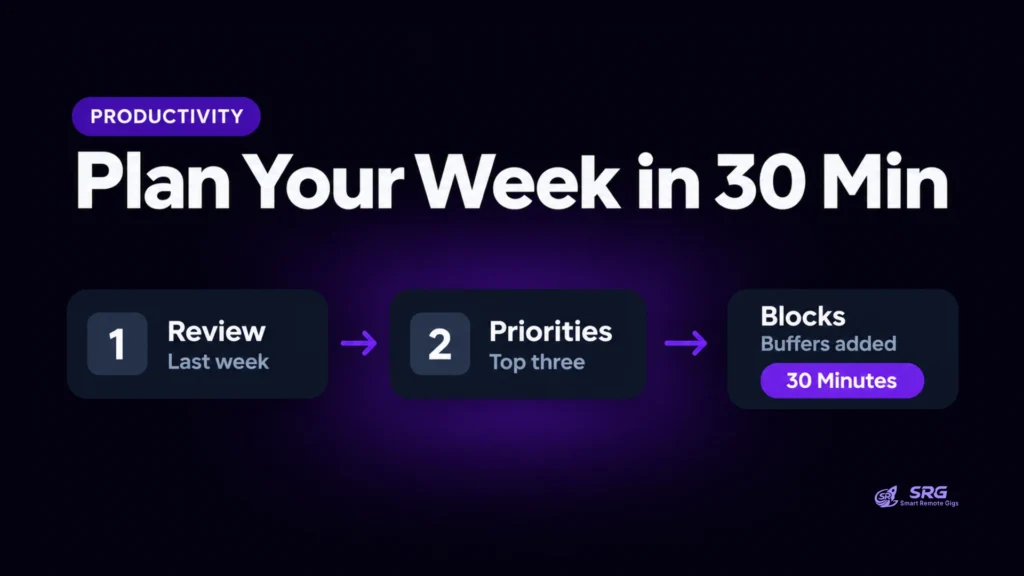
Bottom Line: Start with the calendar you have, and pay only if you want an app to place or protect blocks for you. To plan the week around those blocks, read plan your week in 30 minutes.
Based on official sources, checked November 25, 2026. We read each vendor’s public pricing and help pages, plus two pricing pages (Motion and Reclaim) in a browser. We did not test any of these apps, so every feature line is the vendor’s claim.
What we didn’t check: Sunsama’s site did not load from our checks on November 25, 2026, so it has no price or plan here. We left out prices for other countries and for Teams and enterprise plans. The pages we checked state no model-training or data-use rules, and we used no competitor lists or user reviews.

Never Miss a New Remote Job
Remote job alertsGet notified about new remote jobs and access practical freelance tools from your phone.