Quick Reference: The 5-Ingredient Prompt Formula
Perfect Prompt = Subject + Style + Setting + Lighting + Composition
Ingredient | What It Does | Example |
|---|---|---|
Subject | Main focus of your image | “confident CEO in her 30s” |
Style | Artistic approach | “portrait photography” |
Setting | Location/environment | “modern glass office” |
Lighting | Mood and quality | “natural window lighting” |
Composition | Camera angle/framing | “shot with 85mm lens, shallow depth of field” |
Complete Example: “confident CEO in her 30s, portrait photography, modern glass office, natural window lighting, shot with 85mm lens, shallow depth of field”
Breaking Through the Blank Canvas Syndrome
Staring at a blank prompt box is the fastest way to kill a creative spark. You open your generator, your mind goes blank, and you type something generic like “a beautiful landscape.” You’re stuck in what I call Blank Canvas Syndrome—that moment when infinite possibilities become overwhelming. Professional AI artists avoid this by using effective AI art prompts to bridge the gap between a vague idea and a masterpiece.
You don’t need to invent everything from scratch. This guide provides 50+ professionally-crafted prompts and the exact anatomy of a professional prompt so you can take direct control over your workflow. Whether you’re looking for the right canvas among the 12 best free AI image generators or mastering the foundational skill of how to write effective AI prompts, this playbook is your new springboard.
50+ AI Prompt Examples You Can Use Now
Here are professionally-crafted prompts organized by category. Each example demonstrates proven techniques working together to create specific, high-quality results.
1. Photorealistic Prompts
These prompts are designed to create images that look like professional photographs. Mastering them is a key skill; for a deeper dive, our guide on mastering photorealistic lighting and camera settings will take you to the next level.
Portrait Photography:
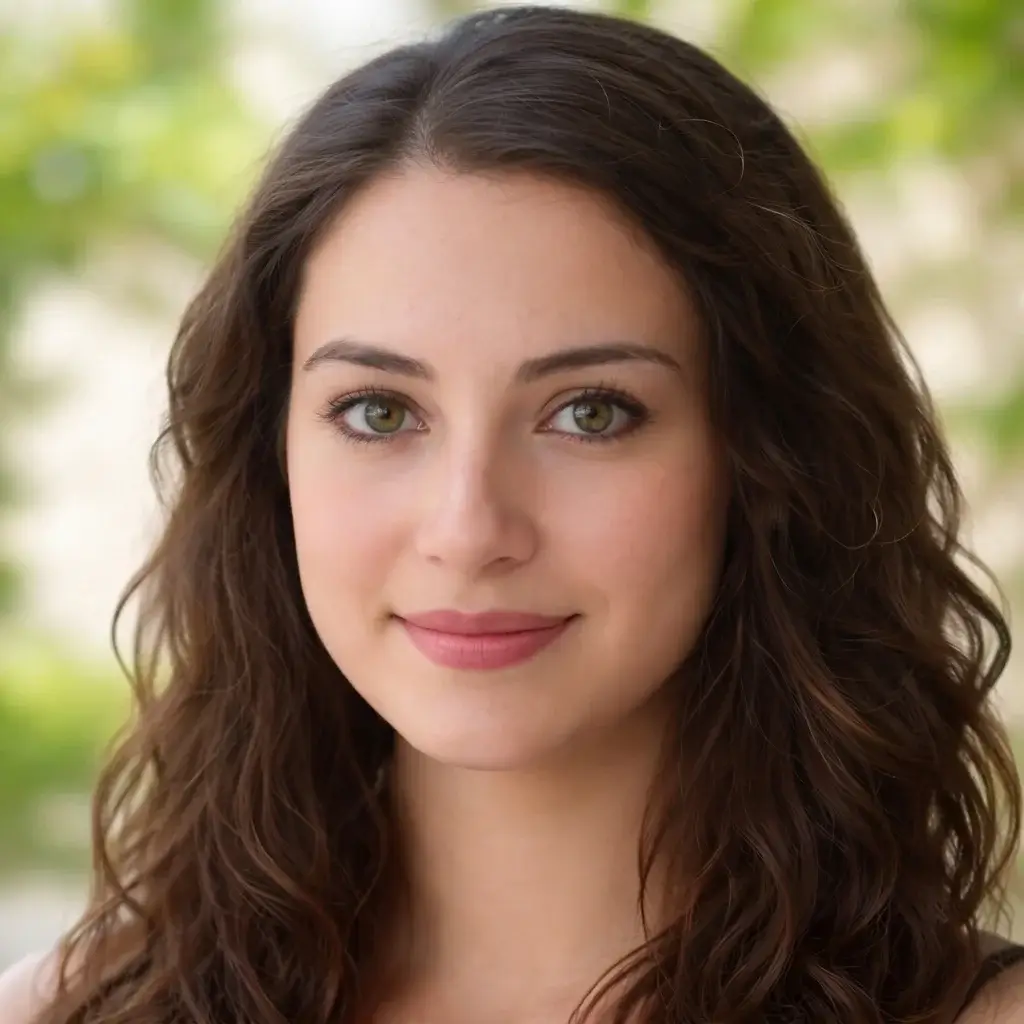
Example 1: “Professional headshot of a confident CEO in her 30s, wearing a charcoal gray blazer, sitting in a modern glass office, natural window lighting, shot with 85mm lens, shallow depth of field, high resolution”
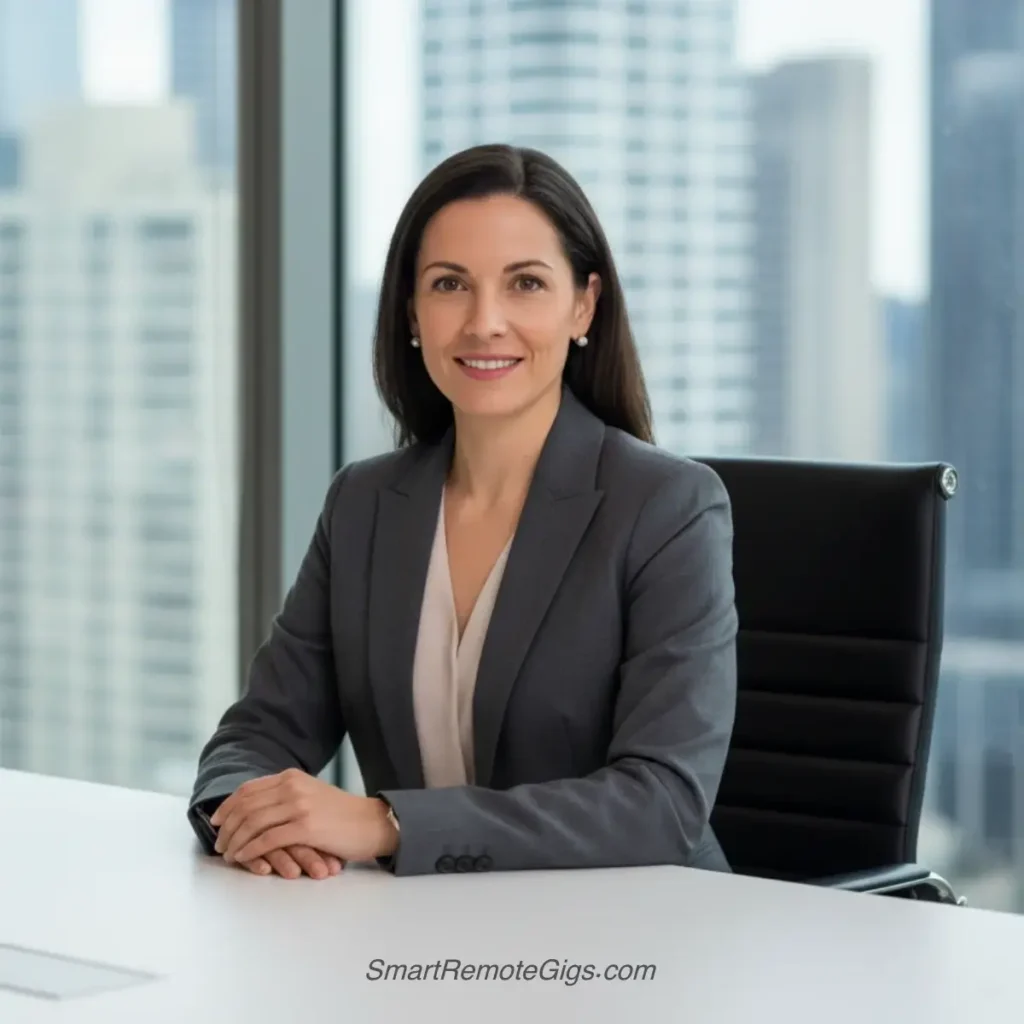
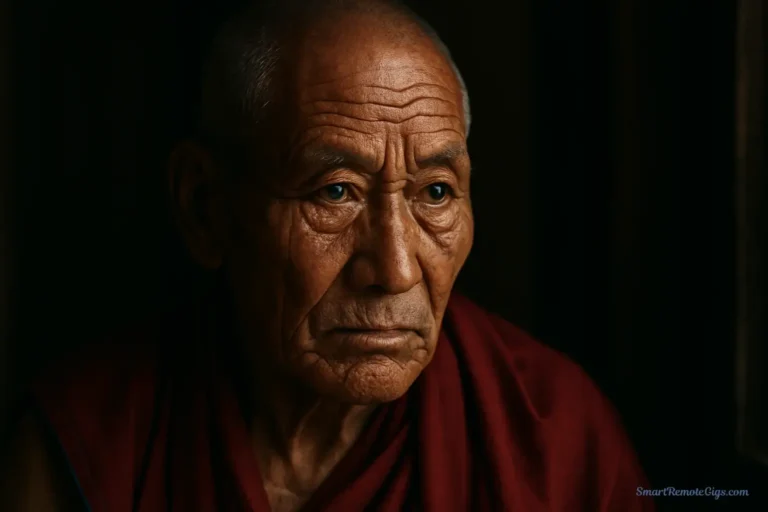
Example 2: “Elderly grandfather with kind eyes and weathered hands, wearing a wool sweater, sitting on a wooden porch, golden hour lighting, environmental portrait, warm and nostalgic mood”
Example 3: “Young athlete in training gear, intense focused expression, dramatic gym lighting with shadows, close-up portrait, high contrast black and white photography”
Lifestyle Photography:
Example 4: “Busy coffee shop scene, barista crafting latte art, steam rising from espresso machine, warm ambient lighting, candid street photography style, shallow focus on foreground”
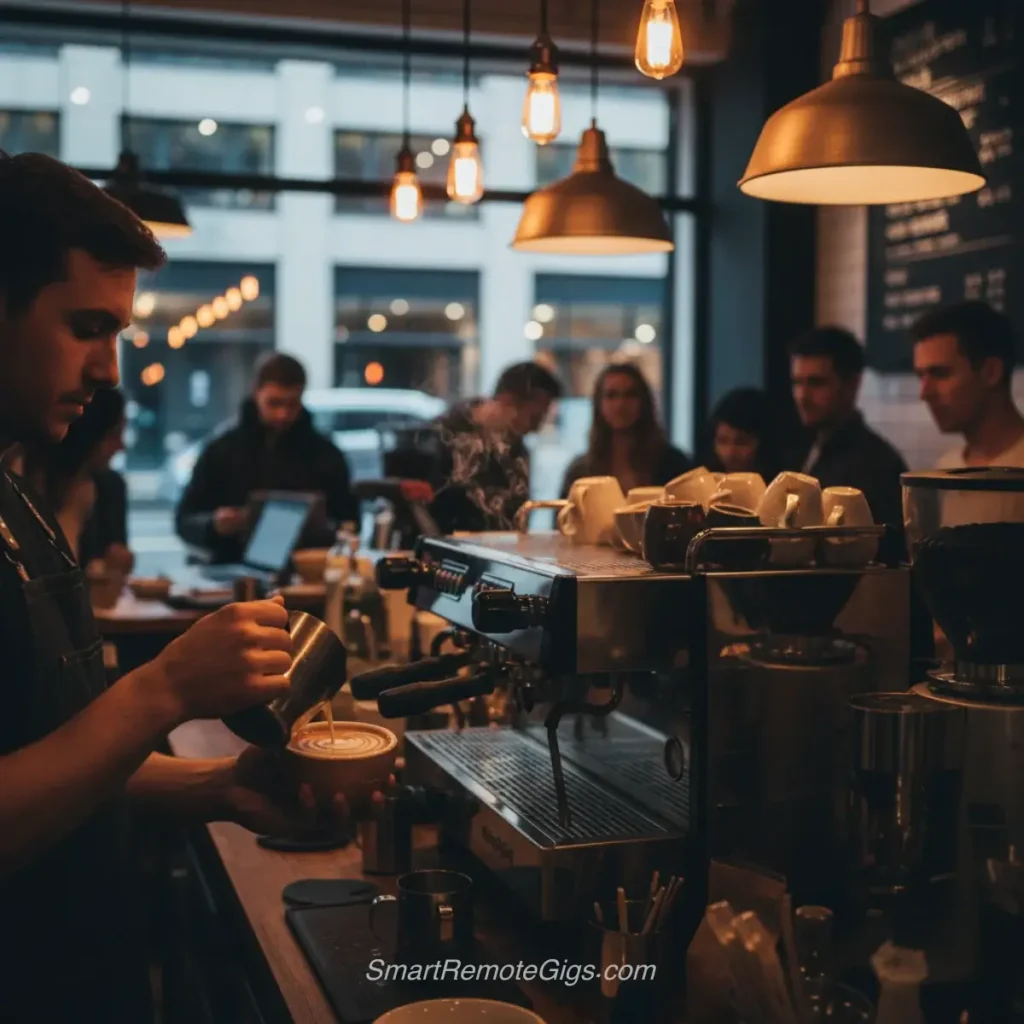
Example 5: “Family picnic in Central Park, parents and children laughing on checkered blanket, dappled sunlight through trees, natural documentary photography, medium shot”
Example 6: “Chef preparing fresh pasta in rustic Italian kitchen, flour dust in the air, warm golden lighting, food photography, macro details on hands kneading dough”
Product Photography:
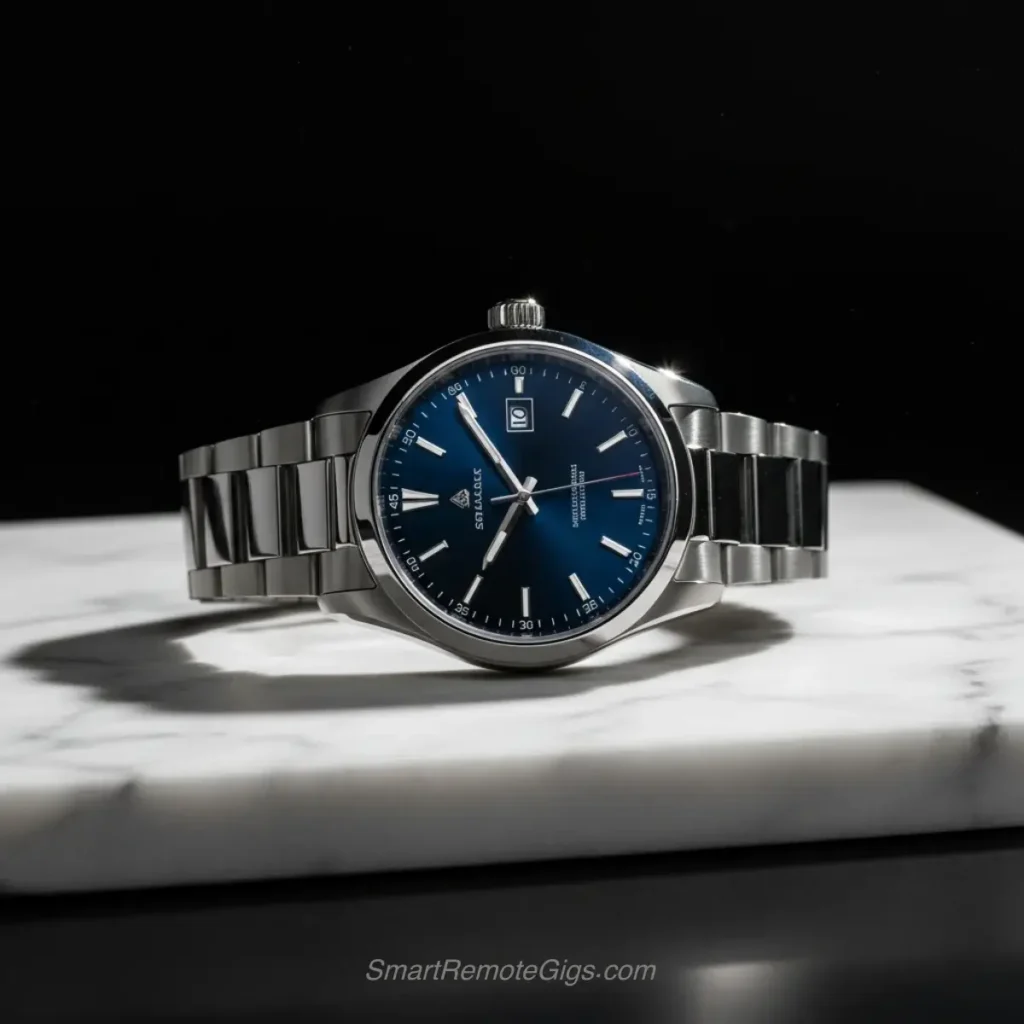
Example 7: “Luxury watch on marble surface, dramatic side lighting, jewelry photography, crystal clear details, professional studio setup, black background”
Example 8: “Fresh organic vegetables arranged on wooden cutting board, natural lighting from window, food styling photography, vibrant colors, overhead shot”
Architecture Photography:
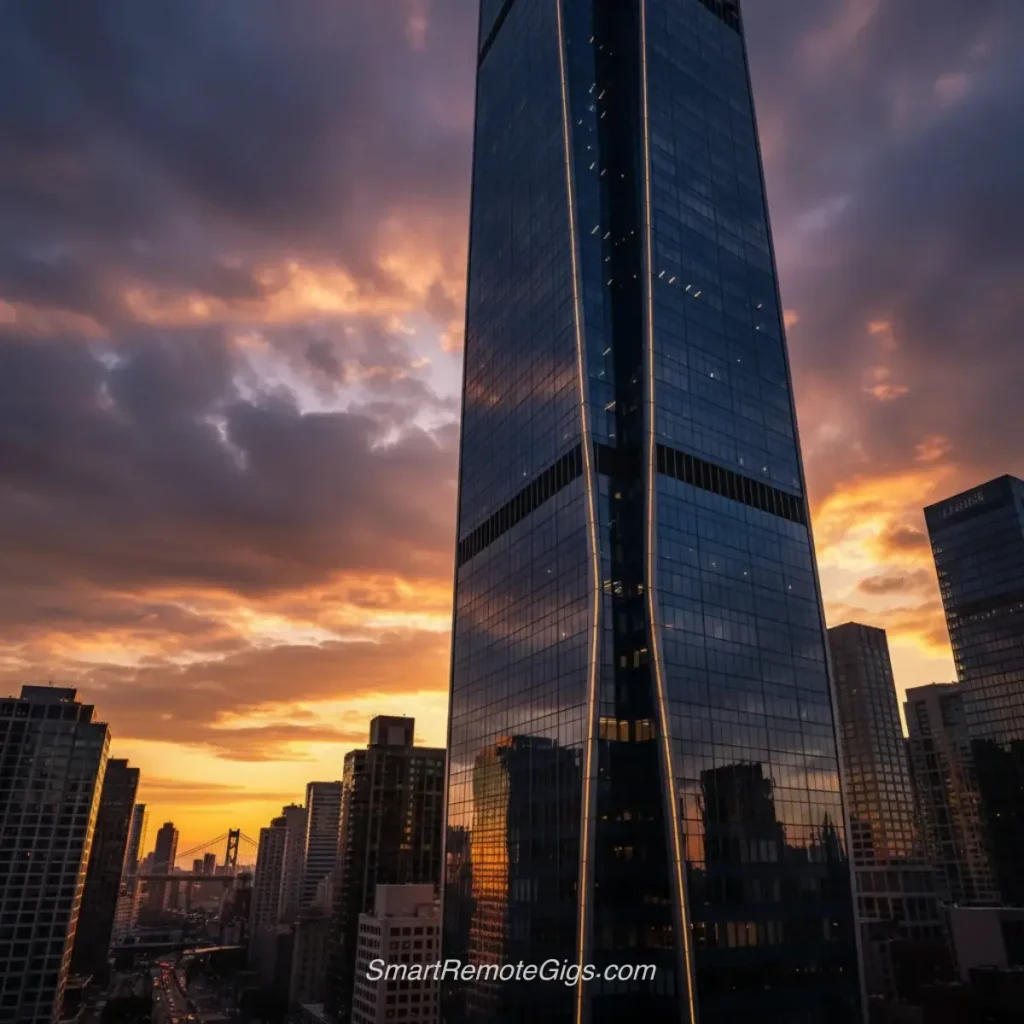
Example 9: “Modern glass skyscraper reflecting sunset clouds, urban landscape, architectural photography, dramatic golden hour lighting, low angle perspective”
Example 10: “Cozy cabin interior with stone fireplace, warm lamplight, rustic wooden beams, interior design photography, inviting atmosphere”
Pro Tip: Mix and Match Photorealistic Styles
Don’t limit yourself to one photography style. The most creative results come from combining elements:
Formula: [Portrait Subject] + [Product Lighting] + [Lifestyle Setting]
Example Mix: “Professional portrait of software developer, dramatic side lighting like jewelry photography, working in cozy coffee shop setting, 85mm lens, natural window light mixed with warm ambient glow”
Why this works: You’re borrowing the best elements from different photography genres. The portrait gets the flattering compression of an 85mm lens, the dramatic contrast of product photography lighting, and the authentic feel of lifestyle documentary work.
Try this: Pick any subject from Examples 1-3, combine it with lighting from Examples 7-8, and place it in a setting from Examples 4-6.
Nature Photography:
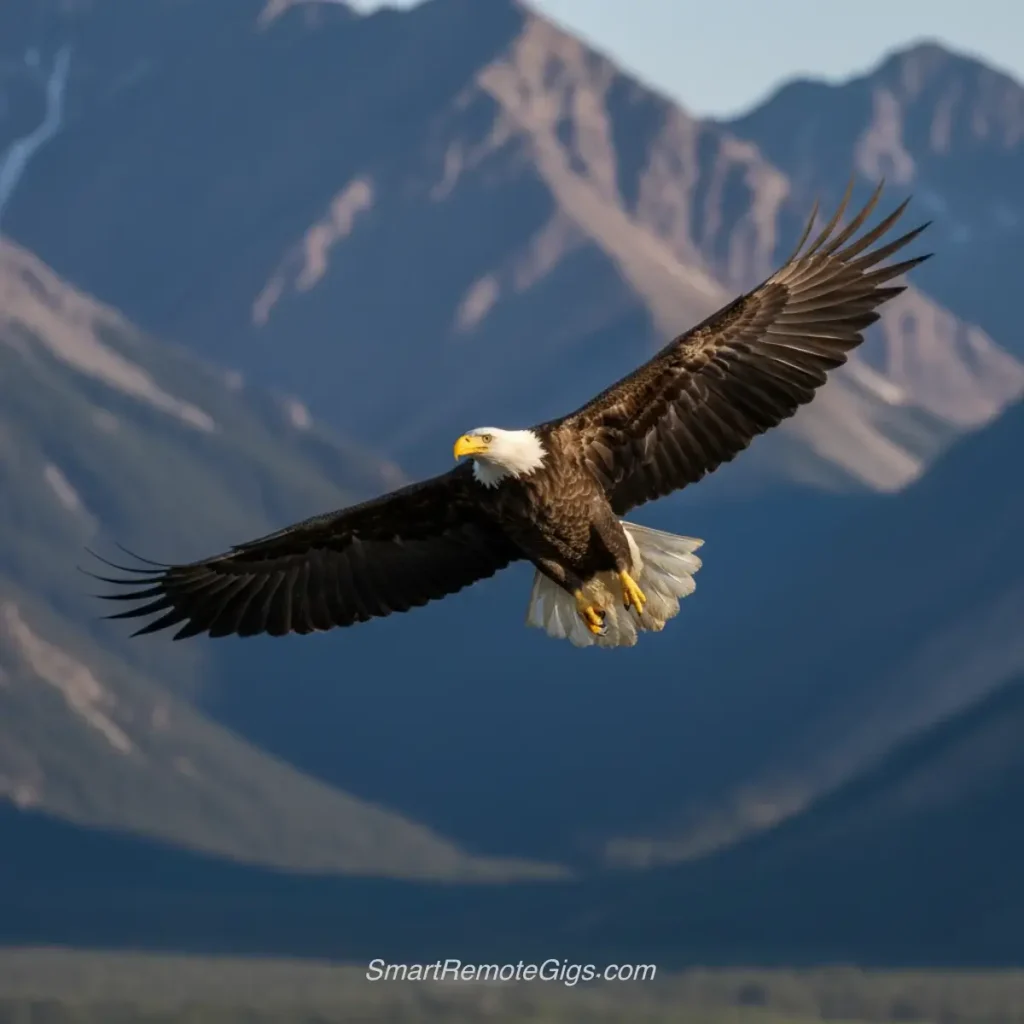
Example 11: “Majestic bald eagle in flight, wings spread wide, mountain backdrop, wildlife photography, sharp focus, natural lighting, telephoto lens compression”
Example 12: “Misty forest path at dawn, sun rays filtering through tall pine trees, landscape photography, ethereal mood, deep focus, cool color palette”
2. Fantasy & Sci-Fi Prompts
Perfect for creating otherworldly scenes and imaginative characters with fantastical elements.
Fantasy Characters:
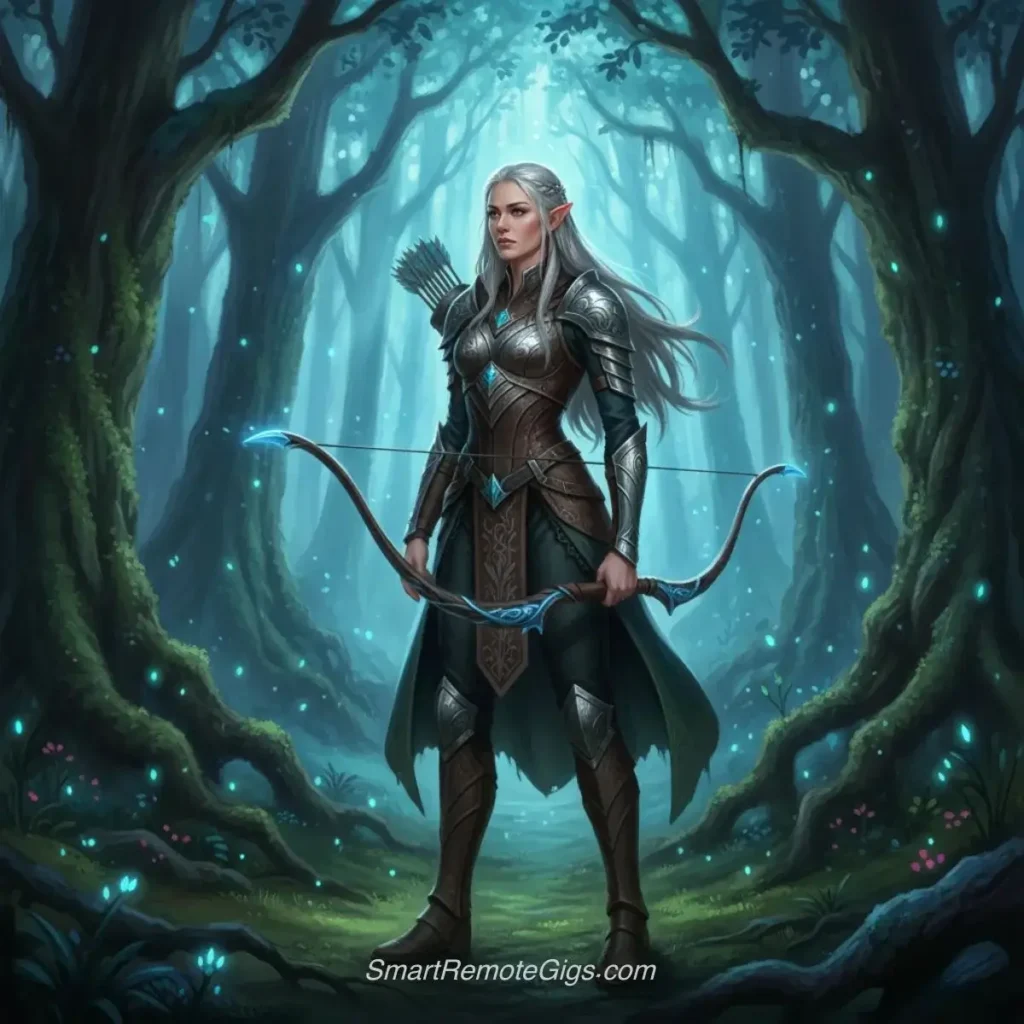
Example 13: “Elegant elven archer with silver hair, intricate leather armor, standing in enchanted forest, magical blue light filtering through ancient trees, fantasy art style”
Example 14: “Powerful dragon perched on mountain peak, scales shimmering in moonlight, medieval castle in valley below, epic fantasy painting style, dramatic composition”
Example 15: “Wise wizard with flowing robes and glowing staff, ancient library filled with floating books, magical particles in the air, fantasy illustration”
Sci-Fi Scenes:
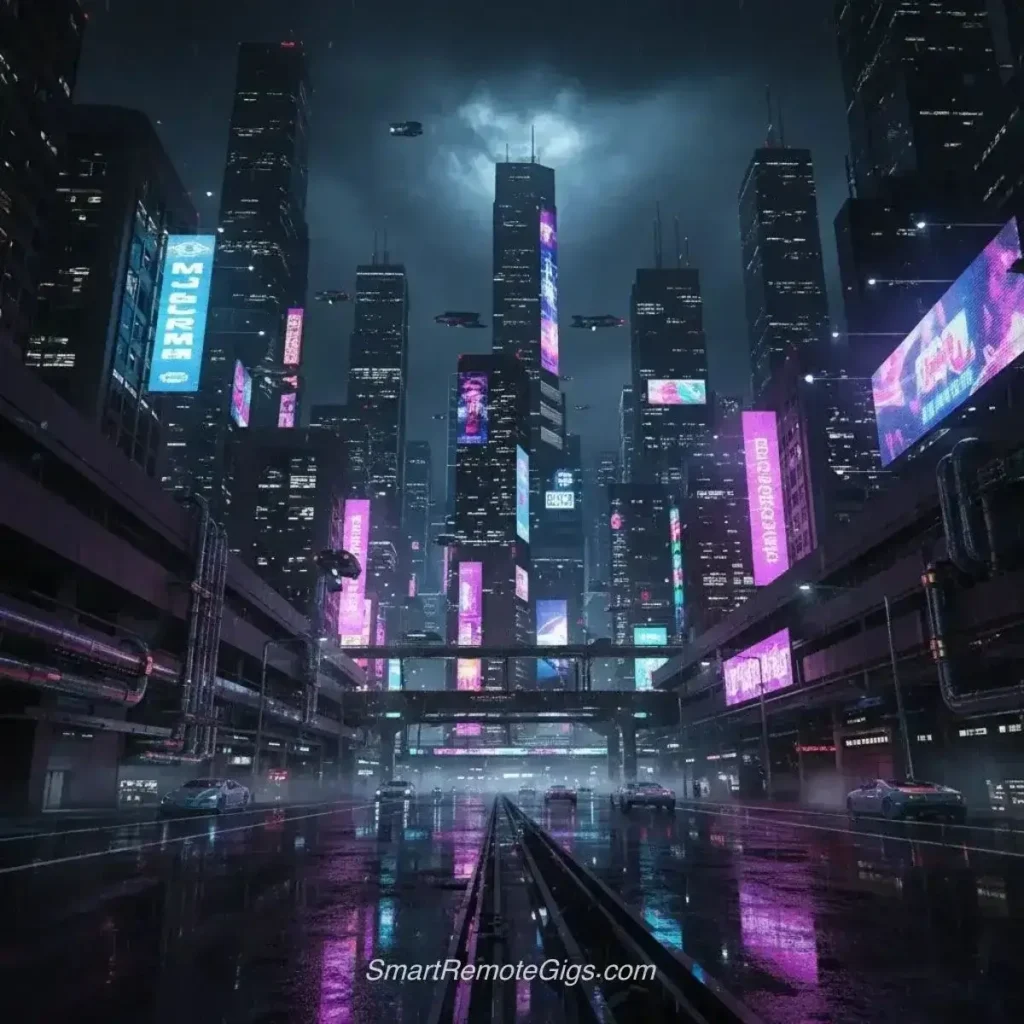
Example 16: “Futuristic city skyline with flying cars, neon lights reflecting on rain-soaked streets, cyberpunk aesthetic, night scene, purple and blue color scheme”
Example 17: “Space explorer in advanced suit walking on alien planet surface, twin moons in sky, bioluminescent plants, science fiction concept art”
Example 18: “Sleek spaceship interior, holographic control panels, astronaut in zero gravity, soft blue LED lighting, science fiction movie still”
Mythological Beings:
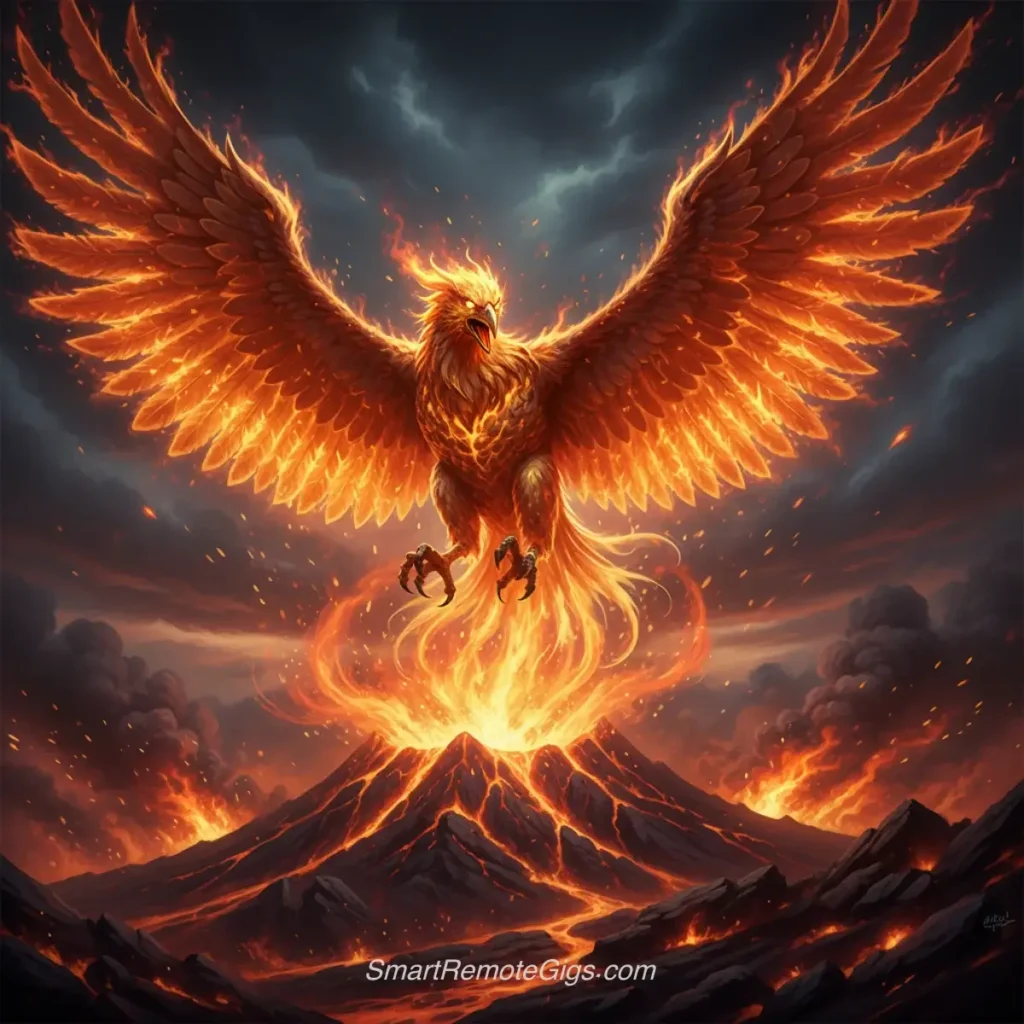
Example 19: “Phoenix rising from flames, magnificent fire wings spread wide, volcanic landscape background, mythological creature, dramatic lighting”
Example 20: “Mermaid sitting on rocky shore, long flowing hair, scales catching moonlight, ocean waves, fantasy photography style”
Pro Tip: Blending Fantasy with Photorealism
The most striking fantasy images aren’t purely fantastical—they ground impossible elements in realistic details.
Formula: [Fantasy Subject] + [Photorealistic Lighting] + [Real-world Texture Details]
Example Mix: “Elegant elven archer (from Example 13) shot with 85mm portrait lens, golden hour lighting, detailed skin texture showing pores and natural imperfections, intricate leather armor with realistic wear and patina, Unreal Engine 5 rendering quality”
Why this works: Your brain accepts the fantastical elements because everything else follows photographic reality. The lighting behaves correctly, materials have authentic textures, and the camera perspective feels like real photography.
Expert technique: Add terms from photorealistic prompt engineering like “ray tracing” and “physically-based rendering” to fantasy subjects for cinematic quality.
Magical Environments:
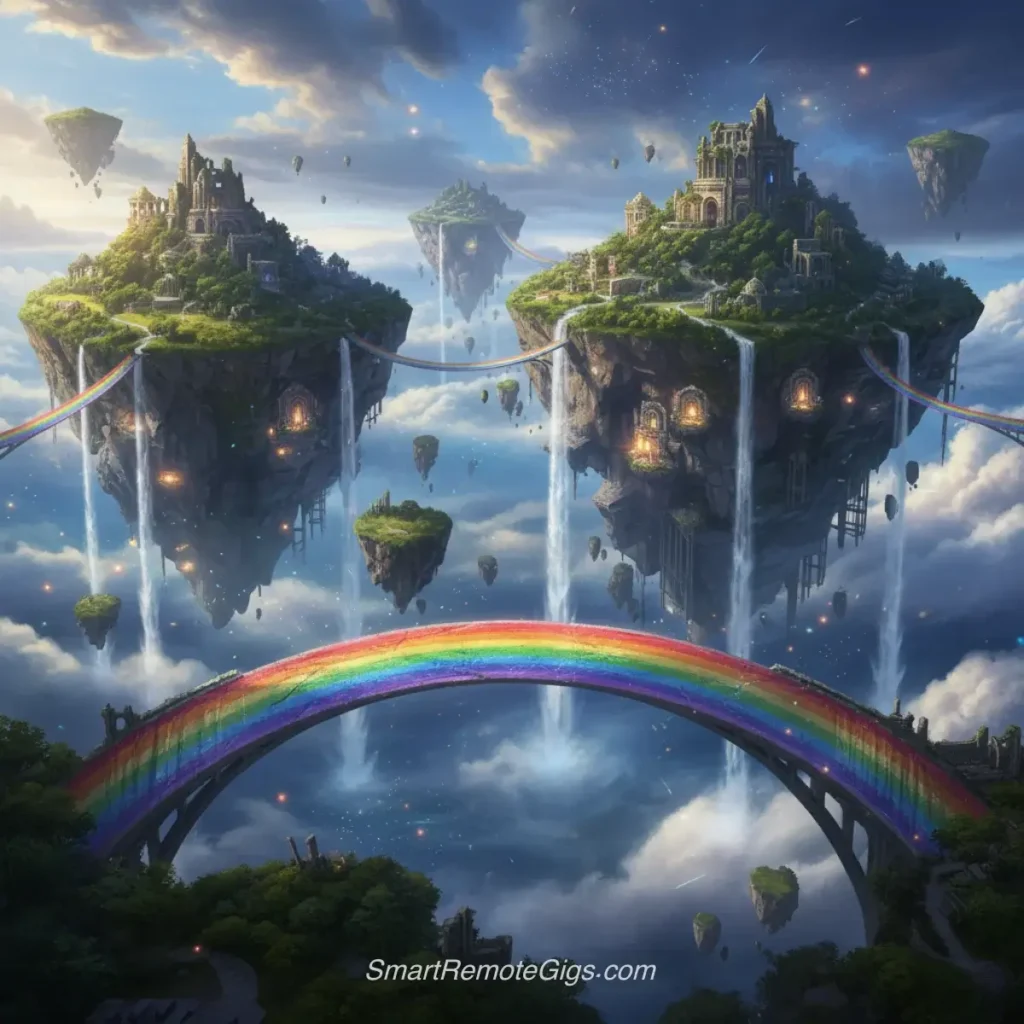
Example 21: “Floating islands connected by rainbow bridges, waterfalls cascading into clouds below, fantasy landscape, surreal colors, wide panoramic view”
Example 22: “Crystal cave with glowing gems, underground lake reflecting colored light, magical atmosphere, fantasy environment art”
Example 23: “Ancient temple ruins overgrown with glowing vines, mysterious fog, moonlight streaming through broken columns, fantasy archaeological site”
3. Anime & Cartoon Style Prompts
These prompts create stylized illustrations perfect for character design and animated-style artwork.
Anime Characters:
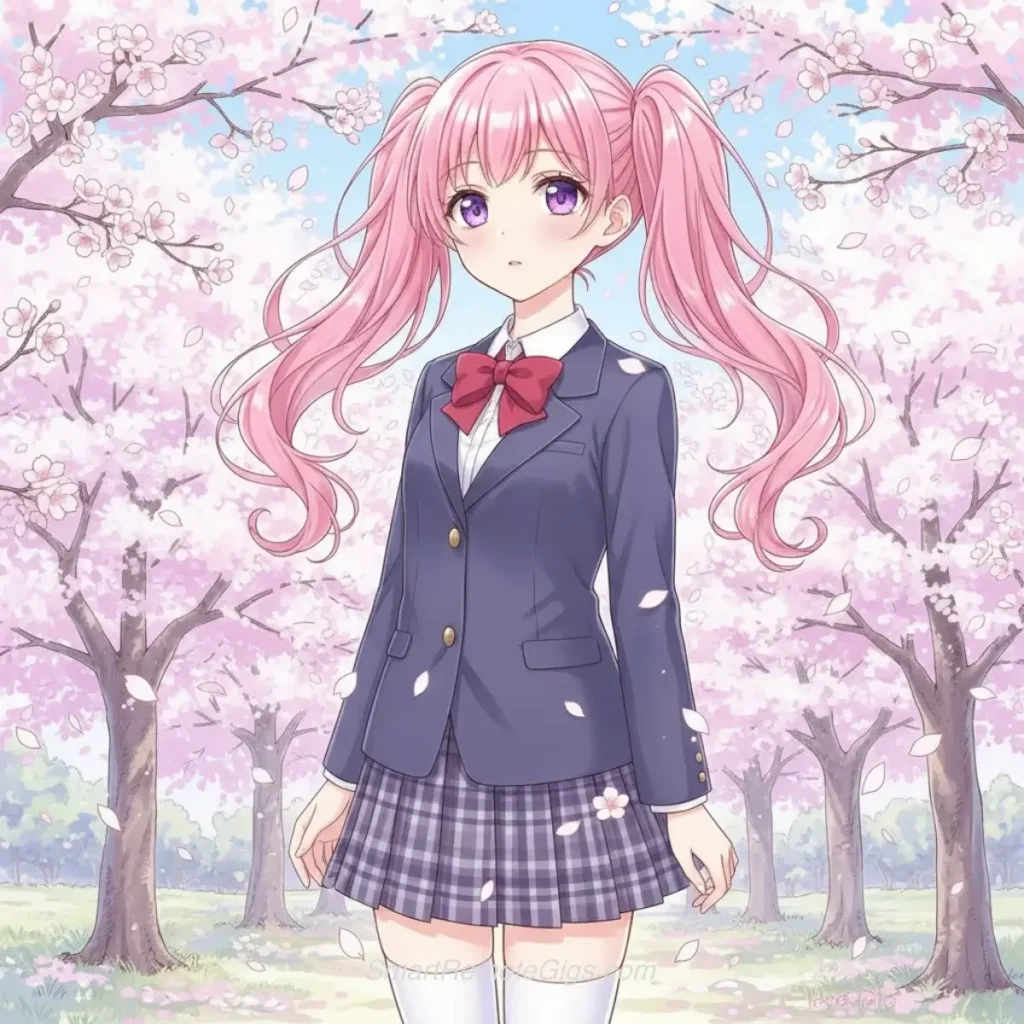
Example 24: “Anime girl with large violet eyes, pink hair in twin tails, school uniform, cherry blossoms falling, soft pastel colors, manga art style”
Example 25: “Anime warrior with spiky blue hair, carrying glowing sword, dynamic action pose, energy effects, shonen anime style”
Example 26: “Cute anime cat girl character, wearing maid outfit, big expressive eyes, chibi art style, pastel color palette”
Cartoon Animals:
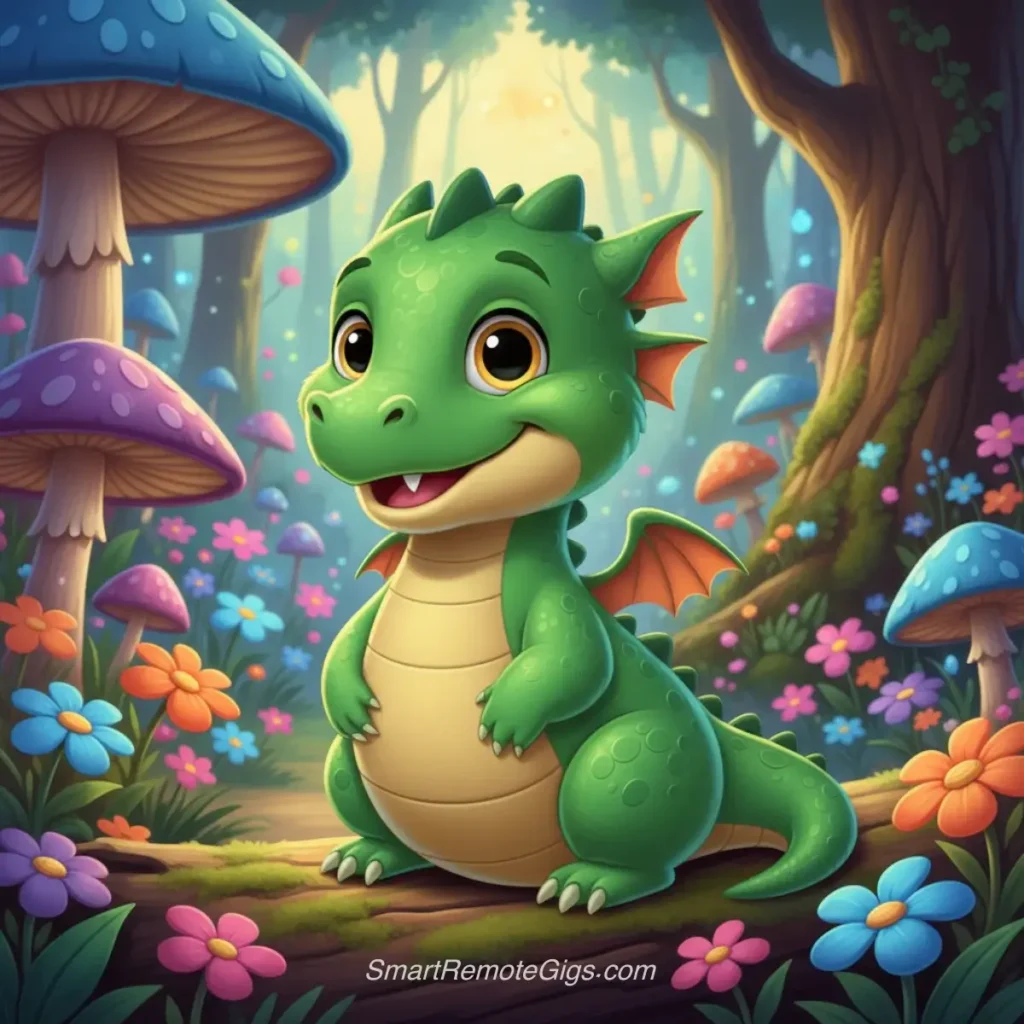
Example 27: “Friendly cartoon dragon, small and cute, bright green scales, big smile, Disney animation style, colorful forest background”
Example 28: “Wise old owl wearing tiny glasses, perched on stack of books, whimsical illustration style, warm library setting”
Stylized Portraits:
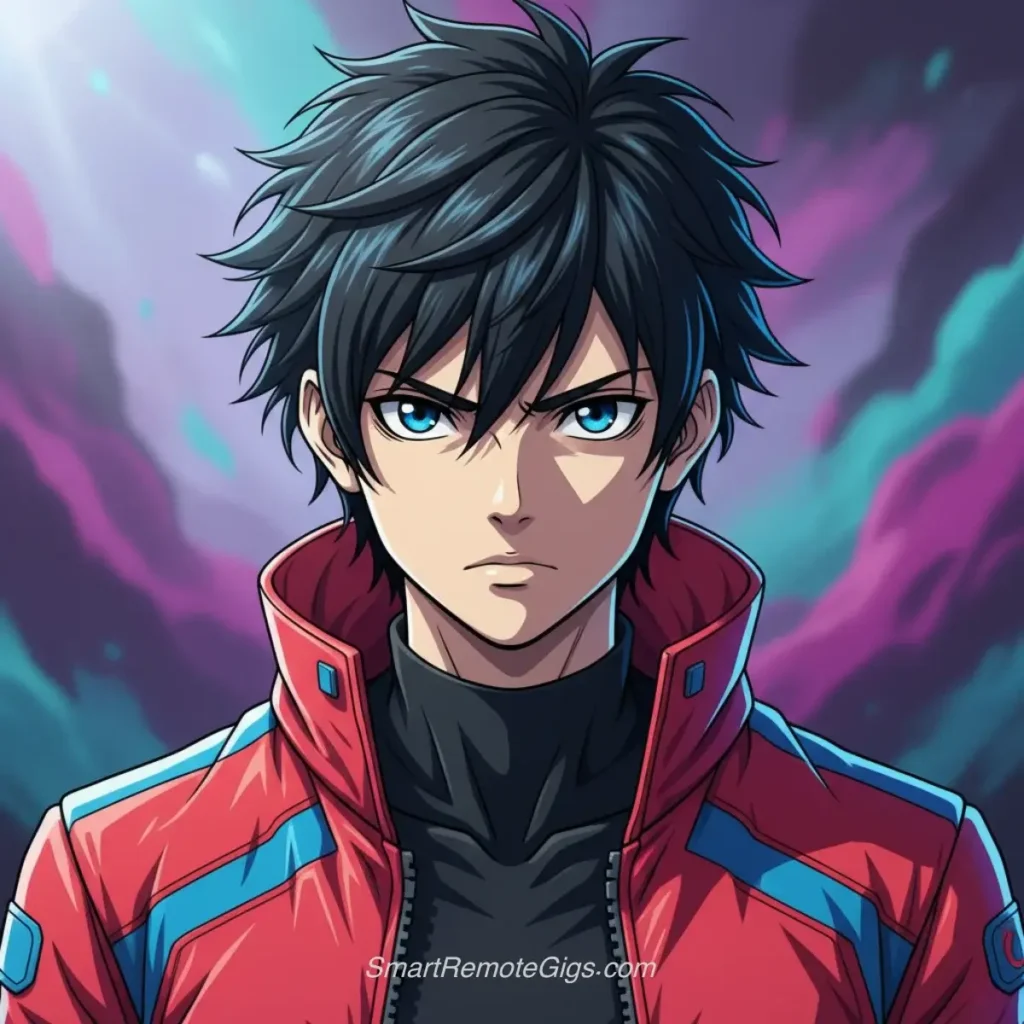
Example 29: “Portrait of young man in anime art style, determined expression, detailed hair shading, cell shading technique, vibrant colors”
Example 30: “Cartoon-style self-portrait, exaggerated features, bright cheerful colors, simple background, vector illustration style”
Pro Tip: Controlling Anime Style Intensity
Anime styles range from subtle to extreme. Control the intensity by adjusting specific keywords.
Mild Anime Influence: “Portrait with anime-inspired styling, realistic proportions, natural eye size, soft cell shading”
Moderate Anime: “Anime art style portrait, slightly enlarged eyes, detailed hair shading, manga influence”
Full Anime: “Pure anime style, large expressive eyes, exaggerated features, chibi proportions, kawaii aesthetic”
Pro technique: Reference specific anime studios for precise styles:
“Studio Ghibli style” = Hand-drawn, painterly, warm
“Makoto Shinkai style” = Photorealistic backgrounds with anime characters
“Trigger style” = Dynamic, bold, high-energy
According to Anime News Network’s style guide, these studio references help AI models understand exact aesthetic targets.
Fantasy Anime:
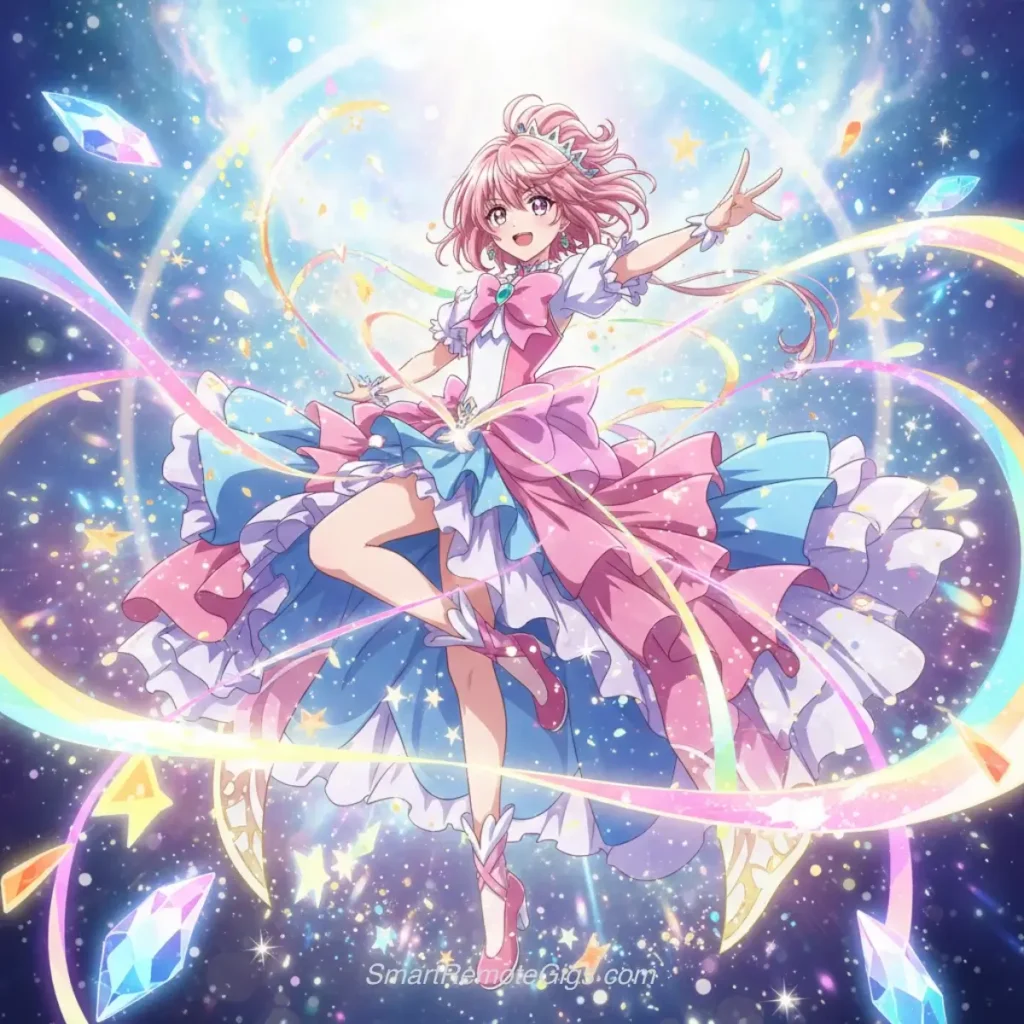
Example 31: “Magical girl transformation scene, sparkles and ribbons, flowing dress, anime art style, dramatic pose, magical effects”
Example 32: “Anime-style knight in shining armor, cape flowing in wind, medieval castle background, heroic pose, detailed armor design”
4. Abstract & Artistic Prompts
For creating non-representational art and experimental visual compositions.
Abstract Compositions:
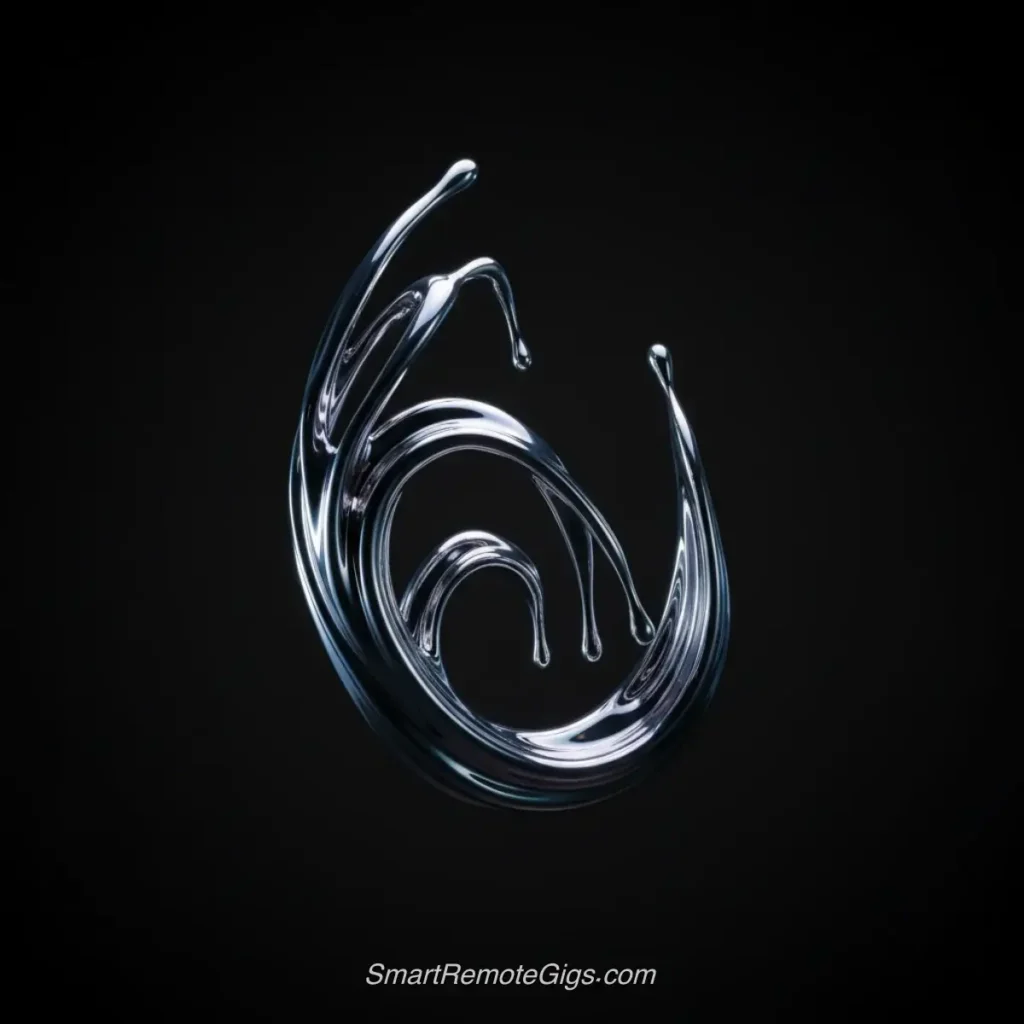
Example 33: “Flowing liquid metal forms, reflective surfaces, abstract sculpture, minimalist composition, cool color palette, studio lighting”
Example 34: “Geometric patterns in vibrant blues and oranges, kaleidoscope effect, symmetrical design, digital art style”
Example 35: “Paint splashes frozen in mid-air, colorful chaos, white background, high-speed photography style, abstract expressionism”
Surreal Art:
Example 36: “Floating clocks melting over tree branches, Salvador Dali inspired, dreamlike landscape, surrealist painting style”
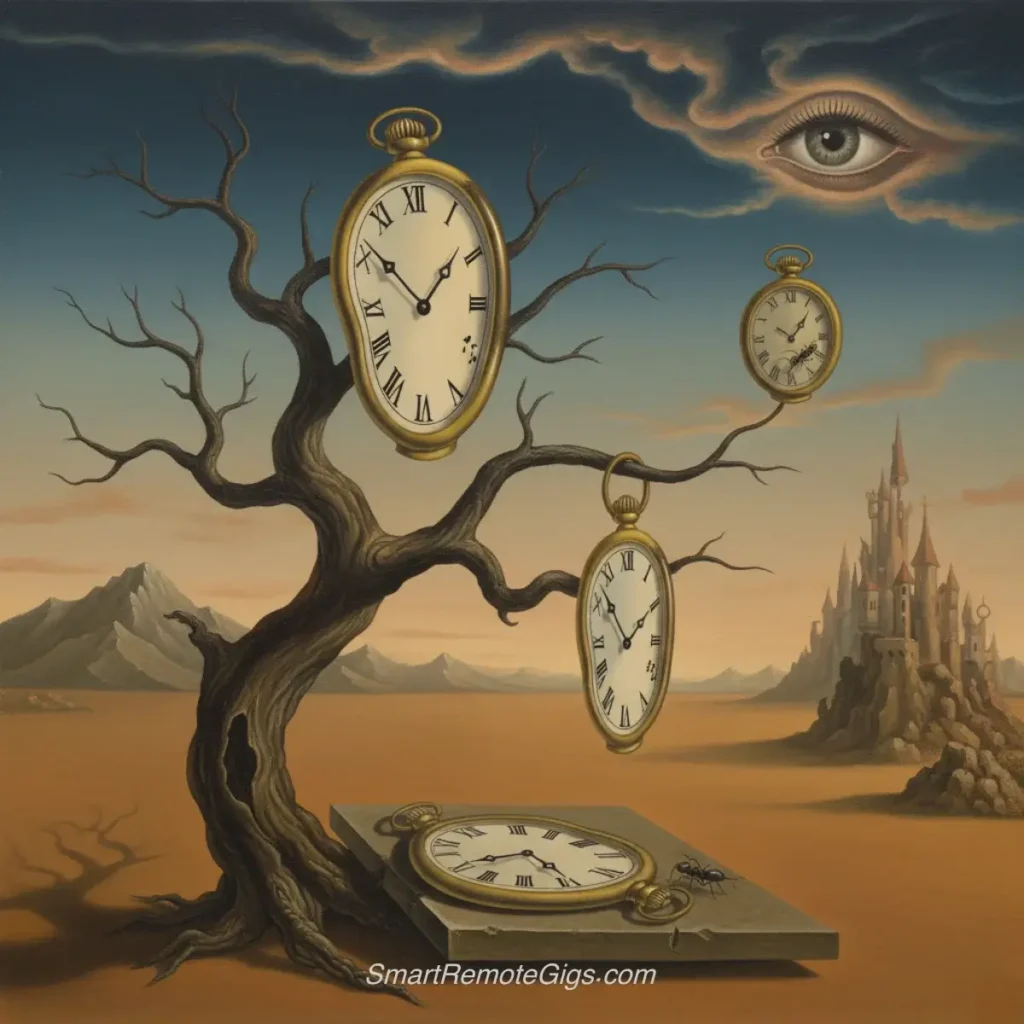
Example 37: “Giant eye in the sky watching over miniature city, surreal perspective, fantasy realism, dramatic clouds”
Minimalist Designs:
Example 38: “Single red rose on pristine white surface, minimal composition, soft lighting, fine art photography”
Example 39: “Lone figure silhouette against vast sunset sky, minimalist landscape, emotional mood, warm color gradient”
Experimental Art:
Example 40: “Light painting photography, colorful trails in darkness, long exposure effect, abstract light art”
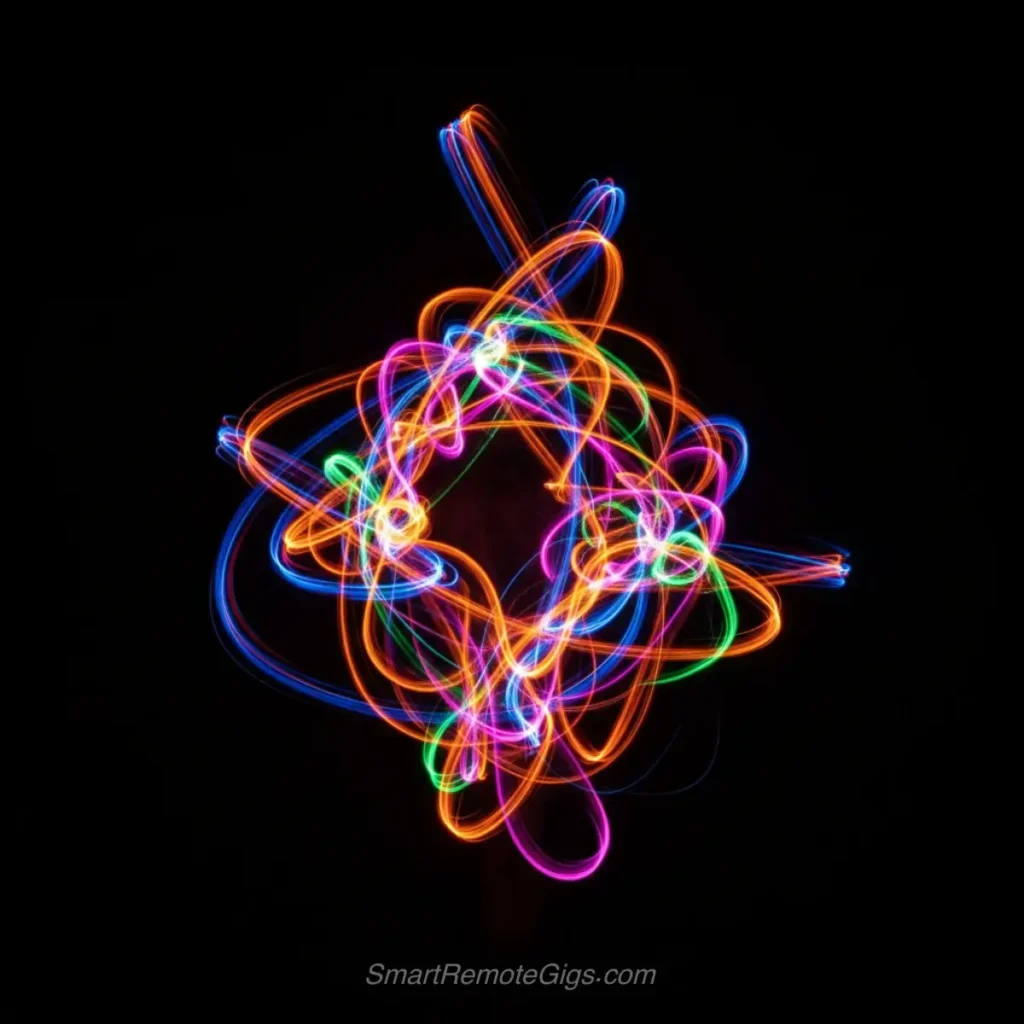
Example 41: “Double exposure portrait, person’s silhouette filled with forest scene, artistic photography, mystical mood”
Pro Tip: Reference Art Movements for Instant Style
Art movements carry entire aesthetic systems. Referencing them gives AI a comprehensive style template.
Major Art Movements to Use:
“Impressionist style” = Soft brushstrokes, light emphasis, Monet/Renoir feel
“Art Nouveau” = Organic lines, decorative patterns, Mucha-inspired
“Cubist” = Geometric fragmentation, Picasso influence
“Pop Art” = Bold colors, graphic style, Warhol/Lichtenstein aesthetic
“Baroque” = Dramatic lighting, rich detail, Caravaggio influence
Example transformation:
Basic: “Portrait of a woman”
With movement: “Portrait of a woman, Art Nouveau style, flowing organic lines, decorative floral patterns, Alphonse Mucha inspired”
Expert resource: The Museum of Modern Art’s collection database provides visual examples of each movement to understand the aesthetic before prompting.
5. Business & Commercial Prompts
Professional images perfect for marketing, websites, and business use.
Corporate Photography:
Example 42: “Professional team meeting in modern conference room, diverse group discussing around glass table, natural lighting from large windows, corporate photography”
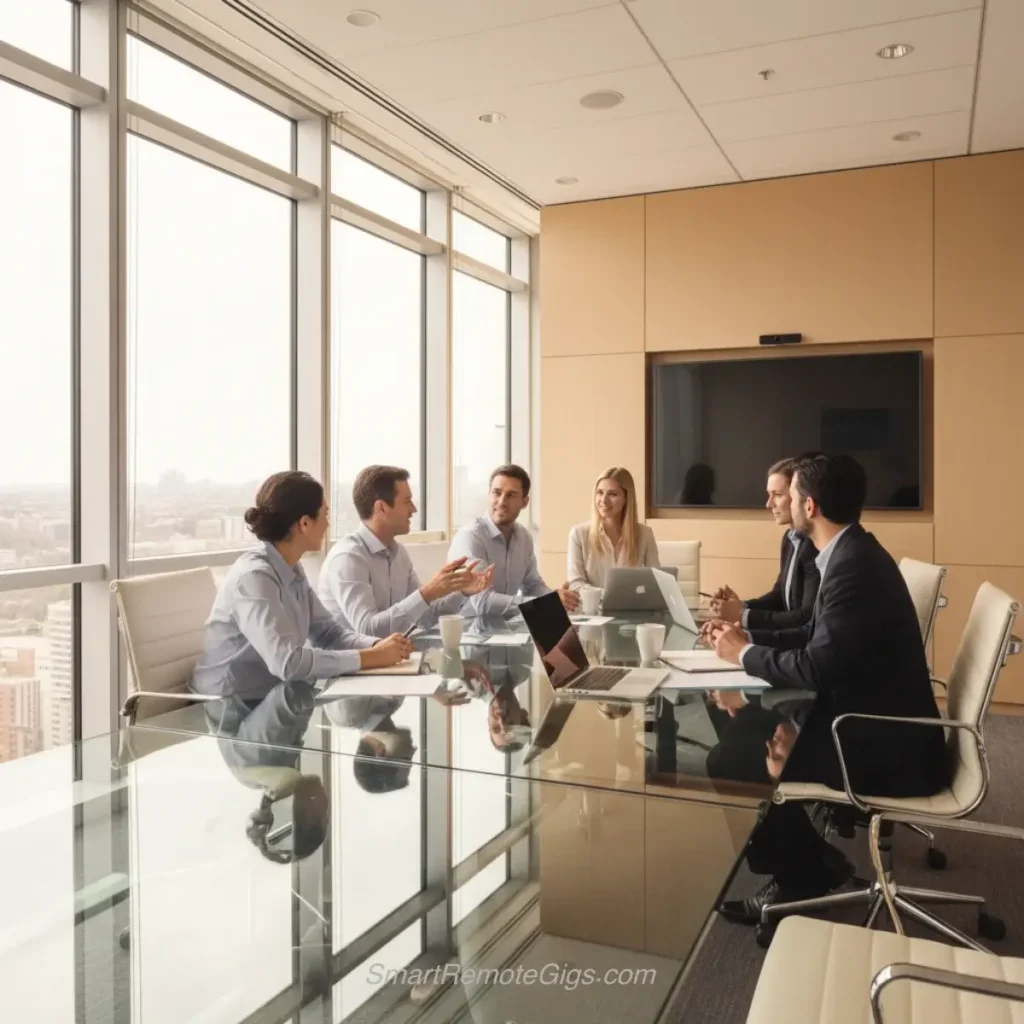
Example 43: “Entrepreneur working on laptop in stylish coworking space, focused expression, modern office environment, lifestyle business photography”
Example 44: “Handshake between business partners, close-up on hands, professional setting, success and partnership concept, commercial photography”
Product Marketing:
Example 45: “Luxury perfume bottle on elegant marble surface, soft studio lighting, premium product photography, minimalist composition”
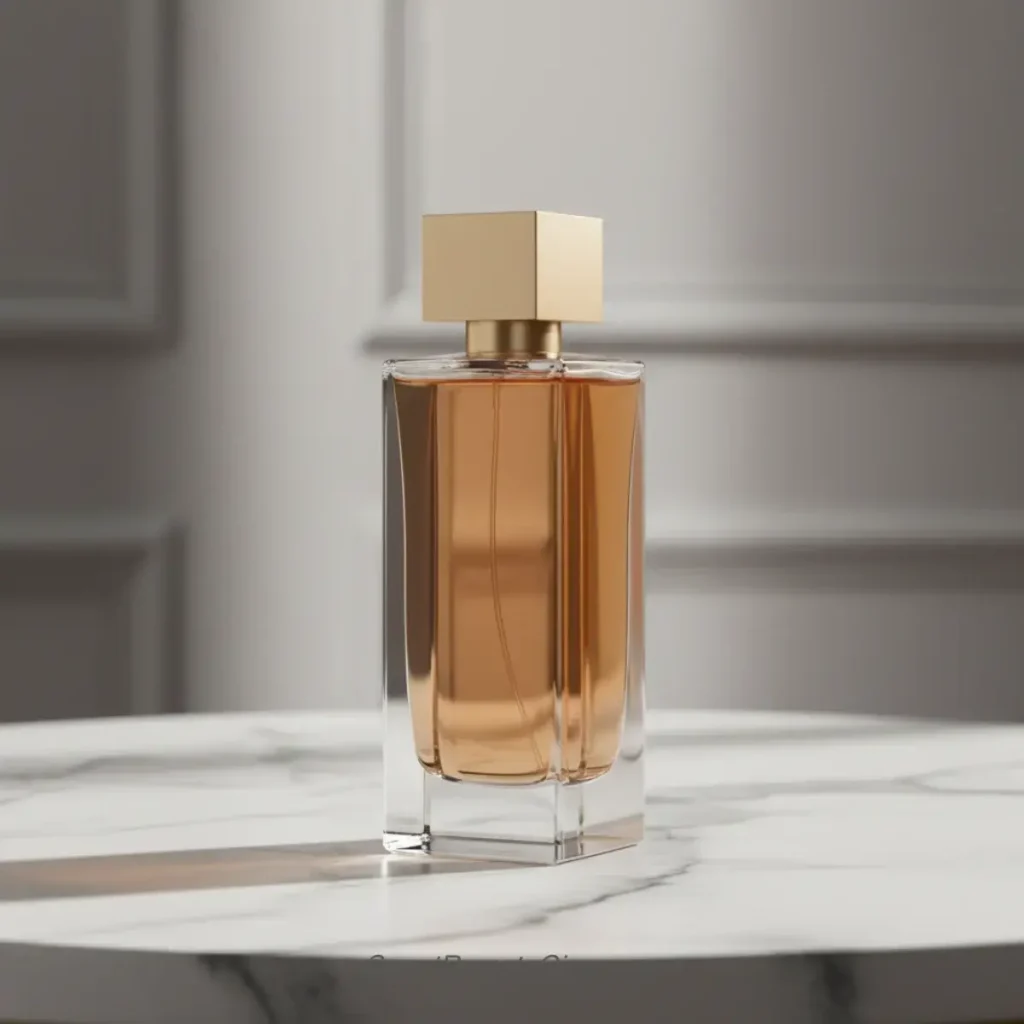
Example 46: “Fresh ingredients for healthy meal prep, overhead flat lay, vibrant colors, food styling for social media, clean eating concept”
Example 47: “High-tech smartphone displaying colorful app interface, sleek product shot, dramatic lighting, technology marketing photography”
Brand Lifestyle:
Example 48: “Happy customer using product in natural home setting, authentic lifestyle photography, warm and inviting atmosphere, brand storytelling”
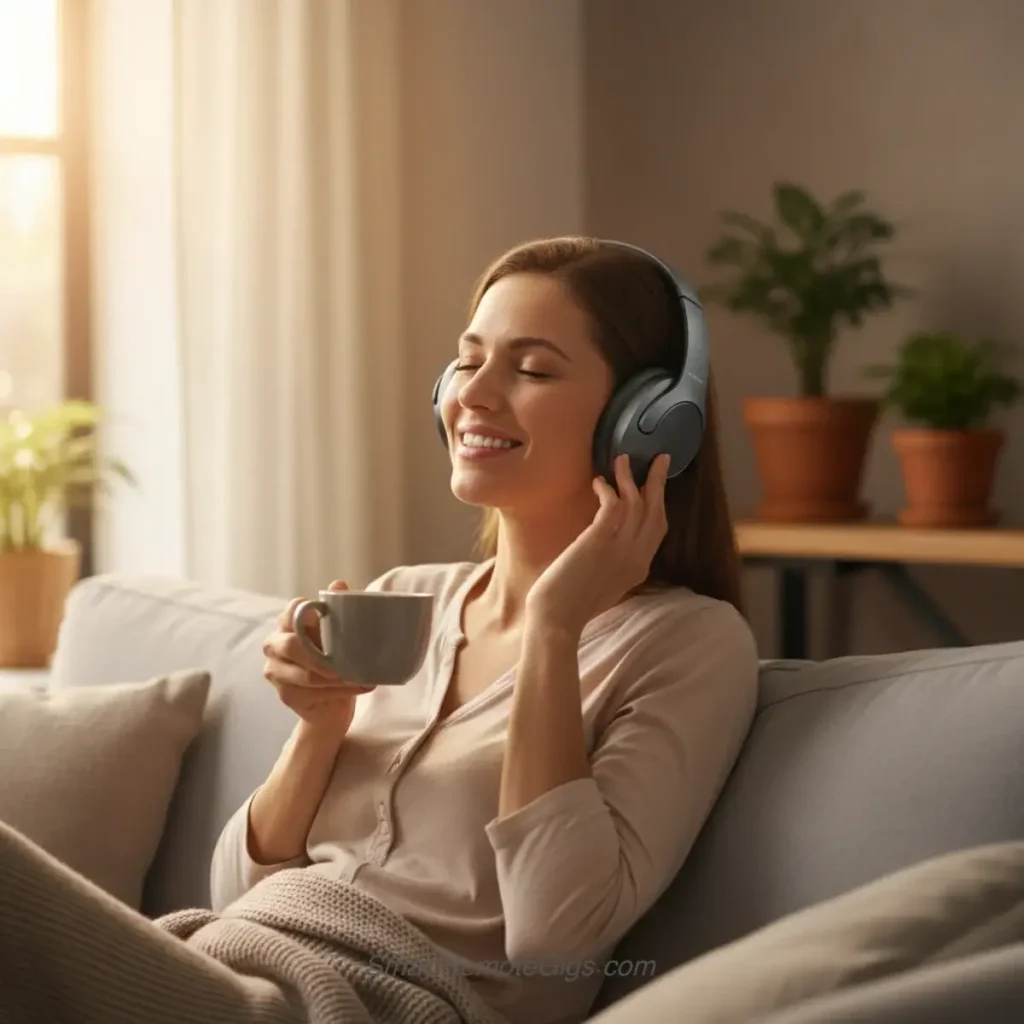
Example 49: “Professional chef in commercial kitchen, action shot of cooking, steam and motion, culinary industry photography”
Example 50: “Modern office space with plants and natural light, empty desks and ergonomic chairs, workplace environment photography, productivity concept”
Pro Tip: Commercial Photography Secrets
Business images need to feel authentic, not stock-photo-fake. Here’s how professionals make commercial shots feel real:
The Authenticity Formula:
Avoid perfect symmetry = “Slightly off-center composition”
Add environmental storytelling = “Coffee cup and notes on desk”
Use natural imperfections = “Natural skin texture, casual relaxed pose”
Specify candid moments = “Mid-laugh, genuine expression”
Before (Stock Photo Feel): “Business meeting, people smiling at camera”
After (Authentic Commercial): “Professional team meeting, diverse group in candid discussion, one person gesturing while explaining idea, natural laughter, coffee cups on table, large windows with city view, authentic corporate lifestyle photography”
Commercial tip: Add “authentic” and “candid” to any business prompt. These keywords trigger the AI to avoid stiff, posed compositions.
The 5 Ingredients of a Perfect Prompt
Think of a great AI prompt like a recipe. Each ingredient serves a specific purpose, and combining them properly creates the perfect dish. Here are the five essential components that separate amateur prompts from professional-quality instructions:
Ingredient | Purpose | Examples |
|---|---|---|
1. Subject | Your main focus—the person, object, animal, or concept at the center of your image | ❌ Generic: “a woman” |
2. Style/Medium | Defines the artistic approach and visual style | Photography: portrait photography, macro, street photography |
3. Setting/Environment | Background, location, or environment surrounding your subject | Indoor: modern office, cozy library, industrial warehouse |
4. Lighting & Mood | Dramatically affects mood and quality—often the most important ingredient | Natural: golden hour, soft morning light, dramatic sunset |
5. Composition & Framing | Controls camera angle and how the scene is captured | Shot types: close-up, medium shot, wide shot |
THE VERDICT: The 80/20 Rule for AI Prompts
After analyzing thousands of successful AI-generated images, here’s what accounts for perceived quality:
If you only master TWO ingredients, make them:
1. Subject (40% of quality) – Specific, detailed description of what you want
❌ “a person”
✅ “confident business executive in her 40s with short auburn hair, wearing navy blazer”
2. Lighting (40% of quality) – How light interacts with your subject
❌ No lighting specified
✅ “golden hour window light, soft diffused illumination, natural skin texture”
The remaining three ingredients (Style, Setting, Composition) account for the final 20% but are essential for professional polish.
Why this matters: You can have perfect framing and an exotic setting, but if your subject is vague and lighting is ignored, the image will look amateur. Focus your energy where it counts.
Pro shortcut: When time is limited, use this minimal formula: [Detailed Subject] + [Specific Lighting] + photography/art style
Warning: The Winning Formula (Use With Caution)
Pro Tip Formula: [Subject] + [Style] + [Setting] + [Lighting] + [Composition]
This formula works incredibly well, but don’t become formulaic. The most creative AI artists know when to:
Follow the formula = For client work, commercial projects, consistent results
Break the formula = For experimental art, unique concepts, creative exploration
Example of breaking rules successfully: “Abstract emotion of nostalgia, visualized as warm amber light fading into cool blue shadows, no specific subject”
This prompt deliberately omits a concrete subject and setting, focusing purely on mood and color. Sometimes the most powerful images come from what you leave out, not what you include.
Advanced Prompting Techniques
Once you’ve mastered basic prompt structure, these advanced techniques will give you even more control over your results.
Negative Prompts: Telling AI What You Don’t Want
Negative prompts are instructions that tell the AI generator what to avoid including in your image. Most tools support this feature using specific syntax:
- Midjourney: Add
--nofollowed by unwanted elements - DALL-E 3: Use “without” or “avoid” in your prompt
- Stable Diffusion: Use negative prompt fields or
--negparameter
Common negative prompt examples:
--no blurry, low quality, deformed hands, extra fingers--no watermark, text, signature, logo--no cartoon, anime(for photorealistic images)--no nudity, violence, inappropriate content
Understanding why certain elements commonly appear in AI art can help you craft better negative prompts and avoid common pitfalls.
Image Weighting: Adding Emphasis
Some AI tools allow you to add weight or emphasis to certain parts of your prompt:
- Midjourney: Use
::followed by a number (e.g.,beautiful sunset::2) - Stable Diffusion: Use parentheses with multipliers
(beautiful sunset:1.2) - Leonardo.Ai: Some models support bracket notation
[beautiful sunset]
Example with weighting:
“Professional portrait of business woman::2, modern office background::1, natural lighting::1.5, high resolution::2”
This tells the AI to prioritize the subject and image quality while giving moderate attention to lighting and minimal focus to the background.
Common Mistakes to Avoid
Learning what not to do is just as important as learning best practices:
1. Being Too Vague
- ❌ “Make a nice picture”
- ✅ “Professional food photography of chocolate cake with fresh berries, studio lighting”
2. Contradictory Instructions
- ❌ “Photorealistic anime character”
- ✅ “Realistic portrait with anime-inspired styling”
3. Overloading with Details
- ❌ “Beautiful woman with blue eyes and blonde hair wearing red dress in garden with roses and butterflies and sunset lighting and professional photography and high resolution and detailed and stunning”
- ✅ “Professional portrait of blonde woman in red dress, garden setting with roses, golden hour lighting”
4. Ignoring Tool-Specific Syntax
Different AI generators have different strengths and syntax requirements. Always check the documentation for your chosen tool.
Platform-Specific Tips
While the core principles apply universally, different AI generators have unique characteristics:
DALL-E 3 Prompts
- Excels at understanding natural language
- Great for photorealistic results
- Handles complex compositions well
Example: “A professional headshot of a confident business woman in her 30s, wearing a navy blue blazer, sitting in a modern office with large windows, natural lighting”
Midjourney Prompts
- Responds well to artistic and stylistic descriptors
- Benefits from adding specific parameters for things like aspect ratio (
--ar 16:9), which are detailed in the official Midjourney documentation - Strong with artistic styles and movements
Example: “Portrait of ethereal woman, art nouveau style, flowing hair, ornate background patterns, Gustav Klimt inspired –ar 2:3”
Stable Diffusion Prompts
- Benefits from detailed technical photography terms
- Responds to specific artist names and art movements
- Good for fine-tuning with parameters
Example: “Portrait photography, 85mm lens, shallow depth of field, professional lighting setup, (detailed facial features:1.2)”
For more information on technical photography and art terms to enhance your prompts, check out Digital Photography School’s Exposure Triangle guide to expand your descriptive vocabulary with fundamental concepts like aperture, shutter speed, and ISO.
Frequently Asked Questions
Does the order of words in a prompt matter?
Yes, but not as much as you might think. Most AI generators give more weight to words that appear earlier in the prompt, so put your most important elements first. However, modern AI systems are quite good at understanding context regardless of order.
Best practice: Start with your main subject, then add style, setting, and technical details.
How long should my AI prompt be?
The optimal length varies by tool, but generally:
Minimum: 10-15 words for decent results
Sweet spot: 20-40 words for most generators
Maximum: Avoid going over 100 words unless necessary
Quality matters more than quantity. A well-structured 25-word prompt often outperforms a rambling 75-word description.
Can I use the same prompt in different AI generators?
While the core prompt structure works across platforms, you’ll get better results by adapting your prompts to each tool’s strengths:
DALL-E 3 prefers natural language descriptions
Midjourney responds well to artistic style references
Stable Diffusion benefits from technical photography terms
What makes a prompt “effective”?
An effective AI art prompt should:
Clearly communicate your vision
Use specific, descriptive language
Include all five key ingredients (subject, style, setting, lighting, composition)
Be appropriate for your chosen AI tool
Produce consistent, high-quality results
How can I improve my prompt-writing skills?
1. Study photography and art terminology to expand your descriptive vocabulary
2. Analyze prompts that create images you admire
3. Experiment with variations of successful prompts
4. Keep a collection of effective prompts for future reference
5. Practice regularly with different subjects and styles
Start Creating: Your Prompt Engineering Journey
You now have the blueprint for writing effective AI art prompts. Remember the five key ingredients: subject, style, setting, lighting, and composition. Each element works together to transform a simple idea into a detailed instruction that AI can follow.
The 50+ examples in this guide give you a solid foundation, but the real magic happens when you start experimenting and developing your own unique prompting style. Don’t be afraid to iterate and refine your prompts—even professional AI artists rarely get perfect results on their first try.
Your Next Steps:
- Choose one example prompt from this guide that matches your creative goal
- Modify it to match your specific vision using the 5-ingredient formula
- Test it in your favorite AI generator
- Refine based on results using the advanced techniques
- Save successful prompts for future use and iteration
The world of AI art is evolving rapidly, and mastering prompt engineering puts you at the forefront of this creative revolution. These same principles of clear, structured communication with AI apply across all AI tools—whether you’re generating images, writing content, or building applications.
Start experimenting today, and watch as your AI-generated images transform from amateur attempts to professional-quality artwork.
Which prompt technique worked best for you? Share your results and favorite prompts in the comments below!