
Create High-Converting Video Ads with AI in 2026 (Tested)
 ·
Last Updated: March 13, 2026 ·
6 min read
·
Last Updated: March 13, 2026 ·
6 min read

Stop Burning Money on “Guesswork” Creative
Here is the brutal truth about digital marketing in 2026: The algorithm is not your competitive advantage anymore. Facebook, TikTok, and Google have automated targeting to the point where everyone has the same audience reach.
So, what is the competitive advantage? The Creative.
If your video ad sucks, no amount of AI bidding strategy will save it.
In the past, testing 10 different video ad variations cost $5,000 and took three weeks. Today, I use AI tools to generate 10 high-quality ad variations in one afternoon for less than $50.
I’ve managed over $500,000 in ad spend over the last year using primarily AI-generated video assets. I’ve learned exactly what converts, what flops, and how to use tools like InVideo, HeyGen, and Runway to build a high-performance ad engine.
This is your step-by-step blueprint for building video ads that actually make money.
The “AI Ad Engine” Framework
We don’t just ask AI to “make an ad.” That creates generic garbage. We use a specific workflow to engineer conversion.
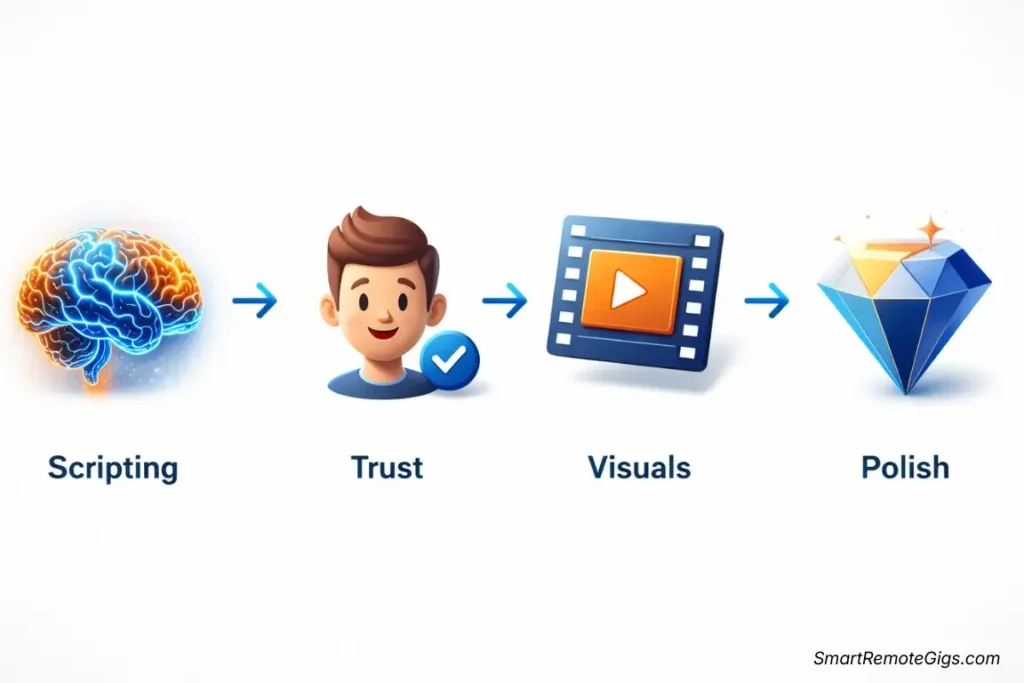
The 4-Step Architecture:
- The Brain (Scripting): Using LLMs to write psychological hooks.
- The Face (Trust): Using AI Avatars for direct response.
- The Body (Visuals): Using Generative Video for B-roll.
- The Polish (Editing): Assembling for retention.
Phase 1: The Brain (Scripting with AI)
Most people use ChatGPT wrong. They say, “Write a Facebook ad for my coffee brand.”
The result? “Wake up and smell the coffee! Buy our beans today.” (Boring. Skippable.)
The “Hook-Body-CTA” Formula
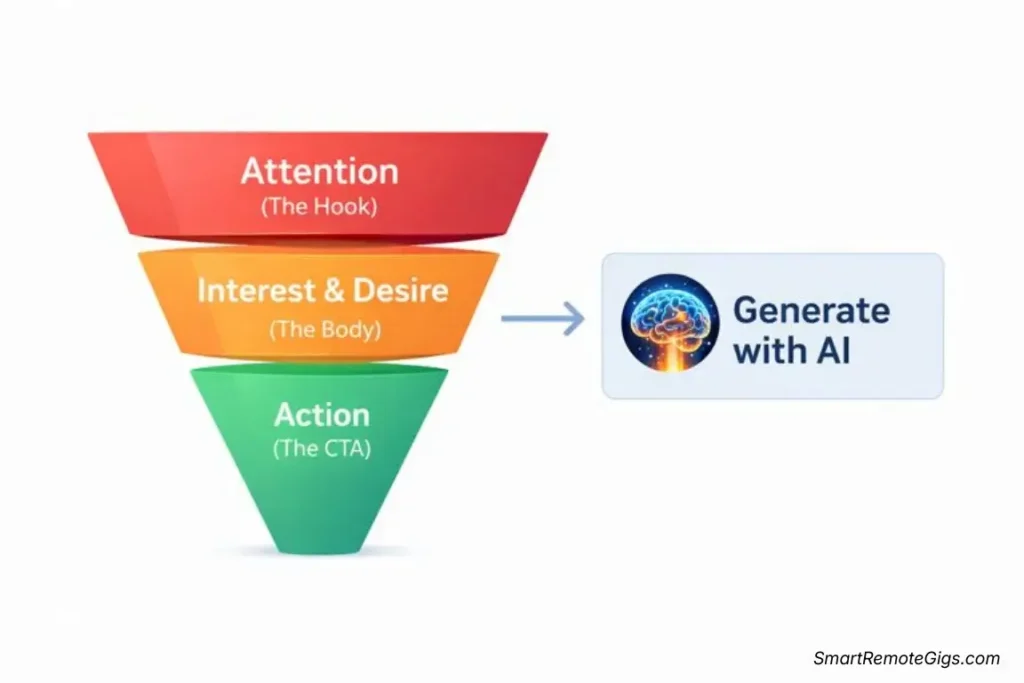
I use a specific prompting framework to generate scripts based on the AIDA model (Attention, Interest, Desire, Action).
The Prompt I Use:
“Act as a direct response copywriter. Write 3 distinct video ad scripts (15-30 seconds) for [Product Name], which helps [Target Audience] solve [Pain Point].
Script 1: The ‘Us vs. Them’ Hook (Compare us to the old way).Script 2: The ‘Problem/Agitation’ Hook (Focus on the pain of not having the solution).Script 3: The ‘Social Proof’ Hook (Focus on a user success story).
Format as a table: Visual Scene | Audio/Voiceover.”
Why this works: It forces the AI to give you angles, not just generic copy. You can then take these scripts directly to your production tools.
Phase 2: The Visuals (Choosing Your Weapon)
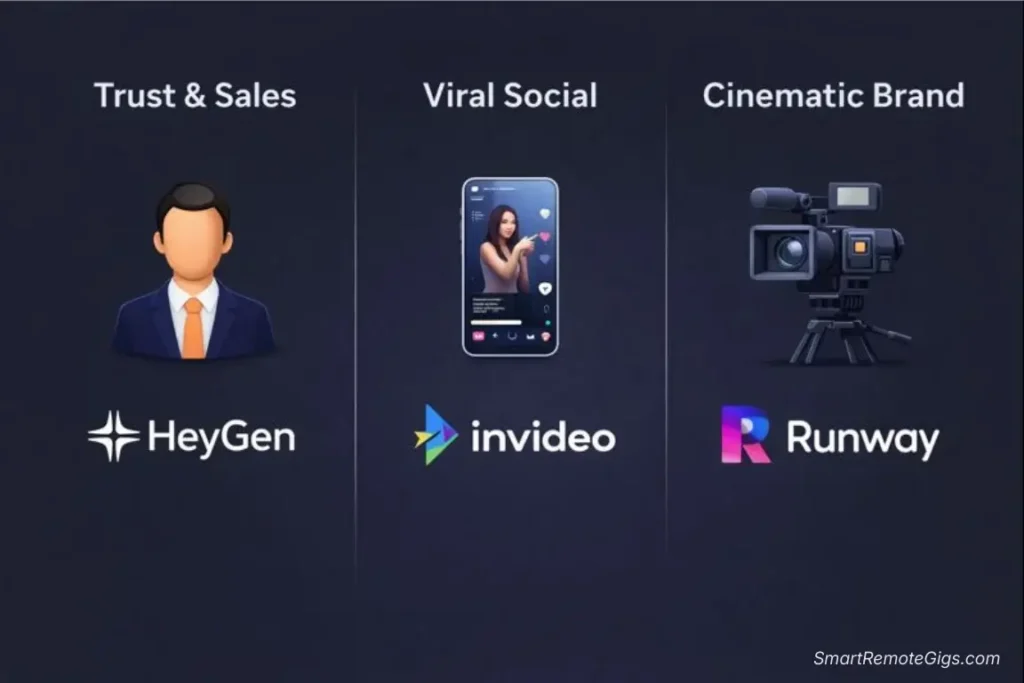
Depending on your ad angle, you need different tools. Here is my decision matrix for 2026:
Scenario A: The “Trust Me” Ad (Direct Response)
Best Tool: HeyGen
Why: When selling high-ticket items, software, or consulting, you need a face.
- Strategy: Use a professional-looking AI avatar (HeyGen’s “Instant Avatars” are best-in-class).
- The Hack: Don’t use the standard white background. Upload a photo of a modern office or a relevant location so the avatar looks “on-site.”
- Compliance Note: Ensure you use the “Commercial License” plan ($20/mo) to avoid copyright strikes on ad platforms.
Scenario B: The “Viral Scroll-Stopper” (Visual Chaos)
Best Tool: InVideo AI
Why: You need fast pacing, stock footage, and dynamic text overlays to stop the thumb on TikTok or Reels.
- Strategy: Input your script into InVideo. Ask it to use “Fast-paced editing, kinetic typography, and trending music.”
- The Hack: Manually swap the first 3 seconds of footage. AI often picks generic openers. Use something shocking or high-contrast from their premium stock library (Storyblocks) to grab attention immediately.
Scenario C: The “Cinematic Mood” (Luxury/Brand)
Best Tool: Runway Gen-3 + Pika Labs
Why: You need unique, never-before-seen visuals that evoke emotion.
- Strategy: Generate custom B-roll. For a coffee brand, don’t use stock footage. Use Runway to generate “Cinematic macro shot of espresso pouring into a ceramic cup, golden hour lighting, 4k, slow motion.”
- The Hack: Use Pika Labs for sound effects generation to add depth (pouring sounds, steam hissing) that stock videos lack.
Phase 3: The Polish (Assembly & Captions)
Never upload raw AI output directly to Ads Manager. It needs human polish.
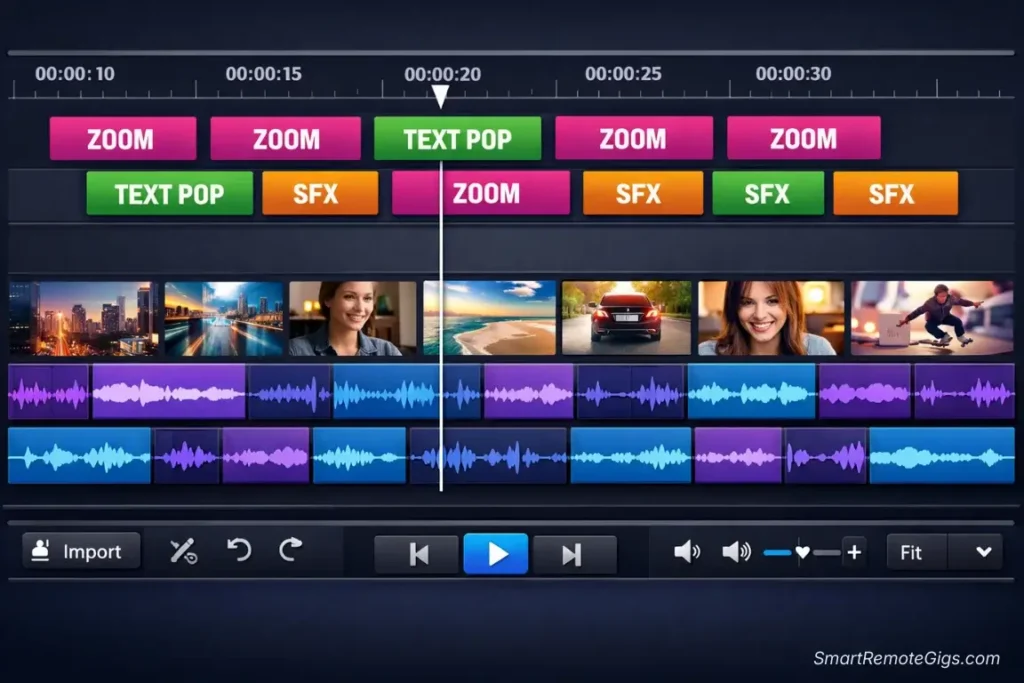
The Tool: Veed.io or CapCut
- Captions are Mandatory: 85% of ads are watched on mute. Use Veed.io’s “Karaoke” style captions. They keep the eye moving and increase retention by ~18% in my tests.
- The “Pattern Interrupt”: Every 3-5 seconds, something visual must change. Add a zoom, a text pop-up, or a B-roll cut.
- Music Safety: Ensure your background music is licensed for commercial use (Veed and InVideo paid plans cover this). TikTok will mute your ad if you use copyrighted trending audio without a license.
Phase 4: The “Rapid Fire” Testing Strategy
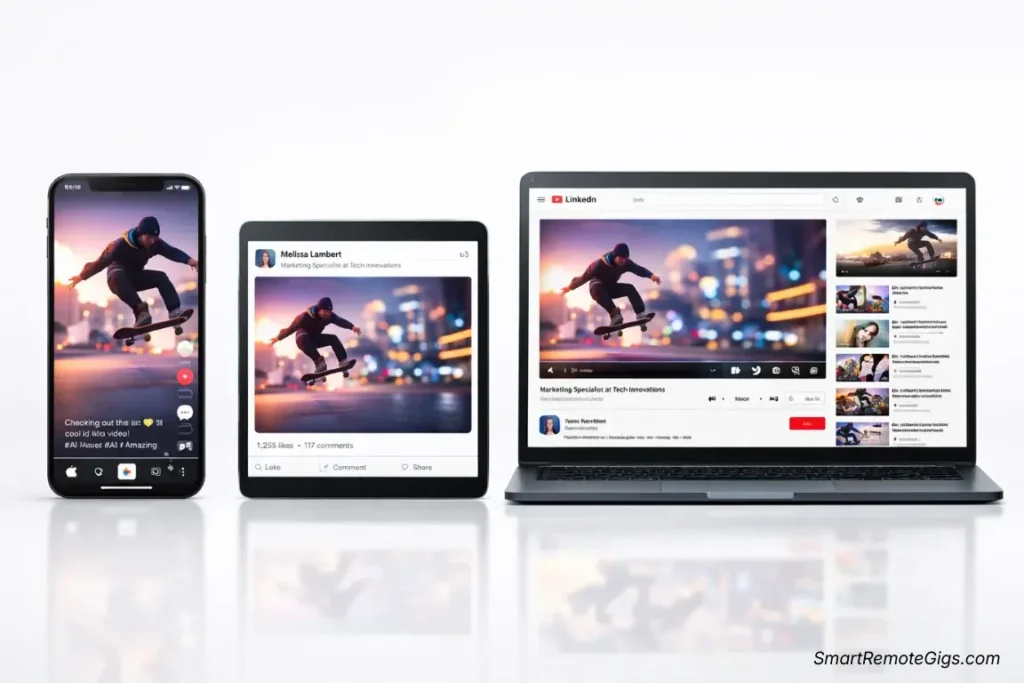
Here is the exact strategy I used to lower a client’s Cost Per Lead (CPL) by 40% last month:
- Create 3 Scripts: (Problem-focused, Benefit-focused, Story-focused).
- Create 2 Visual Styles: (HeyGen Avatar vs. InVideo Stock Montage).
- Generate 6 Ads Total: (3 Scripts x 2 Visuals).
- Run on Facebook/Instagram: $20/day budget per ad for 48 hours.
- Kill the Losers: Turn off the 4 ads with the lowest Click-Through Rate (CTR).
- Scale the Winners: Double the budget on the top 2 ads.
Why AI wins here: Creating 6 ads traditionally would cost $5,000+. With AI, it cost us about 3 hours of work and $50 in subscription fees.
🏆 Pro Tips for 2026 Ad Platforms
TikTok & Reels (Vertical 9:16)
- Vibe: Lo-fi and authentic.
- AI Tip: Use HeyGen’s “Casual” avatars (in hoodies/t-shirts), not the “News Anchor” ones. The more corporate it looks, the faster they scroll.
LinkedIn (Square 1:1 or Vertical)
- Vibe: Professional and educational.
- AI Tip: Use Lumen5 to turn a whitepaper into a data-driven video ad. Use Synthesia for “CEO-style” announcements if you have the budget.
YouTube Pre-Roll (Horizontal 16:9)
- Vibe: Story-driven and high quality.
- AI Tip: The first 5 seconds are do-or-die. Use Runway Gen-3 to generate a visually stunning “impossible shot” as your hook to prevent the “Skip Ad” click.
💡 Final Thoughts: It’s Not Magic, It’s Leverage
AI won’t write a winning strategy for you. You still need to understand your customer’s pain points.
But once you know what to say, AI allows you to say it in 100 different ways, visually, for pennies on the dollar. That is your edge.
Start small. Create one HeyGen avatar ad and one InVideo montage ad this week. Run them against each other for $50. The data you get back will be worth more than any course you could buy.
🚀 Continue Your Marketing Journey
🛠️ The Essential Tools:
- InVideo AI Review (2026): Is It Worth the Hype?
- HeyGen Review (2026): Is It the Best AI Avatar Tool?
- Runway Review (2026): Is Gen-3 Alpha Worth the Price?
⚔️ Choose Your Ad Style:
📝 Improve Your Ad Creative:
📈 Broader Marketing Strategy:
This guide reflects ad platform best practices as of January 2026. Algorithms change; always test your own creative.

![Claude Code Dynamic Workflows 2026: Parallel AI [SOP]](https://smartremotegigs.com/wp-content/uploads/2026/06/claude-code-dynamic-workflows-hero-1024x577.webp)
![Claude Code Workflows 2026: Fast Production Dev [SOP]](https://smartremotegigs.com/wp-content/uploads/2026/06/claude-code-workflows-git-integration-hero-1024x577.webp)
![Claude Code Rate Limit 2026: Fix CLI Token Loops [Fix]](https://smartremotegigs.com/wp-content/uploads/2026/06/claude-code-rate-limit-hero-1024x577.webp)