The YouTube Shorts algorithm is ruthless. It rewards creators who consistently deliver engaging, fast-paced vertical videos—and ignores the rest. That’s why top creators are turning to AI video tools for YouTube Shorts to meet the constant demand without burning out.
While others spend hours editing one video, smart creators are using AI to generate polished, high-converting Shorts in minutes.
I’ve spent the last month testing dozens of apps to find the ones that actually work. This guide reveals the 5 best AI tools built specifically to help you create YouTube Shorts faster, without sacrificing quality or creativity.
What Makes an AI Tool Great for Shorts? (My Criteria)
Not all AI video tools are created equal when it comes to Shorts creation. After testing 20+ platforms, I’ve identified the four critical features that separate the winners from the wannabes:
🎯 Vertical Templates (9:16 Aspect Ratio): Pre-built mobile-first formats that eliminate the guesswork of sizing and composition. Your content needs to look native to the platform from the moment you start creating.
🎬 AI Auto-Captions: Essential for the 85% of Shorts viewers who watch without sound. The tool must generate accurate, styled captions automatically—manual transcription kills your speed advantage.
⚡ Speed & Performance: How fast can you go from initial idea to exportable video? The best video editor for Shorts streamlines the entire workflow from concept to completion.
🎵 Stock Media & Music Integration: Access to trending audio clips, relevant B-roll footage, and copyright-free music that actually fits your content—all searchable within the platform.
The Top 5 AI Video Tools for YouTube Shorts
1. Veed.io – The Subtitle King 👑

Best For: Creators who prioritize professional captions and audio editing
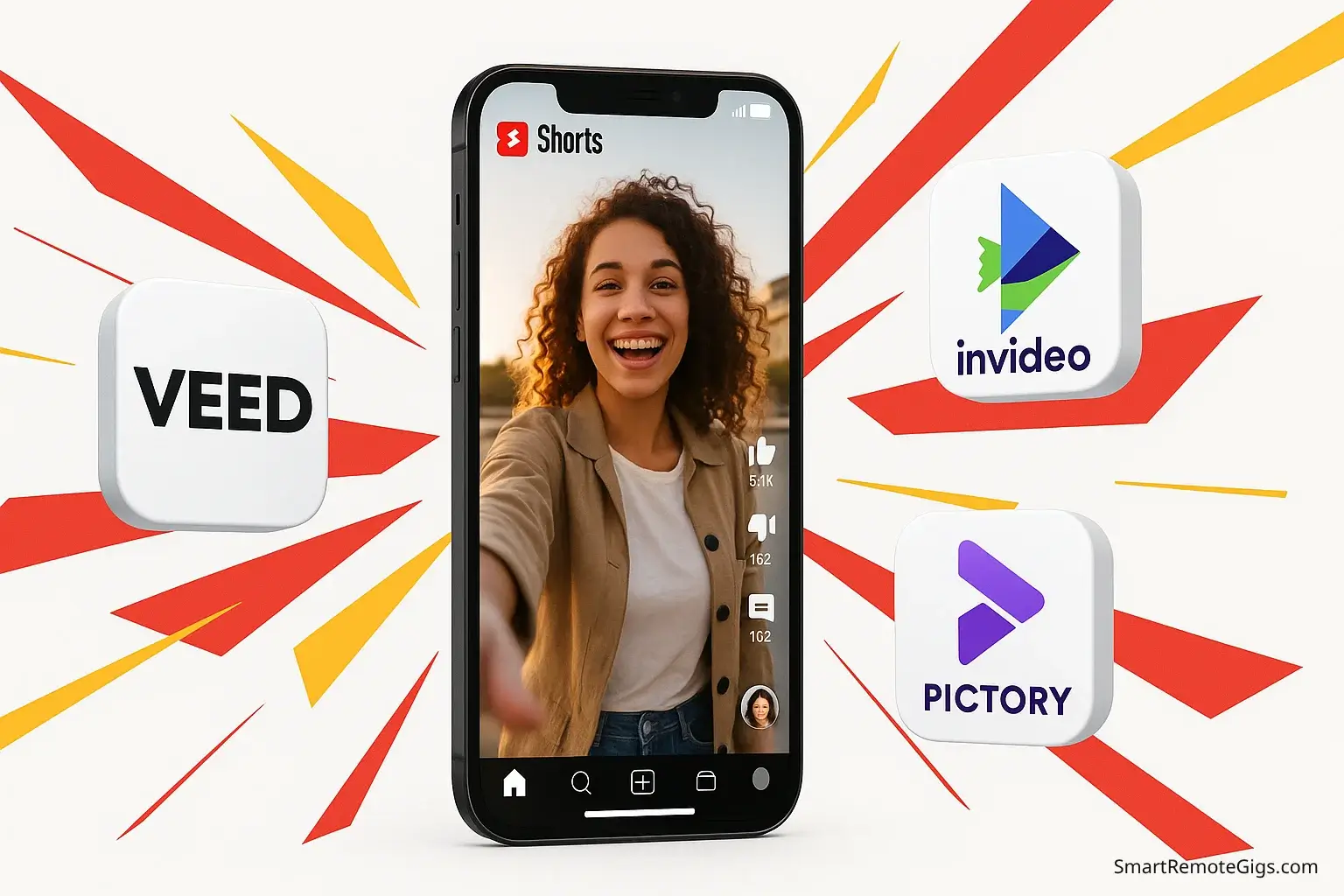
Veed.io dominates the Shorts space with its industry-leading auto-captioning technology. The platform’s AI generates accurate subtitles in over 100 languages, with customizable styling that matches trending Shorts aesthetics.
Shorts-Specific Strengths:
- ✅ Auto-Caption Accuracy: 95%+ accuracy rate with automatic speaker detection.
- ✅ Trending Caption Styles: Pre-built templates (like the “Karaoke” style) that match viral Shorts formats.
- ✅ Magic Cut: AI automatically removes silences and filler words to keep Shorts fast-paced.
- ✅ Vertical Video Templates: 50+ mobile-optimized layouts specifically for 9:16 content.
The Veed.io Workflow: Upload your raw footage, select a vertical template, let AI generate captions, apply trending styles, and export in under 5 minutes. The platform’s audio enhancement features ensure your content sounds professional even when recorded on mobile devices.
Pricing (2026 Updated):
- Free: 10 minutes of exports monthly with watermark (720p).
- Basic: $12/month (removes watermark, increases limits).
My Rating: ⭐⭐⭐⭐⭐ (4.8/5)
📚 Learn More: Veed.io Review (2026): The Best AI Video Editor?
2. InVideo AI – The Template Machine 🎬

Best For: Creators who want to transform scripts into complete Shorts videos
InVideo AI is the fastest workflow for volume. Input a prompt like “5 facts about space,” and the platform generates a complete Shorts video with relevant B-roll, voiceover, and background music in minutes.
Shorts-Specific Strengths:
- ✅ Script-to-Shorts AI: Converts text prompts into complete vertical videos automatically.
- ✅ Generous Free Tier: 10 minutes of AI generation per week (resets weekly).
- ✅ Trending Audio Integration: Built-in library of viral-ready background music.
- ✅ Direct Publishing: Publish directly to YouTube Shorts and TikTok from the editor.
The InVideo AI Workflow: Paste your script, select a Shorts template, let AI generate scenes and select B-roll, customize voiceover and music, then export. The entire process takes 3-7 minutes depending on video length.
Pricing (2026 Updated):
- Free: 10 minutes/week of generation with watermark.
- Plus: $25/month (Unlimited generation, no watermark, iStock access).
My Rating: ⭐⭐⭐⭐⭐ (4.6/5)
📚 Learn More: InVideo AI Review (2026): Is It Worth the Hype?
3. Pictory – The Text-to-Shorts Specialist 📝

Best For: Creators who want to repurpose existing content (blogs, podcasts) into Shorts
Pictory excels at transforming blog posts, articles, and long-form videos into bite-sized vertical clips. The platform’s AI identifies key “golden nuggets” and creates engaging Shorts that drive traffic back to your original content.
Shorts-Specific Strengths:
- ✅ Auto-Highlighting: AI finds the best 60 seconds from a long video to turn into a Short.
- ✅ Blog-to-Video: Turns articles into vertical videos with stock footage automatically.
- ✅ ElevenLabs Integration: Now includes premium AI voices for high-quality narration.
- ✅ Vertical Optimization: Automatically reformats 16:9 content for 9:16 viewing.
The Pictory Workflow: Upload a long video (like a podcast), let AI find the viral clips, customize captions, and export multiple Shorts from one source file.
Pricing (2026 Updated):
- Free Trial: 14-day trial (3 video projects). No permanent free tier.
- Standard: $23/month.
My Rating: ⭐⭐⭐⭐ (4.2/5)
📚 Learn More: Pictory Review (2026): Best Script-to-Video AI?
4. CapCut – The All-in-One Mobile Editor 📱

Best For: Creators who prefer mobile editing with desktop-quality AI features
CapCut bridges the gap between mobile convenience and professional AI capabilities. As TikTok’s official editor, it understands short-form video trends better than any competitor.
Shorts-Specific Strengths:
- ✅ Mobile-First Design: Optimized for smartphone editing workflows.
- ✅ Trending Effects Library: Updated weekly with viral transitions and effects.
- ✅ AI Beat Sync: Automatically syncs cuts to music rhythm.
- ✅ Template Remix Feature: Adapts trending formats to your content instantly.
The CapCut Workflow: Record or upload footage directly on mobile, select trending templates, apply AI effects and transitions, use beat sync for music alignment, then export directly to YouTube Shorts.
Pricing (2026 Updated):
- Free: Completely free with robust features.
- Pro: $9.99/month (unlocks premium effects and cloud storage).
My Rating: ⭐⭐⭐⭐ (4.0/5)
5. HeyGen – The Avatar Shorts Creator 🤖

Best For: Creators who want professional presenter videos without being on camera
HeyGen’s AI avatar technology is perfect for educational, tutorial, and explanation-style Shorts. The platform’s lip-sync accuracy and natural movements create engaging presenter content at scale.
Shorts-Specific Strengths:
- ✅ Realistic AI Avatars: 120+ diverse presenters (Updated 2026 library).
- ✅ Vertical Avatar Templates: Pre-built layouts optimized for mobile viewing.
- ✅ Instant Voice Cloning: Clone your own voice in 2 minutes for personal branding.
- ✅ Script-to-Avatar: Transform text into talking head videos instantly.
The HeyGen Workflow: Write your script (up to 500 characters on free plan), select an avatar and background, choose voice and language, then export your presenter-style Short in minutes.
Pricing (2026 Updated):
- Free: 3 credits monthly (up from 1 in 2025) with watermark.
- Creator: $20/month (down from $24).
My Rating: ⭐⭐⭐⭐ (3.9/5 for Shorts specifically)
📚 Learn More: HeyGen Review (2026): Is It the Best AI Avatar Tool?
Updated Feature Comparison Table (Matches 2026 Data)
Tool | Best Feature for Shorts | Free Plan Reality | Monthly Price | My Rating |
|---|---|---|---|---|
🏆 Veed.io | Auto-captions & Magic Cut | 10 min/mo (Watermarked) | $12/mo | ⭐⭐⭐⭐⭐ 4.8/5 |
🎬 InVideo AI | Speed & Templates | 10 min/week (Generous) | $25/mo | ⭐⭐⭐⭐⭐ 4.6/5 |
📝 Pictory | Long-to-Short Repurposing | 14-Day Trial Only | $23/mo | ⭐⭐⭐⭐ 4.2/5 |
📱 CapCut | Viral Effects & Mobile | Unlimited Free Features | Free | ⭐⭐⭐⭐ 4.0/5 |
🤖 HeyGen | AI Presenters | 3 credits/mo | $20/mo | ⭐⭐⭐⭐ 3.9/5 |
🏆 My Final Recommendation
For the absolute best all-around tool for creating YouTube Shorts with AI, I recommend Veed.io.
Its unmatched AI captions capabilities and comprehensive editing suite give you the professional polish that drives engagement in the Shorts algorithm.
However, your ideal tool depends on your specific content strategy:
- Choose Veed.io if you prioritize professional captions and audio quality.
- Choose InVideo AI if you want to automate the entire creation process from script to export.
- Choose Pictory for repurposing existing long-form content into Shorts.
- Choose CapCut if you’re a mobile-first creator who needs the latest trending effects.
- Choose HeyGen for presenter-style content without being on camera.
Pro Tip: Start with one tool, master its workflow, then expand to others as your needs grow. The key is consistency, not complexity.
⚡ The Speed Advantage: Why AI Matters for Shorts Success
The YouTube Shorts algorithm rewards consistency above all else. Creators who upload daily consistently outperform those who upload sporadically, regardless of individual video quality. AI video tools for YouTube Shorts level the playing field by allowing you to:
- ⏱️ Reduce editing time by 80%: What once took 2-3 hours now takes 20-30 minutes.
- 🎯 Maintain consistent quality: Templates and AI ensure every video meets professional standards.
- 📈 Scale content production: Create multiple variations of successful concepts quickly.
- 🧠 Focus on strategy over execution: Spend time on content planning rather than technical editing.
The creators winning in the Shorts space aren’t necessarily the most talented editors—they’re the ones who’ve mastered the AI Shorts generator tools that allow them to create faster than their competition.
🚀 Pro Tips for Maximizing AI Tools for Shorts
🔄 Template Rotation: Use different templates even for similar content to avoid algorithmic penalties for repetitive formatting.
✏️ Caption Customization: Always review and customize AI-generated captions to match your brand voice and ensure accuracy.
🎵 Audio Strategy: Leverage trending audio from each platform’s library, but use AI to adjust levels and add effects that make your version unique.
📦 Batch Creation: Plan multiple Shorts concepts and create them in batches to maximize your time investment in each platform.
🧪 A/B Testing: Use AI tools to quickly create variations of successful content for optimization testing.
📚 Deep Dive Guides:
- The Best Free AI Video Generators: Complete 2026 Guide
- Veed.io vs. InVideo: Which AI Editor Wins?
- Synthesia vs. HeyGen: AI Avatar Showdown
🎬 Advanced Tutorials:
Top Recommended Tools for YouTube Shorts Creation

Veed.io
The Subtitle King. Best for creators who need professional auto-captions and AI audio cleaning. Features 'Magic Cut' to remove silences automatically.

InVideo AI
The Template Machine. Best for high-volume creation. Turns text scripts into complete Shorts with stock footage and voiceovers in minutes.

Pictory
The Repurposing Specialist. Best for turning long-form videos (podcasts, streams) or blog posts into short, engaging clips for YouTube Shorts.

CapCut
The Mobile Editor. Best for mobile-first creators needing trending effects, transitions, and beat-sync capabilities for viral content.
HeyGen
The Avatar Creator. Best for creating professional presenter-led Shorts without a camera. Features realistic AI avatars and instant voice cloning.
This guide is updated monthly as new AI video tools emerge and existing platforms expand their Shorts-specific features. Bookmark this page for the latest recommendations and workflow optimizations.