High-Impact Video Ads, Zero Production Budget
Here’s what I learned after two years in the trenches:
Small businesses dump 5,000−15,000 into single video productions while their scrappier competitors pump out professional content daily using free AI video generators for marketing. I watched this happen to three of my consulting clients last year. They burned their entire Q1 marketing budget on one agency-produced video while their competition created 60+ videos using AI tools.
The math is undeniable. Video marketing drives 80% more conversions than static content. Yet most businesses can’t afford professional production.
When we started testing AI video tools eighteen months ago, I was cautiously optimistic. Now? My team creates more video content in a week than we used to produce in a quarter—and we’re finally able to test, iterate, and scale in ways that were previously impossible. I’m going to show you exactly which tools made this possible.
This guide covers the top 5 AI generators actually built for marketers. No fluff. No tools that look impressive in demos but fail when you’re staring at a deadline. Just platforms I’ve used to drive real business results for actual clients.
What Actually Matters in an AI Video Tool (2026 Edition)
Most “best AI video tool” lists miss the mark because they test features in isolation, not real marketing workflows. After burning through dozens of platforms with actual client budgets on the line, here’s what separates winners from time-wasters:
1. Brand Kits That Work Automatically
Upload your logo once, not forty times. If you’re manually adding your logo to every video, you’re using the wrong platform. The best tools (like InVideo and Lumen5) apply your brand colors, fonts, and assets automatically across every project. This saves my team about 15 minutes per video.
2. AI Content Transparency & Compliance
By 2026, this is non-negotiable. Platforms like YouTube, TikTok, and Instagram penalize “undeclared AI content.” The best tools automatically embed the necessary metadata tags so you don’t risk shadow-bans or account strikes.
3. Marketing Stack Integration
Standalone tools are inefficient. The best platforms now integrate directly with HubSpot, Salesforce, or social schedulers. If I have to download a file and re-upload it to Hootsuite, that’s friction. I look for “Direct Publish” buttons.
4. AI Search Optimization (VSO)
Search has evolved. AI search engines like Gemini and ChatGPT now “watch” videos. Modern tools must generate proper metadata, transcripts, and descriptions that AI search bots can index. This is the cutting edge of 2026 video marketing.
5. Multi-Platform Intelligence
Square for Instagram. Vertical for TikTok. Horizontal for YouTube. Modern marketing requires intelligent reframing that maintains focal points across aspect ratios. If a tool just crops the center and cuts off my text overlays, it’s useless.
The Top 5 Free AI Tools for Marketing (Tested With Real Campaigns)
1. InVideo AI – The Template Powerhouse 🎬
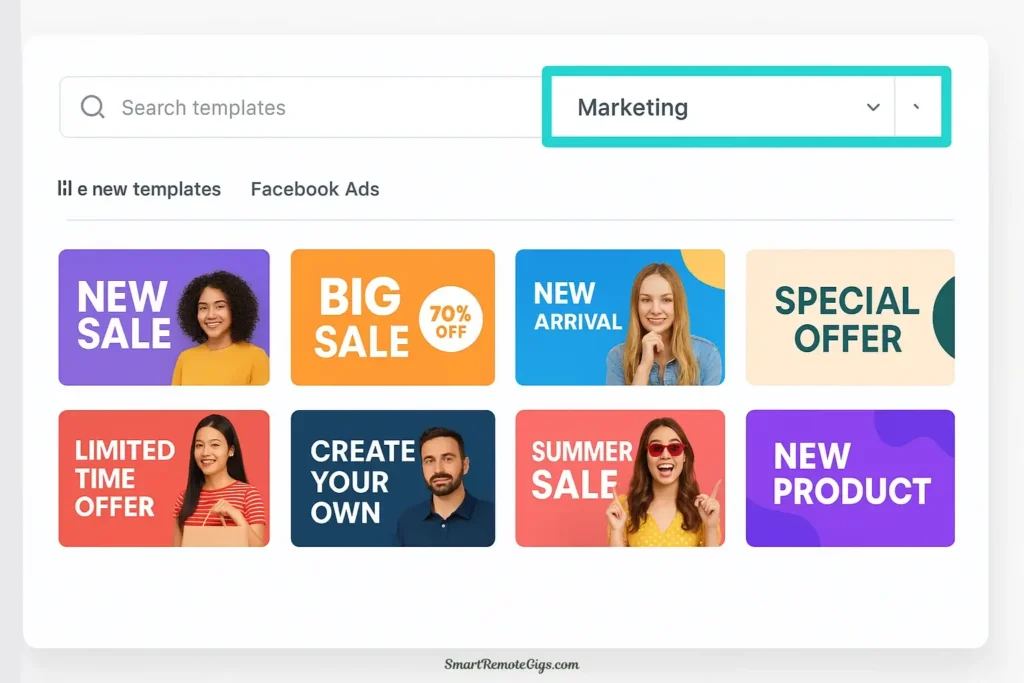
Best For: Marketers who need professional ad templates with direct social publishing.
When I first tested InVideo in late 2024, I expected another overhyped tool. I was wrong. The platform dominates the marketing space because it understands that marketers need structure, not just a blank canvas.
My Real-World Experience:
I used InVideo to run a 30-day social media campaign for a local real estate agency. We needed 3 videos a week for Instagram Reels and Facebook Ads. Using the “Real Estate” templates, I was able to plug in property photos, change the text to the listing price, and export a polished video in under 8 minutes.
Why It Wins for Marketing:
- Industry-Specific Templates: 5,000+ templates categorized by niche (Restaurant, SaaS, Real Estate, E-commerce). You aren’t starting from scratch; you’re starting from “Done.”
- Smart Reframing: I can create a horizontal YouTube video and, with one click, generate a vertical version for TikTok where the AI automatically moves the text and visuals to stay in the “safe zone.”
- Direct Publishing: The integration with TikTok and Instagram accounts works flawlessly.
The “Free Plan” Reality:
InVideo offers 10 minutes per week of AI generation on the free plan. That resets weekly. For a marketer making 30-second ads, that’s roughly 20 videos a month for free. The watermark is present, but it’s in the corner and doesn’t obscure the content.
My Rating: ⭐⭐⭐⭐⭐ (4.7/5)
📚 Dig Deeper: InVideo AI Review (2026): Is It Worth the Hype?
2. HeyGen – The AI Spokesperson Revolution 🤖
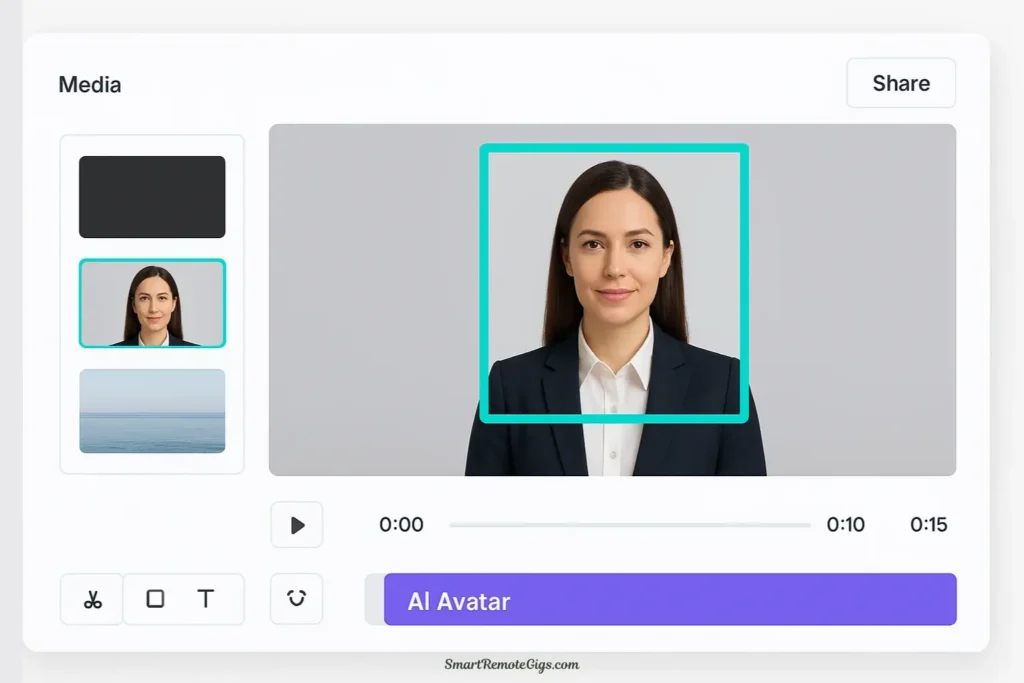
Best For: Creating engaging product explainers and trust-building content without hiring actors.
Let me tell you about the first time I showed a HeyGen video to a client. They didn’t believe it was AI. When I tested HeyGen for a B2B software client, their CEO watched the demo video three times before asking, “Who’d we hire for this?”
My Real-World Experience:
I needed to create an onboarding video series for a SaaS product. Hiring a professional actor and renting a studio would have cost $4,000 and taken two weeks. With HeyGen, I uploaded the script, chose a “friendly tech” avatar, and had the full video series done in an afternoon.
Why It Wins for B2B:
- The Trust Factor: Human faces build trust. HeyGen’s avatars are the most realistic on the market (98% lip-sync accuracy).
- Scale: If I need to change one line in the script six months later, I don’t need to re-hire the actor. I just edit the text and re-render.
- Global Reach: I took that English onboarding video and used HeyGen to translate it into Spanish and German. It kept the avatar’s voice but changed the language. That is a superpower for global marketing.
The “Free Plan” Reality:
Updated for 2026, HeyGen gives you 3 credits (approx. 3 minutes) per month. It’s tight. It’s enough for one good explainer video or a few social shorts. But the quality is so high that it’s worth using those free credits strategically for your most important bottom-of-funnel content.
My Rating: ⭐⭐⭐⭐⭐ (4.5/5)
📚 Dig Deeper: Synthesia vs. HeyGen: The Ultimate Avatar Battle (2026)
3. Lumen5 – The Content Marketing Transformer 📝
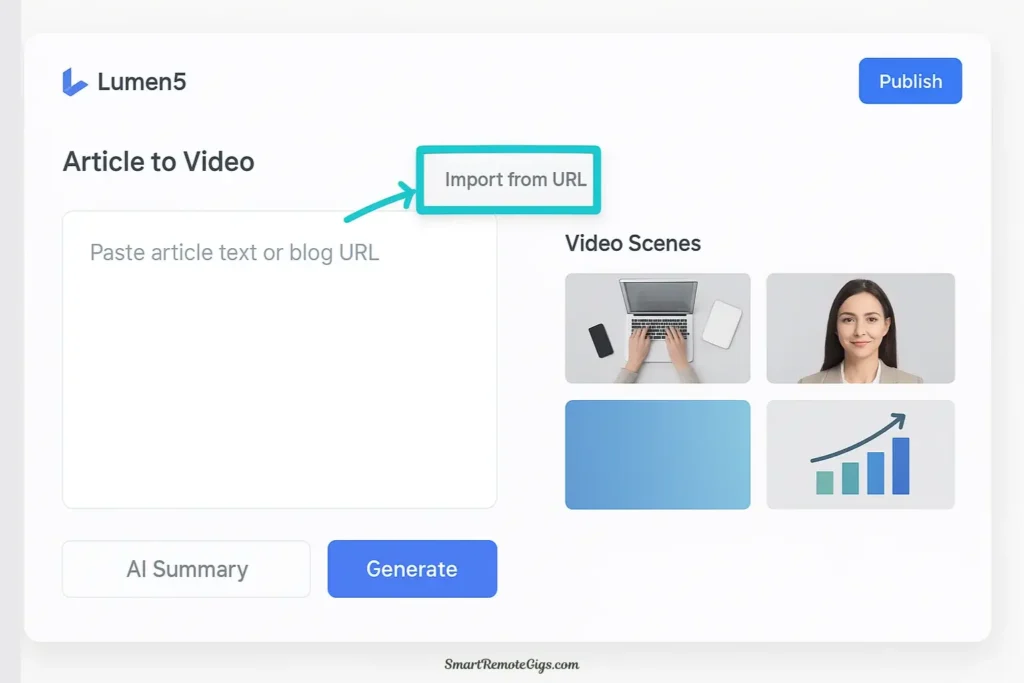
Best For: Repurposing blog posts and whitepapers into LinkedIn and social videos.
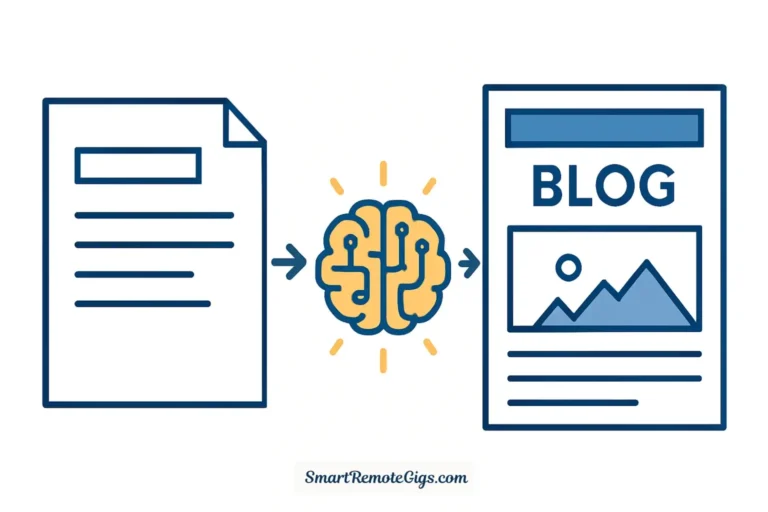
I was skeptical about blog-to-video tools until I tested Lumen5 with actual client content. We took a dense, 2,000-word blog post about “Cybersecurity Trends” and turned it into a snappy, 60-second LinkedIn video.
My Real-World Experience:
The magic here is the AI summarization. I didn’t have to write a script. I pasted the URL of the blog post. Lumen5 read it, pulled out the 5 most important stats, matched them with relevant B-roll footage, and overlaid the text.
Why It Wins for Content Teams:
- The “Empty Blog” Fix: Most companies have amazing blogs that nobody reads. Lumen5 turns that text into video, which gets 10x the engagement on social media.
- Brand Enforcement: Their “Brand Kit” is the strictest I’ve seen. It ensures that no junior marketer can publish a video with the wrong shade of blue or the wrong font. It locks the brand identity down.
- B2B Aesthetic: The templates look corporate and professional, not like a viral TikTok dance.
The “Free Plan” Reality:
You get 5 videos per month on the free plan. The resolution is capped at 720p, and there is a watermark. For LinkedIn, 720p is passable, but for a homepage background, you’d want to upgrade.
My Rating: ⭐⭐⭐⭐ (4.3/5)
📚 Dig Deeper: Lumen5 Review (2026): Best Blog-to-Video Tool?
4. Veed.io – The Product Demo Expert 🎥
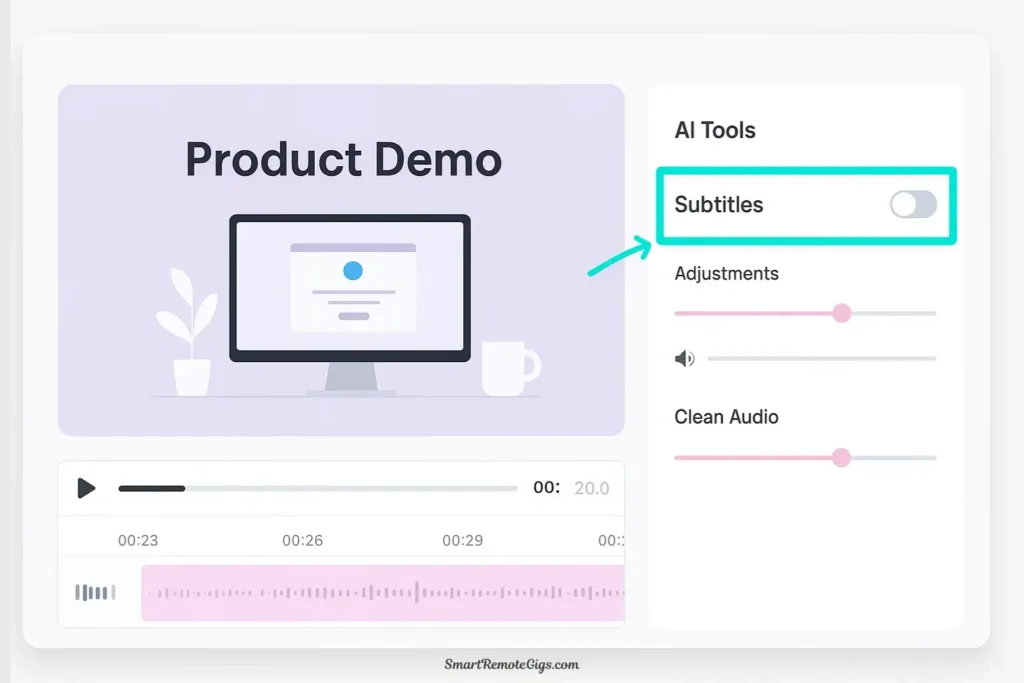
Best For: Creating product demonstrations, screen recordings, and customer testimonials.
When we needed to create 20 software tutorial videos for a SaaS client, I tested every tool. Veed.io won because it combines a screen recorder with a professional editor.
My Real-World Experience:
I recorded my screen walking through the software. Veed’s AI automatically removed all the “ums,” “ahs,” and awkward pauses (Magic Cut). Then, it added “Karaoke-style” captions that highlight the words as I speak. Finally, the “Eye Contact Correction” fixed the moments where I was looking at my script instead of the camera.
Why It Wins for Demos:
- Magic Cut: This feature alone saves hours. It tightens up loose footage instantly.
- Auto-Subtitles: They are the most accurate in the industry. For marketing videos played on mute (which is 85% of social feed views), accurate captions are essential.
- Clean Audio: I recorded a testimonial in a noisy cafe. Veed’s “Clean Audio” AI removed the background chatter completely.
The “Free Plan” Reality:
You get 10 minutes of export time per month. For shorts and quick demos, this is plenty. The watermark is there, but if you’re making helpful tutorial content, viewers usually forgive it.
My Rating: ⭐⭐⭐⭐⭐ (4.6/5)
📚 Dig Deeper: Veed.io Review (2026): The Best AI Video Editor?
5. Pictory – The Fast B-Roll Creator 📹
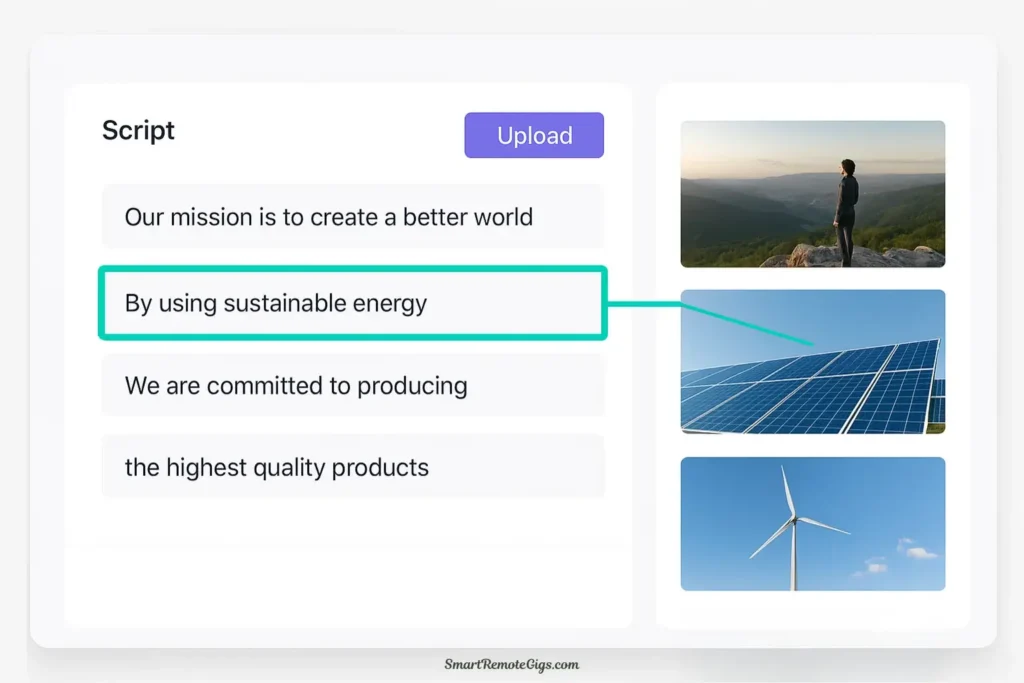
Best For: Creating multiple video variations quickly for A/B testing ads.
Pictory isn’t the most sophisticated tool visually, but it is the fastest. I use it when I need to test 10 different script variations for a Facebook ad campaign.
My Real-World Experience:
I had a client who wanted to test different “hooks” for an ad. I fed Pictory 5 different scripts. In about 15 minutes, I had 5 different videos. The AI automatically selected stock footage based on the keywords in the script. Was it Oscar-worthy? No. Did it let us find the winning ad copy for cheap? Yes.
Why It Wins for Performance Marketing:
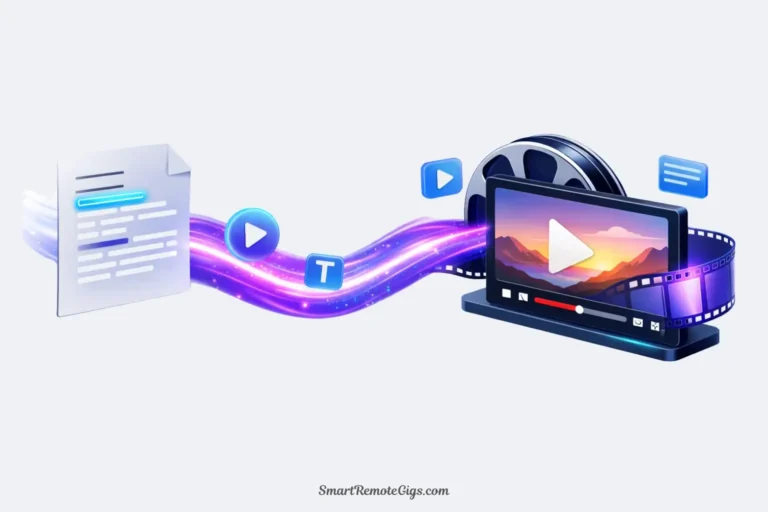
- Script-to-Video Speed: It is the fastest way to turn text into a visual sequence.
- Bulk Creation: You can churn out volume. In performance marketing, volume allows for testing.
- ElevenLabs Integration: It now integrates with high-quality AI voices, so the narration sounds professional even if the visuals are stock.
The “Free Plan” Reality:
Pictory operates on a 14-day free trial model rather than a permanent free tier. This makes it great for a “sprint” project where you need to create a batch of content quickly, but less ideal for long-term free usage.
My Rating: ⭐⭐⭐⭐ (4.1/5)
📚 Dig Deeper: Pictory vs. InVideo AI: Which Script-to-Video Tool Wins?
🆚 Head-to-Head: Which Tool Wins for Your Specific Goal?
I don’t believe in “one tool to rule them all.” Marketing is too complex for that. Here is my breakdown of the winners by specific marketing objective:
Your Marketing Goal | The Winner | Why? |
|---|---|---|
Social Media Ads (Reels/TikTok) | InVideo AI 🏆 | Best templates, direct publishing, and energetic style. |
Building Trust (B2B Sales) | HeyGen 🏆 | Nothing builds trust like a face. The avatars bridge the digital gap. |
LinkedIn Thought Leadership | Lumen5 🏆 | Turns your written insights into professional video perfectly. |
Software Tutorials / Demos | Veed.io 🏆 | The screen recording + editing combo is unbeatable. |
Testing Ad Copy | Pictory 🏆 | Speed and volume allow for rapid A/B testing. |
🚀 3 Quick-Win Strategies to Start Today
You have the tools. Here are three simple plays you can run today using the free plans to get immediate results.
Strategy 1: The “Blog Teaser” (Lumen5)
Go to your company blog. Find your highest-traffic article from last month. Copy the URL into Lumen5. Let the AI summarize it into a 60-second video. Post that video on LinkedIn with the caption: “Here is the 1-minute summary of our latest deep dive. Link in comments for the full read.”
- Goal: Drive traffic to your blog.
Strategy 2: The “FAQ Buster” (HeyGen)
Take the #1 question your sales team gets asked. Write a 30-second answer. Put it into HeyGen. Select a friendly avatar. Generate the video. Put this video in your email signature or on your website’s FAQ page.
- Goal: Automate customer service and build trust.
Strategy 3: The “Platform Pivot” (InVideo)
Take your best-performing YouTube video. Upload it to InVideo. Use the AI to “Reframing” it into a 9:16 Vertical video. Use the AI to generate a new caption for TikTok. Post it.
- Goal: Get double the mileage out of your existing content.
💡 The Bottom Line: Stop Overthinking, Start Creating
The businesses winning in digital marketing in 2026 aren’t necessarily those with the biggest budgets. They are the ones who’ve mastered these AI tools to test, optimize, and scale faster than their competition.
Here is my final advice:
- If you are a general marketer who does a bit of everything, start with InVideo. It is the most versatile.
- If you are a founder or consultant selling yourself, start with HeyGen.
- If you are a content writer, start with Lumen5.
The tools are free to try. The opportunity cost of not using video is expensive. Pick one, create your first video today, and watch your engagement metrics thank you.
🔗 Continue Your Marketing Journey
📈 Master Video Strategy (Next Steps):
- How to Create High-Converting Video Ads with AI (2026 Guide)
- HeyGen vs. InVideo: Avatars or Templates?
⚔️ Essential Comparisons for Marketers:
🛠️ Complete Your Marketing Stack:
Best AI Video Software for Marketing Teams

InVideo AI
The Template Powerhouse. Best for marketers needing professional ad templates with direct social publishing and smart aspect ratio reframing.
HeyGen
The AI Spokesperson Revolution. Best for creating engaging product explainers and building trust without hiring actors using realistic AI avatars.

Lumen5
The Content Marketing Transformer. Best for repurposing blog posts into video content while optimizing metadata for AI search engines (VSO).

Veed.io
The Product Demo Expert. Best for SaaS demos and tutorials, offering integrated screen recording, professional subtitles, and a full mobile editing app.

Pictory
The Fast B-Roll Creator. Best for rapid A/B testing of ad creative, allowing marketers to create multiple video variations quickly.
Last updated: March 2026. I personally test these tools monthly to ensure pricing and feature data is accurate.