

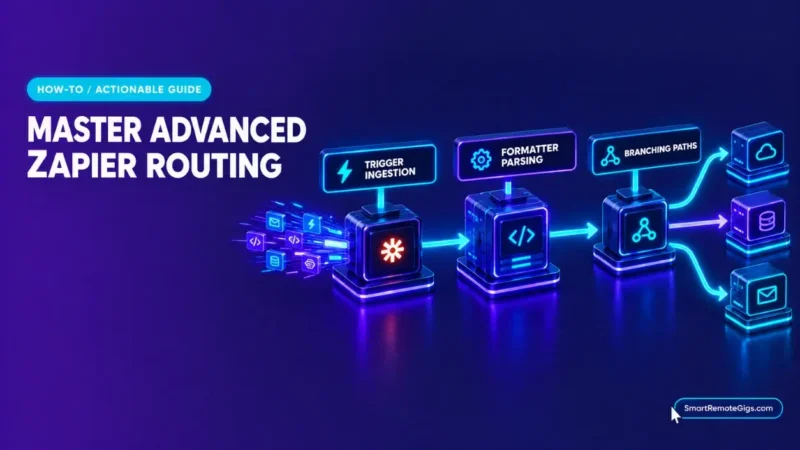
Learning how to use Zapier beyond a two-step sync depends on three documented constraints: plan gating, payload handling, and execution limits. The Zapier pricing page lists the Free plan as two-step Zaps only, and standard Webhooks by Zapier actions fail with status 400 when sending a nested JSON array, per Zapier’s troubleshooting documentation. Scaling past that point requires conditional routing, data formatting, and awareness of account limits.
This guide is written for freelance operations specialists, technical integrators, and remote workflow managers building multi-step automations. It excludes purchasing negotiations and full-stack API development. Smart Remote Gigs (SRG) publishes source-backed technical guides, SOPs, and career blueprints.
Method: compiled from 5 sources reviewed on October 2026 for Zapier (documentation and runtime specifications as of October 2026). SRG did not hands-on test this setup.
SRG Quick Guide Summary
One-Line Goal: Build multi-step Zapier automations that combine Formatter transformations, conditional Paths branching, and Custom Request webhooks within documented execution limits.
🚀 Prerequisites: Zapier Professional tier or higher to unlock multi-step Zaps and webhooks, destination app API access, and sample JSON payload schemas.
📋 Core Workflow: 1. Configure the trigger event and capture a sample data payload ➔ 2. Cleanse and parse dynamic fields with Formatter by Zapier ➔ 3. Establish multi-branch routing rules using Paths by Zapier.
⚠️ Primary Pitfall: Building multi-step Zaps or webhook integrations on the Free tier, which is restricted to two steps, or passing nested JSON arrays in standard Webhook actions without Custom Request mode.
How to Use Zapier: Execution Mechanics, Triggers & Task Governance
A Zap starts with one trigger, the initiating event, and runs one or more downstream actions. The Free plan limits a Zap to one trigger and one action, per the Zapier pricing page. Polling intervals for each plan tier are also listed on that page and are not restated in this guide.
Webhooks by Zapier accept trigger payloads up to 10 MB, which makes them the documented route for event-driven ingestion. Payload ceilings for webhooks are covered in the failure modes below.
Plan gating sets the first design constraint. The Free plan lists 100 tasks per month and two-step Zaps only, while multi-step Zaps, premium apps, and webhooks are listed on the Professional paid tier. Professional starts at $19.99/mo billed annually, per the pricing page. A workflow exceeds the Free plan when it needs more than 100 tasks per month or more than 2 steps (derived by SRG from the documented Free plan limits).
Webhooks by Zapier caps trigger payloads at 10 MB and action payloads at 5 MB, per the troubleshooting documentation. For full plan specifications and limits, see the Zapier dossier:

Best For: Operators running trigger-and-action workflows within documented limits: 100 to 2,000 included tasks per month at entry tiers, webhook payloads up to 10 MB inbound and 5 MB outbound, and Code by Zapier scripts within a 30-second paid-plan timeout.
- Free Free · 100 tasks/mo
- Starter From $19.99 /mo
- Pro From $69.00 /mo
Sizing a workflow starts with comparing expected monthly volume against the 100-task Free allowance and the 2-step ceiling. That comparison determines whether a build can stay on Free or needs a paid tier from the first step.
Estimating monthly task volume against those ceilings is the practical friction point, and the utility below structures that estimate:
Setting Up Multi-Step Automations: Step-by-Step Implementation Sequence
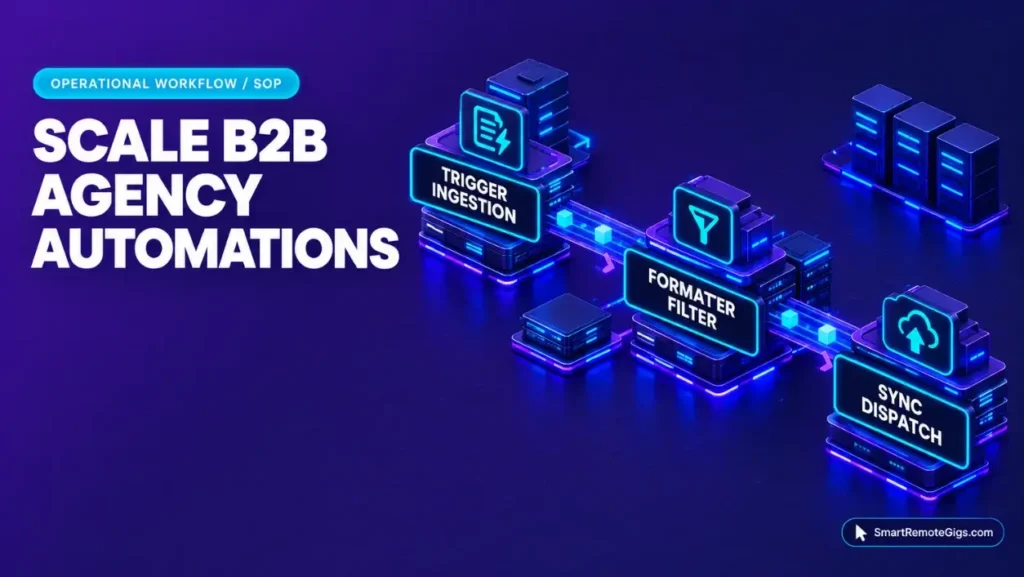
Step 1: Ingestion Trigger Configuration & Payload Schema Capture
Select the trigger application, authenticate API credentials, specify the trigger event, and pull test records into the Zapier editor. The sample record becomes the data source that later steps map from, so capture it before adding any downstream step.
Zapier documents field mapping and schema validation errors in its node troubleshooting article. Review it if a later step rejects a mapped value.
Step 2: Cleansing Dynamic Values with Formatter by Zapier
Insert a Formatter by Zapier step immediately after the trigger. Configure a Text transformation (for example, extract email, truncate, or replace) or a Date / Time transformation (for example, format to ISO-8601).
Form and webhook payloads can carry unformatted text or non-standard timestamps that a destination CRM rejects as a schema error. Formatting values before they reach the action step keeps the mapped output consistent with the destination’s expected schema.
Step 3: Conditional Branching Architecture with Paths by Zapier
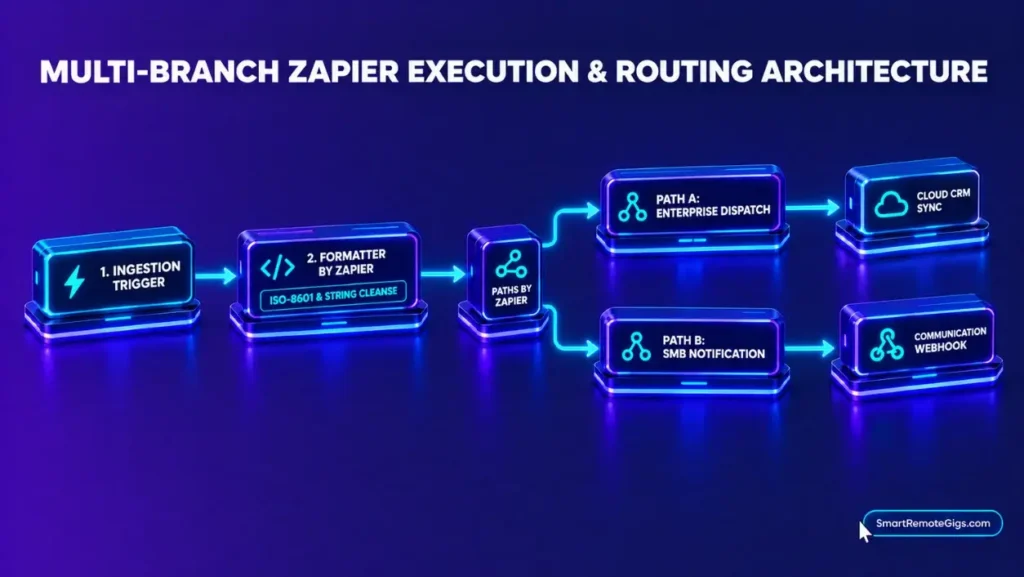
Add a Paths step to split execution into distinct branches, for example Path A for enterprise leads and Path B for SMB leads. Define each rule against the formatted variables from Step 2, not the raw trigger values.
Paths keep divergent business logic inside a single Zap, which avoids duplicate triggers and fragmented workflows. Both the Formatter and Paths step configuration are covered in the same node troubleshooting article.
Step 4: Webhook Integration via Custom Request POST
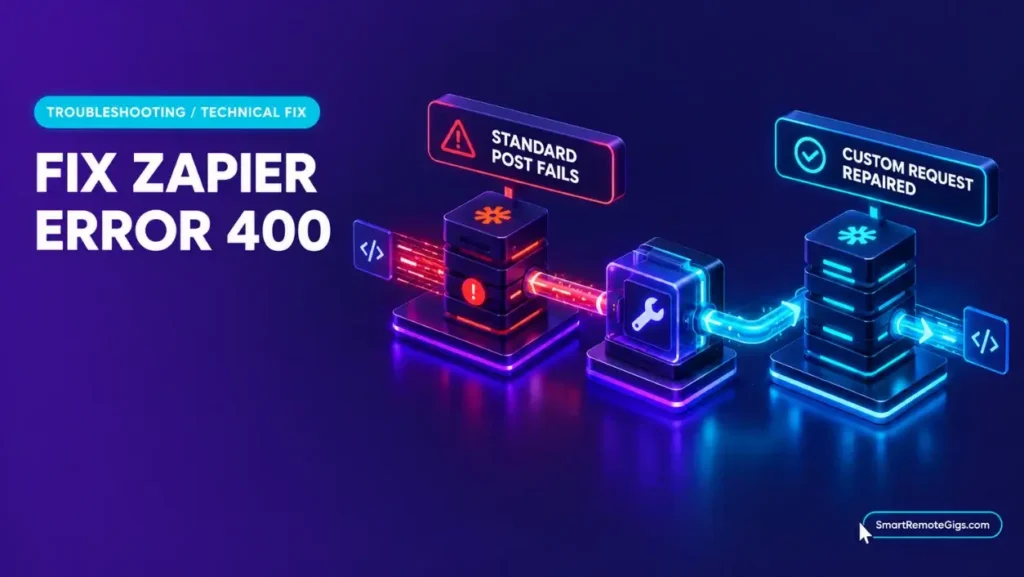
When connecting a custom endpoint or sending structured JSON, insert Webhooks by Zapier and select the Custom Request action rather than the standard POST action. Zapier’s documentation states that standard Webhooks by Zapier actions fail with status 400 when sending a nested JSON array, and directs that case to Custom Request.
Action webhook payloads are capped at 5 MB, and payloads above the trigger (10 MB) or action (5 MB) ceilings receive an HTTP 413 Request Entity Too Large response. The sample below contains a nested line_items array, the structure that triggers the 400 error in standard mode.
{
  "invoice_id": "INV-1001",
  "issued_date": "2026-10-08",
  "client": {
    "name": "Example Agency LLC",
    "email": "[email protected]"
  },
  "line_items": [
    {
      "description": "Onboarding setup",
      "quantity": 1,
      "unit_price": 250.00
    },
    {
      "description": "Monthly retainer",
      "quantity": 1,
      "unit_price": 1200.00
    }
  ],
  "tags": ["onboarding", "priority"]
}
This payload is illustrative sample data with no placeholders. Replace the values and field names with the schema your destination API expects, and validate the JSON in a sandbox before sending it to a live endpoint.
Common Production Pitfalls & Execution Bottlenecks
Failure Mode 1: Nested Array Serialization in Standard Actions
When a payload carries arrays of objects, such as invoice line items or multiple contact tags, the standard Webhook action returns status 400 instead of delivering the array. The documented prevention is to configure Webhooks by Zapier with Custom Request for any nested JSON array. For deeper payload diagnosis, consult the Zapier Error 400 Bad Request resolution guide.
Failure Mode 2: Trigger Flooding & Account Throttling
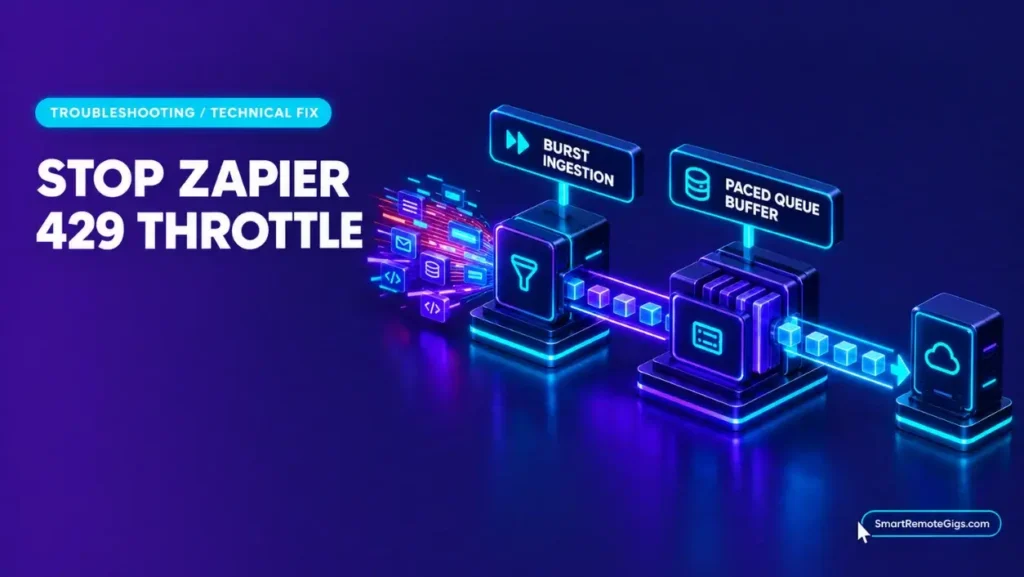
Per the Zap limits documentation, Zapier activates flood protection and holds tasks when a trigger receives more than 100 records all at once. Staggering bulk imports at the source keeps each batch under that threshold. To configure delay pacing and backoff buffers, review the Zapier Rate Limit and 429 throttling fix.
Failure Mode 3: AI Step Consumption Runaways
The AI by Zapier model tier pricing article charges tasks by model tier: Standard 1x, Advanced 3x, Premium 5x. New AI steps default to the Advanced tier at 3x. An Advanced step making 2 tool calls consumes 9 tasks in one execution (calculated by SRG: (1 × 3) + (2 × 3) = 9).
Zapier pauses the Zap if a single AI step reaches 75 tasks in one run. Review the model tier on each AI step before enabling tool calls.
Verification Procedures & Post-Deploy Health Check
- Verify the trigger schema: run a manual trigger test with live application data, and confirm that every required payload key appears in the test output without null or missing-field errors.
- Verify Formatter parsing: inspect each Formatter by Zapier step output, and confirm that date strings convert to the target format and timezone and that text values contain no unwanted escape characters.
- Verify conditional logic: submit a test record that meets the Path A rule and confirm the Path A actions execute. Then submit a record that meets no path rule and confirm that execution does not continue down Path A.
- Verify webhook handling: send the nested-array sample through the Custom Request action, and confirm that the destination accepts the body without returning a 400 response.
- Verify task usage: publish the Zap, send one live transaction, open Zap History, and compare the recorded task count against the expected number of steps before increasing volume.
The Verdict: Documented Decision Boundaries
Zapier’s documentation lists multi-step Zaps, premium apps, and webhooks on the paid tiers, while the Free plan caps a Zap at one trigger and one action. The governing decision rule is that a workflow exceeds the Free plan when it requires more than 100 tasks per month or more than 2 steps. Past that threshold, the remaining constraints are payload handling and execution limits.
Those limits are specific: trigger webhooks accept 10 MB and action webhooks 5 MB, with HTTP 413 above either ceiling. Standard webhook actions return status 400 for nested JSON arrays unless Custom Request is used. Flood protection holds tasks above 100 simultaneous trigger records, and an AI step that reaches 75 tasks in one run pauses the Zap.
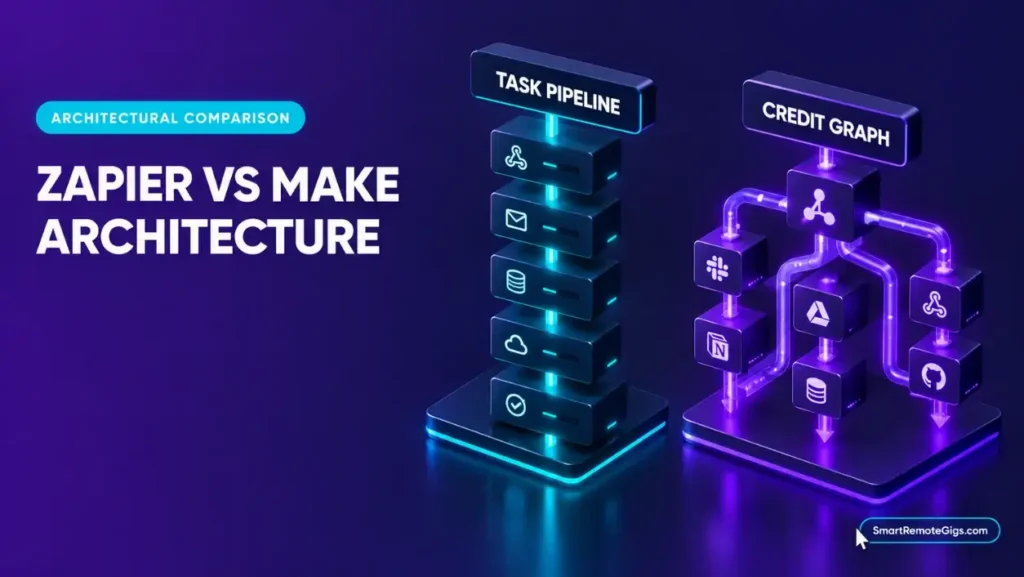
Operators who handle file payloads above 10 MB, or who need a different workflow architecture, can compare platform mechanics in the Zapier vs Make execution analysis and the Make dossier. Ready-to-adapt multi-step agency pipelines are in the best Zapier SOP workflows.
Documented via 5 official vendor sources as of October 2026. SRG did not hands-on test this setup.
Freelance automation architects and technical integration leads can explore contract roles and remote operations opportunities on the Smart Remote Gigs Exchange. Plan allowances, annual commitments, and licensing tiers are documented in the Zapier software fact-sheet.

Never Miss a New Remote Job
Remote job alertsGet notified about new remote jobs and access practical freelance tools from your phone.