Writing a remote resume no experience is not about lying — it’s about translating your existing life skills into “Remote Speak” that hiring managers actually recognize and respond to.
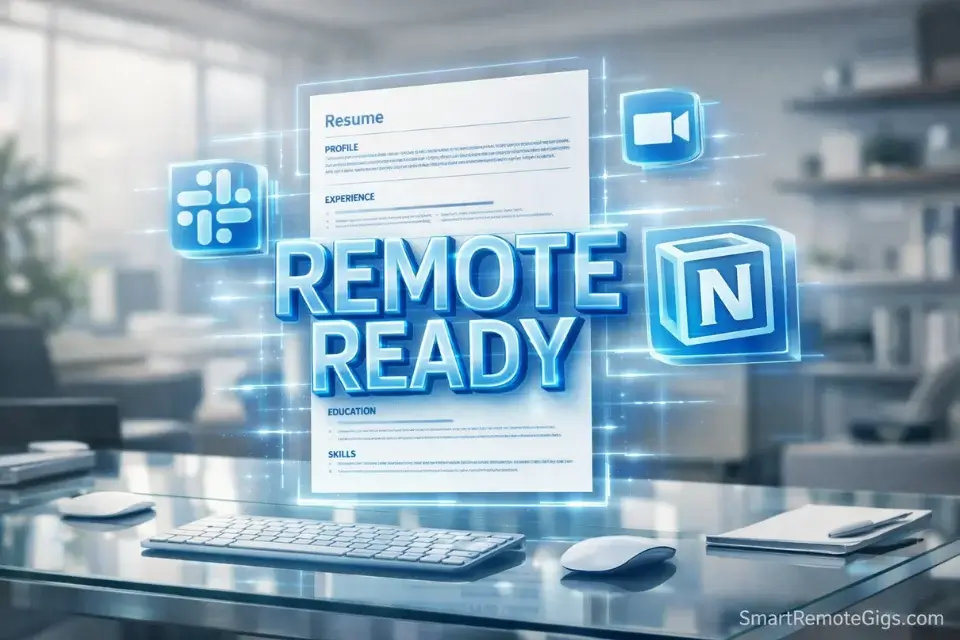
Here’s the hard truth: you have sent 50 applications and heard nothing. You assume the problem is that you have no experience. You are wrong. The problem is that your resume is listing tasks instead of skills — and recruiters spend an average of six seconds scanning a resume before deciding whether to keep reading. If those six seconds don’t surface the phrase “Remote Ready,” your application is deleted before anyone considers your actual potential.
I once hired a former barista as a Project Manager. Her resume didn’t say “Waitress” or “Made Coffee.” It said “Customer Success Specialist (High Volume)” and listed bullets like “Managed 12 concurrent client requests with 100% order accuracy in a high-pressure environment.” Was she technically a project manager before that job? No. Did her resume prove she had the exact skills the role required? Completely.
That’s not deception. That’s translation. And it’s the entire skill this guide teaches.
By the end of this article, you’ll have a four-step framework to rewrite your current experience into a resume that passes the ATS filter, survives the six-second scan, and makes a hiring manager want to talk to you — regardless of what your work history actually looks like.
⚡ The “Before & After” Resume Hack
❌ Old Job Title | Waitress at Diner |
✅ New Job Title | Customer Success Specialist (High Volume) |
❌ Old Bullet | “Took orders and cleaned tables.” |
✅ New Bullet | “Managed 12 concurrent client requests with 100% accuracy in a high-pressure, fast-paced environment.” |
🔑 The Shift | Tasks → Transferable Skills. Every job you’ve had contains remote-ready proof. It just has the wrong label. |
The “Skills-First” Format (Why Chronological Fails Entry-Level Applicants)
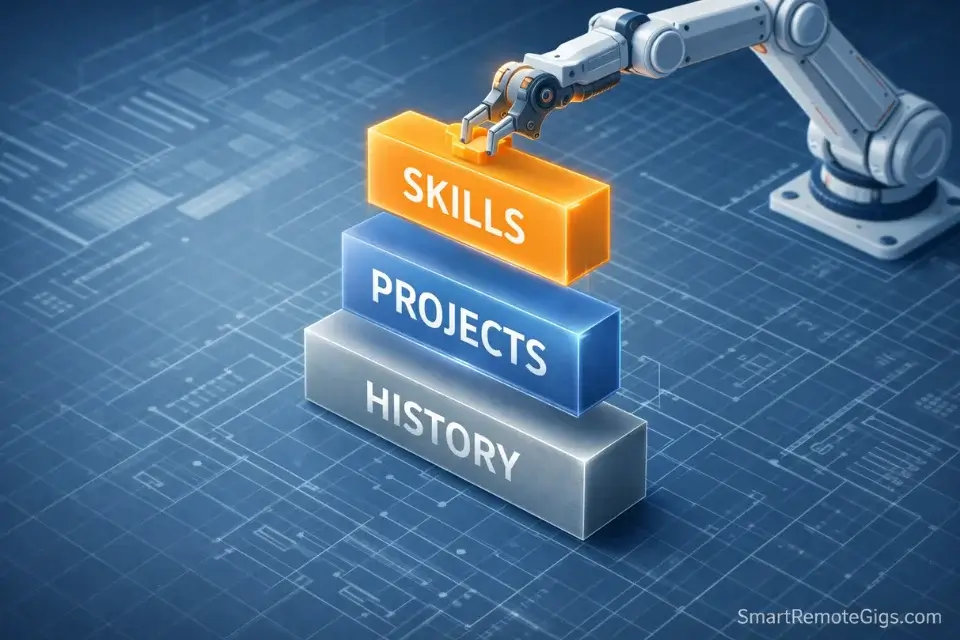
The traditional chronological resume — work history listed oldest to newest, job titles front and center — was designed for candidates who have a progression of relevant roles to show. If your work history is a coffee shop, a retail position, and a summer internship, leading with that progression doesn’t help you. It leads with exactly the narrative you’re trying to overcome.
The Skills-First format (also called a functional resume) flips the structure. Instead of leading with where you’ve worked, you lead with what you can do. Your skills and competencies appear at the top of the document. Your work history moves to the middle, providing context for those skills rather than defining the whole story.
Element | ❌ Chronological (Old Way) | ✅ Skills-First (Remote Way) |
|---|---|---|
Opening Section | “Work Experience” — job titles and dates | Professional Summary + Skills & Tools |
First Impression | Barista, 2022–2024 | Organized, async-ready professional with customer operations experience |
Keyword Density | Low — job titles dominate | High — skills section is keyword-rich for ATS |
Relevance Signal | Depends on job title match | Skills match regardless of industry |
Best For | Candidates with directly relevant prior roles | Career changers, students, and entry-level remote applicants |
ATS Performance | Strong only if past job titles match keywords | Strong — skill keywords appear early and prominently |
One honest note: Some ATS systems and older HR professionals are skeptical of pure functional resumes because they can obscure work history. The sweet spot is a hybrid format — a strong summary and skills section at the top, followed by a work history section with reframed bullets. You get the keyword density and first-impression benefit of the skills-first approach without hiding your experience.
Step 1: The Summary — Your Three-Sentence Pitch
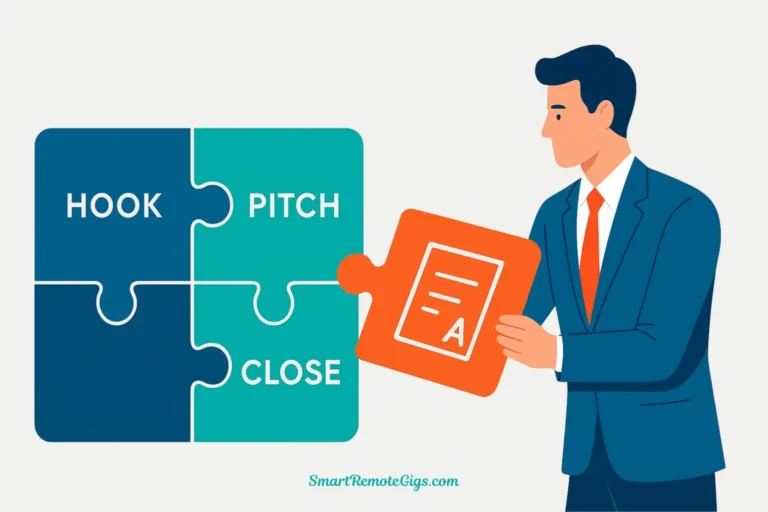
The professional summary sits at the top of your resume, directly below your name and contact information. It is the only section a hiring manager is guaranteed to read in full. It needs to do three things in three sentences or fewer.
The Formula:
Sentence 1 — Who you are: Your professional identity, stated in remote-friendly language.
Sentence 2 — What you bring: Your top 2–3 transferable skills, with a quantifier where possible.
Sentence 3 — What you want: The specific type of remote role you’re targeting.
Examples:
“Detail-oriented operations professional with 3 years of high-volume customer service experience and a demonstrated ability to manage competing priorities under pressure. Proficient in Google Workspace, Slack, and async communication tools. Seeking a remote Virtual Assistant or Administrative Coordinator role with a distributed team.”
“Self-motivated recent graduate with project coordination experience from collaborative academic environments and independent remote coursework. Skilled in documentation, deadline management, and digital communication. Targeting entry-level remote data operations or support roles.”
“Reliable logistics and inventory professional with experience managing $2k+ daily product flow and training new team members on operational procedures. Comfortable with remote tools including Notion, Zoom, and Google Drive. Seeking a remote operations or coordinator role where organizational precision drives outcomes.”
Notice what every example avoids: the word “hardworking,” generic claims like “excellent communicator,” and any mention of the specific service industry job title. The summary presents the skill identity, not the employment history.
Step 2: The “Remote Skills” Section (The Keywords)
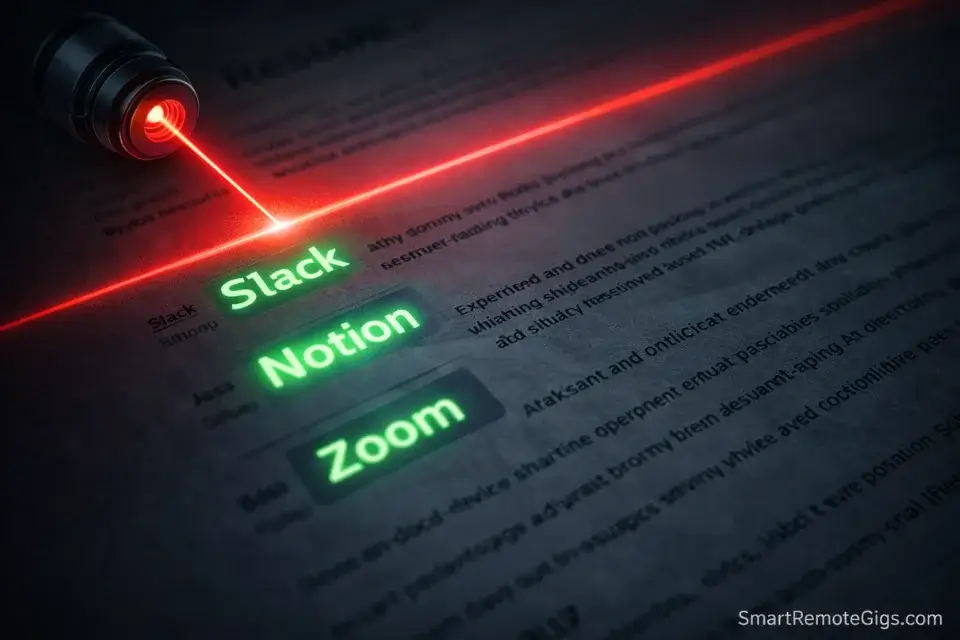
The skills section is where your resume either passes or fails the ATS filter — the automated system that reads your resume before any human does and decides whether you’re worth surfacing.
ATS systems match the keywords in your resume against the keywords in the job description. If you list “typing” and the job description says “async communication,” the system may not register a match. Specificity in your skills section is not just polish — it’s how you stay in the game.
The Remote-Ready Skills Stack to include:
Communication & Collaboration Tools:
- Slack (async messaging, channel management)
- Zoom (video conferencing, screen sharing)
- Google Workspace (Gmail, Calendar, Drive, Docs, Sheets)
- Microsoft Teams
- Notion (documentation, project tracking)
Work Style Keywords ATS Systems Recognize:
- Async Communication
- Remote Collaboration
- Self-Directed Workflow Management
- Digital Documentation
- Cross-Functional Coordination
Depending on Your Target Role — add:
- Trello / Asana / Monday.com (project management)
- HubSpot / Salesforce (CRM — if applicable)
- Canva (design/content)
- Loom (async video communication)
Pro Tip: Don’t list “Microsoft Word” in isolation — that’s table stakes and adds no signal. Instead, list “Async Communication,” “Digital Documentation,” and “Distributed Team Collaboration.” These phrases appear in remote job descriptions constantly and almost never appear on entry-level resumes, which means listing them creates instant differentiation. For a full rundown of which tools to prioritize learning before your first remote role, see our guide to familiarizing yourself with remote tools.
Step 3: Translating “Real World” Jobs Into Remote Speak
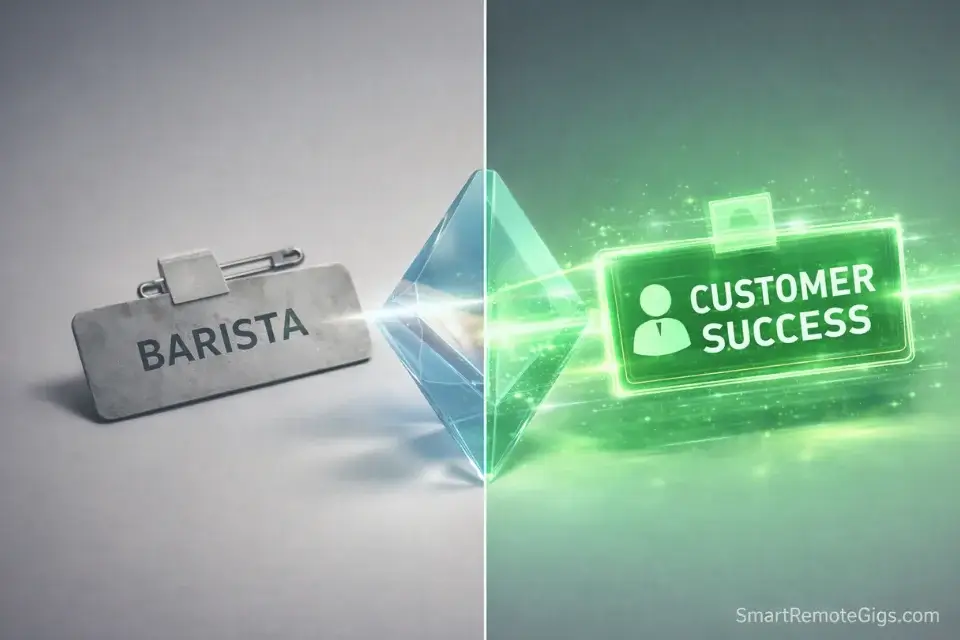
This is the transformation that makes the entire framework work. Every job you’ve held — regardless of industry — involved skills that remote employers are actively seeking. The only thing standing between your experience and a compelling resume bullet is the vocabulary you use to describe it.
Here’s the translation guide across the most common entry-level work backgrounds.
Retail
❌ Before: “Operated cash register and assisted customers.”
✅ After: “Processed 150+ daily transactions using point-of-sale systems while managing concurrent customer inquiries with zero error rate.”
❌ Before: “Stocked shelves and maintained store organization.”
✅ After: “Managed inventory documentation and implemented organizational systems that reduced product location time by 30%.”
❌ Before: “Trained new employees.”
✅ After: “Onboarded and trained 5 new team members on operational procedures and POS system usage.”
The reframe: Point-of-Sale proficiency = CRM familiarity. Inventory management = data organization. Training others = documentation and knowledge transfer. These are all remote-valued competencies.
Food Service
❌ Before: “Took orders and delivered food.”
✅ After: “Managed 12 concurrent client accounts (tables) in a high-pressure environment, maintaining 100% order accuracy during peak service periods.”
❌ Before: “Worked as part of a team during busy shifts.”
✅ After: “Coordinated cross-functional operations with kitchen and front-of-house teams to execute time-sensitive workflows under capacity constraints.”
❌ Before: “Handled customer complaints.”
✅ After: “De-escalated complex customer situations and resolved service failures in real time, maintaining customer satisfaction in a high-volume environment.”
The reframe: Multi-table management = project coordination. Peak service execution = deadline-driven delivery. Complaint resolution = customer success operations. For how these customer service skills translate specifically to technical support roles, see our guide on translating customer service skills.
Student / Academic Experience
❌ Before: “Completed group projects for Marketing class.”
✅ After: “Collaborated with distributed 4-person team across remote and in-person formats to deliver a comprehensive market analysis with a documented presentation deliverable.”
❌ Before: “Wrote research papers.”
✅ After: “Produced long-form analytical documents requiring independent research, source verification, and deadline-driven delivery — with consistent distinction-level results.”
❌ Before: “Attended online classes.”
✅ After: “Completed 12 credits of fully async coursework, managing independent study schedule and digital submission workflows with zero missed deadlines.”
The reframe: Group projects = remote collaboration. Research papers = documentation and knowledge management. Online coursework = demonstrated async work capability.
Administrative / Office Experience
❌ Before: “Answered phones and scheduled appointments.”
✅ After: “Managed multi-line communication intake and maintained executive calendar across 30+ weekly appointments using Google Calendar and internal scheduling systems.”
❌ Before: “Filed documents and organized office supplies.”
✅ After: “Maintained structured digital and physical filing systems for compliance documentation, ensuring 100% retrieval accuracy for audit-ready record management.”
Step 4: The Shadow Portfolio Link
One line on your resume, positioned directly below your name and contact information, will separate you from every applicant who sent a plain document:
Portfolio: [Your Notion Page or PDF link]
This single addition signals three things simultaneously: you understand that remote hiring managers want to see proof, not promises; you took initiative beyond the minimum required to apply; and you have something worth showing.
If you haven’t built your Shadow Portfolio yet, your resume isn’t finished. The link doesn’t have to point to a perfect portfolio — it needs to point to something real that demonstrates at least one concrete skill. One well-documented sample project in a clean Notion page is worth more than three pages of bullet points about past jobs.
For the complete step-by-step method to build portfolio samples from scratch with no real clients, see our guide to creating a shadow portfolio.
The “Red Flag” Checklist — Do Not Do These Things
These are the small mistakes that signal to a hiring manager, before they’ve read a single bullet, that this resume came from someone who hasn’t thought carefully about the application.
🚩 Including your full street address
Your city and state (or simply “Remote, USA”) is sufficient on a remote resume. Your full street address is a personal security risk and adds no value to a hiring decision. No remote employer needs to know your exact address before making an offer.
🚩 Using a Hotmail, AOL, or Yahoo email address
Your email address is a signal. A professional using [email protected] in 2026 reads as someone who hasn’t updated their digital habits since 2003. Create a Gmail address with your name and use it exclusively for professional correspondence.
🚩 Listing “Hobbies” unless directly relevant
“I enjoy hiking and cooking” adds nothing to a remote job application and takes up space that could hold another skill or portfolio link. The one exception: if a hobby demonstrates directly relevant skill (“Built and maintain a personal finance blog” for a content writing role), include it and frame it as a skill, not a pastime.
🚩 Submitting as a DOCX file
Always export and submit your resume as a PDF. DOCX files render differently across operating systems, versions of Word, and email clients. What looks clean and professional on your screen may arrive looking broken on theirs. PDF preserves your formatting exactly as intended, on every device, every time.
🚩 Using a generic objective statement
“Seeking a challenging opportunity to grow and contribute to a dynamic organization” has appeared on 40 million resumes. It says nothing. Replace it with the three-sentence Skills-First summary described in Step 1.
Frequently Asked Questions
Should I put my address on a remote resume?
No. List only your city and state — or simply “Remote, USA” if you’re location-flexible. Your exact street address is unnecessary for any part of the hiring process and creates a personal security exposure you don’t need. Remote employers aren’t evaluating your commute distance. They don’t need your address until onboarding paperwork.
How do I show I’m “Remote Ready” on my resume?
Two places: your skills section and your summary. In the skills section, list specific remote collaboration tools by name (Slack, Zoom, Notion, Google Workspace). In your summary, use phrases like “async communication,” “distributed team collaboration,” and “self-directed workflow management.”
These are the keywords remote hiring managers and ATS systems are scanning for. Saying you’re “comfortable working independently” without naming the tools is too vague to pass the filter.
Is a 2-page resume okay at entry level?
No. A two-page resume for an entry-level candidate signals poor editing judgment — and editing judgment is a core remote work skill. If you don’t have enough directly relevant experience to fill a single page compellingly, adding a second page of less relevant material dilutes the first page rather than strengthening it.
One tight, well-edited page is always stronger than two pages of filler. Recruiters at volume-heavy roles typically don’t scroll to page two.
Conclusion: Your Resume Is a Marketing Document
The Verdict: You have experience. It just has the wrong label. Every shift you worked, every deadline you hit, every frustrated customer you de-escalated, every group project you coordinated — all of it is transferable. The only thing standing between your experience and a compelling resume is the vocabulary you use to describe it.
The Skills-First format gives you that vocabulary. The translation framework gives you the specific language. The shadow portfolio link gives you the proof. Together, they turn a “no experience” applicant into a “remote-ready” candidate.
The people who stay stuck are the ones who keep sending the same resume formatted the same way and expecting different results. The people who move forward reframe once, add the portfolio link, and start getting replies.
Use this free template structure to rebuild your resume today:
[YOUR NAME]
City, State | [email protected] | LinkedIn URL | Portfolio: [Notion or PDF link]
PROFESSIONAL SUMMARY
[3-sentence Skills-First summary using the formula above]
SKILLS & TOOLS
Slack · Zoom · Google Workspace · Notion · Async Communication · Digital Documentation · [Add role-specific tools]
WORK EXPERIENCE
[Job Title — reframed] | [Company] | [Dates]
[Reframed bullet with quantifier]
[Reframed bullet with skill language]
[Reframed bullet with outcome]
CERTIFICATIONS (if applicable)
[Certification Name] — [Issuing Organization], [Year]
EDUCATION
[Degree/Diploma] — [Institution], [Year]
Copy this structure into a new Google Doc. Work through the four steps. Export as PDF. Don’t send another application with the old format. Fix your bullets first, then apply to five jobs tomorrow.