I spent 6 months building a complex Zettelkasten, only to realize I had no projects to use it for.
I was obsessed. I read every article on atomic notes, bidirectional linking, and emergent structure. I spent hours creating the perfect tagging system. I linked notes to other notes. I built a beautiful graph that looked like a neural network.
And then I had to ship a client project.
I opened my Zettelkasten and thought, “Where the hell is the contract template?” I had 500 interconnected notes about creativity, productivity, and writing—but I couldn’t find a single actionable document.
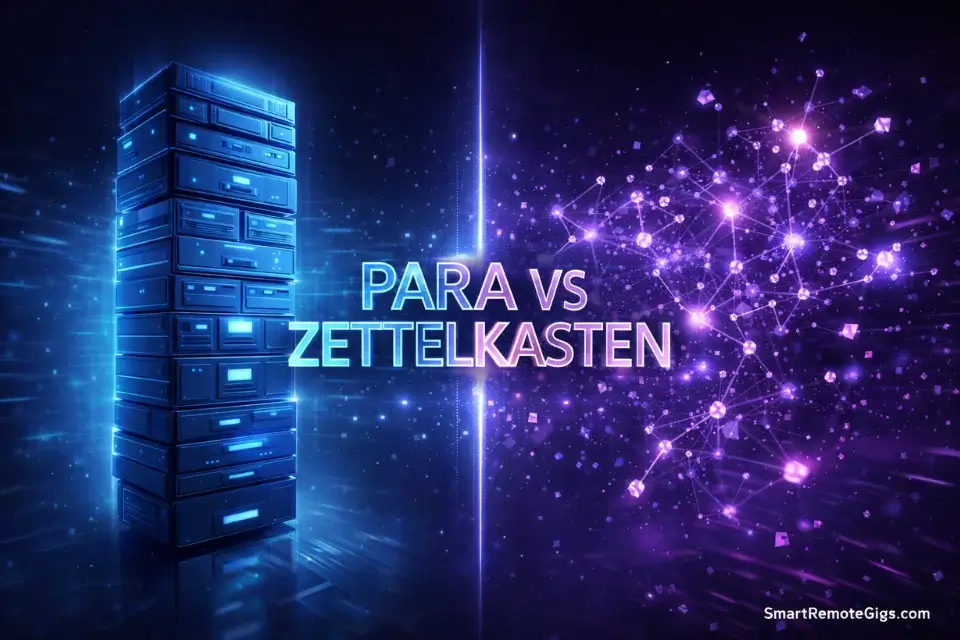
That’s when I learned the truth about PARA vs. Zettelkasten. They are competing operating systems for Building a Second Brain. One system is for finishing projects. The other is for generating ideas.
You probably need one, not both.
⚔️ The Quick Comparison
PARA Method:
Structure: Hierarchical folders (Projects, Areas, Resources, Archives)
Philosophy: Action-based (organize by what you need to do)
Best for: Project managers, executives, freelancers, anyone with deadlines
Question: “When will I need this?”
Zettelkasten:
Structure: Networked notes (atomic ideas linked together)
Philosophy: Idea-based (organize by conceptual connections)
Best for: Writers, researchers, academics, theorists
Question: “What does this connect to?”
The Verdict: Do you want to ship (PARA) or think (Zettelkasten)?
The Core Philosophy Clash
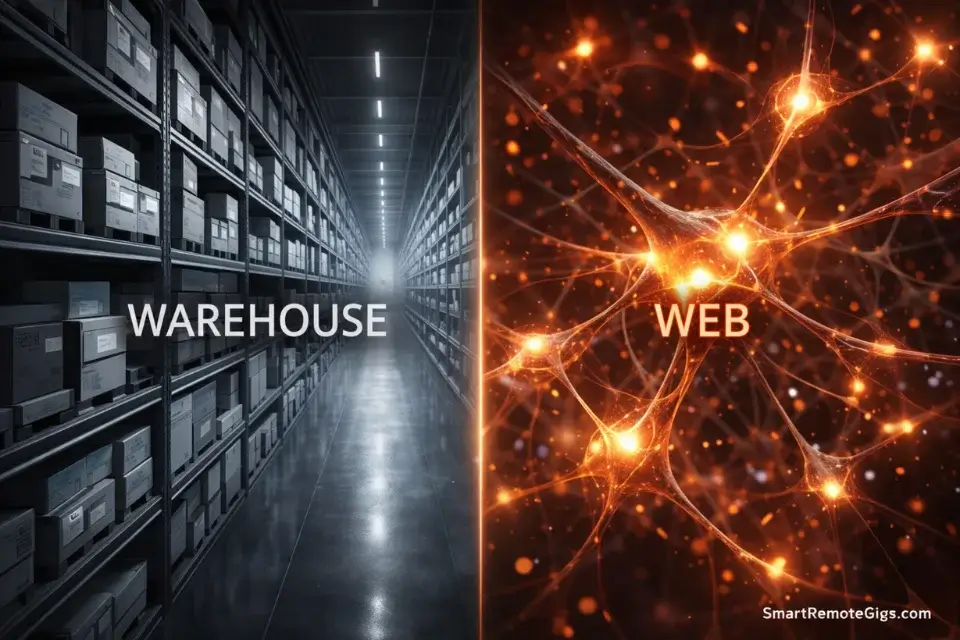
The debate between PARA and Zettelkasten isn’t just about folders vs. links. It’s about two fundamentally different worldviews.
PARA (The Warehouse)
PARA is a filing system. It’s designed to help you find things quickly when you need them.
The organizing principle: Actionability. Everything is sorted by when and how you’ll use it.
- Projects = Things with deadlines (find them now)
- Areas = Ongoing responsibilities (maintain them)
- Resources = Topics of interest (reference them later)
- Archives = Completed work (keep them just in case)
PARA asks: “When will I need this information?”
It’s a warehouse. Everything has a labeled shelf. When you need the client contract, you know exactly where it is: Projects > Client Name > Contracts.
Deep dive into the P.A.R.A. Method for the complete folder structure.
Zettelkasten (The Web)
Zettelkasten is a thinking system. It’s designed to help you generate new ideas by connecting old ones.
The organizing principle: Connection. Everything is linked based on conceptual relationships.
You don’t file notes in folders. You create atomic notes (one idea per note) and link them to related ideas. Over time, these links form a web of knowledge. Surprising connections emerge. New insights appear.
Zettelkasten asks: “What does this idea connect to?”
It’s a conversation with your past self. When you’re writing about creativity, you discover connections to notes about psychology, business strategy, and philosophy that you captured months ago.
The fundamental difference:
PARA optimizes for retrieval speed. Zettelkasten optimizes for serendipity.
One gets you to the answer faster. The other gives you better answers.
Feature-by-Feature Showdown
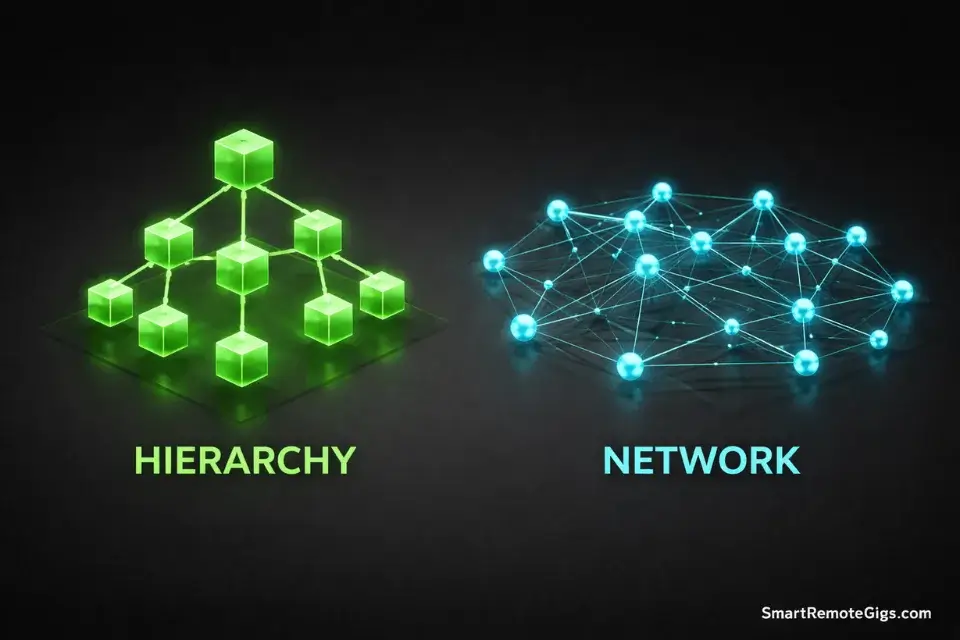
Let’s compare them across the dimensions that actually matter.
Feature | PARA | Zettelkasten |
|---|---|---|
Structure | Hierarchical folders (4 top-level categories) | Flat network of atomic notes |
Main Unit | Project (with tasks and deliverables) | Atomic note (one idea, one note) |
Organization Principle | When will I use this? | What does this connect to? |
Primary Goal | Complete projects, maintain standards | Generate insights, develop theories |
Best Tool | Notion, Apple Notes, Google Drive | Obsidian, Roam Research, Logseq |
Learning Curve | Gentle (4 folders, intuitive) | Steep (requires discipline to maintain atomic notes) |
Time to Value | Immediate (organize today, find tomorrow) | Delayed (takes months to build critical mass of connections) |
Maintenance | Weekly reviews to archive completed projects | Continuous linking as you add notes |
Ideal Output | Finished deliverables (reports, presentations, launches) | Original thinking (books, research papers, essays) |
The pattern: PARA is deterministic. You put something in a folder, you know where to find it.
Zettelkasten is emergent. You link ideas together, and patterns reveal themselves over time.
Who Should Use PARA? (The Doers)
Use PARA if your work involves finishing things.
The PARA Persona:
- Project managers = You have 10 active projects with deadlines
- Executives = You need quick access to briefs, reports, and decisions
- Freelancers = You juggle multiple clients and deliverables
- Students = You need to find lecture notes fast before exams
- Operations professionals = You maintain SOPs, checklists, and documentation
Why PARA Works for You:
You don’t need “surprising connections.” You need to find the contract now.
When a client emails asking for the latest report, you can’t spend 10 minutes exploring your note graph. You need to open Projects > Client Name > Reports and grab it in 10 seconds.
The key insight: If your value comes from execution, use PARA.
Perfect for those following a Second Brain for Managers approach—where context, speed, and clarity are critical.
Who Should Use Zettelkasten? (The Thinkers)
Use Zettelkasten if your work involves developing ideas.
The Zettelkasten Persona:
- PhD students = Your thesis depends on synthesizing 200 papers into an original argument
- Non-fiction writers = You’re writing a book that requires deep thinking across domains
- Researchers = You need to connect disparate ideas to generate hypotheses
- Theorists = Your output is frameworks, models, and conceptual breakthroughs
- Essayists = You write long-form pieces that require nuanced thinking
Why Zettelkasten Works for You:
Your output isn’t a “task”—it’s a theory. You can’t just find a note and use it. You need ideas to collide and produce something new.
When you’re writing about the future of work, you discover connections between notes on automation, human psychology, economic history, and organizational design. Those connections are the insight.
The key insight: If your value comes from original thinking, use Zettelkasten.
This method thrives in tools like Obsidian. Learn more in Obsidian vs. Notion.
The Hybrid Solution (Advanced)
Here’s the secret: You can use both.
Use PARA for the top level (structure) and Zettelkasten inside your Resources folder (thinking).
The Hybrid Architecture:
📁 1. Projects (PARA)
   └── Client Work, Launches, Deadlines

📁 2. Areas (PARA)
   └── Health, Finances, Relationships

📁 3. Resources (ZETTELKASTEN)
   └── Atomic notes, linked by concept
       • Creativity [[links]] to Psychology
       • Psychology [[links]] to Neuroscience
       • Neuroscience [[links]] to AI Research

📁 4. Archives (PARA)
   └── Completed projects
How it works:
- Use PARA structure for your active work (Projects, Areas, Archives)
- Use Zettelkasten linking inside your Resources folder (your knowledge base)
- When you start a new project, pull relevant notes from your Zettelkasten into the project folder
Example:
You’re writing a book (Project) on productivity. You search your Zettelkasten for related atomic notes: [[flow state]], [[habit formation]], [[dopamine]], [[time management]].
You copy those notes into your Projects > Write Book folder. Now you have both:
- PARA structure to organize chapters and deadlines
- Zettelkasten insights to inform your arguments
Pro Tip: Don’t Zettelkasten your Taxes. Don’t PARA your novel ideas.
Use PARA for operational stuff (contracts, invoices, templates, checklists). Use Zettelkasten for conceptual stuff (insights, theories, research, creative ideas).
The tax form doesn’t need bidirectional links. Your philosophy notes do.
Common Pitfalls
Both systems have failure modes.
Warning: The Zettelkasten Trap (Building Without Producing)
It’s easy to get addicted to organizing notes without ever creating output.
You spend months perfecting your atomic notes, linking everything, admiring your graph view—but you never write the article, publish the book, or share the research.
The fix: Force yourself to create one piece of output per month using your Zettelkasten. A blog post. A talk. A Twitter thread. Anything. The system exists to serve your output, not to be admired.
Red Flag: The PARA Trap (Organizing Without Thinking)
PARA can turn you into a filing clerk instead of a thinker.
You organize everything perfectly, but you never synthesize. You save 300 articles into Resources and never distill them. You have structure without insight.
The fix: Schedule weekly “distillation time” where you process notes from your Resources folder. Bold key sentences. Write summaries. Create connections. Don’t just file—think.
Warning: The Analysis Paralysis Trap
Spending 6 months researching which system to use instead of just picking one and starting.
The fix: Read this article once. Pick the system that matches your current job. Start today. You can always switch later.
Frequently Asked Questions
Can I do Zettelkasten in Notion?
Yes, but it’s clunky.
Notion supports bidirectional links (using @ mentions), but it’s not designed for atomic notes. Creating hundreds of small pages feels awkward, and the graph view is limited.
Obsidian is better for Zettelkasten because:
It’s built for linking (every note is one file)
Graph view shows connections visually
Backlinks panel shows all incoming links automatically
It’s fast (local storage, no loading times)
If you’re already invested in Notion, you can make it work. But if you’re serious about Zettelkasten, use Obsidian.
Is PARA too rigid?
No. PARA is flexible because Projects change.
The beauty of PARA is that your structure adapts to your life:
New project starts → Create a new folder
Project completes → Move to Archives
New responsibility → Add an Area
Topic becomes irrelevant → Delete the Resource
The four-category structure stays the same, but the contents shift constantly.
The rigidity is intentional. Having only four top-level folders forces you to make quick decisions. You don’t waste time debating “Should this be in ‘Ideas’ or ‘Thoughts’ or ‘Inspiration’?”
It’s either a Project, Area, Resource, or Archive. Done.
Can I combine PARA and GTD?
Yes. PARA is a filing system. GTD (Getting Things Done) is a workflow system.
Use GTD to process your inbox and manage tasks. Use PARA to organize reference materials and project files.
The workflow:
1. Capture tasks in your GTD system (task manager, inbox)
2. Store reference materials in your PARA system (notes, docs, files)
3. Link tasks to relevant PARA folders
They complement each other perfectly.
The Verdict & CTA

Stop analyzing. Pick based on your current job.
Ask yourself one question: What am I creating this week?
- If you’re creating a deliverable (report, presentation, product launch) → Use PARA
- If you’re creating original thought (book, research paper, essay) → Use Zettelkasten
- If you’re doing both → Use the hybrid approach
Here’s what you do next:
If you have a deadline this week: Start with PARA. Create four folders. Move your current projects in. You’ll have a functioning system in 15 minutes.
If you’re writing a book or doing research: Start with Zettelkasten. Create your first atomic note today. Link it to one other idea. Start the network.
Don’t wait for the perfect system. Start with the good enough system and refine as you go.
Your Second Brain is waiting.